For Apple TV
Turn your TV into a light show. Your music, full-screen visuals, and your room lit in the colours on screen.
Theatrium Live fills your TV with visuals that move to your music, and lights your Apple Home in the colours on screen. Pick a look, hit play, and the whole room takes on its colour.
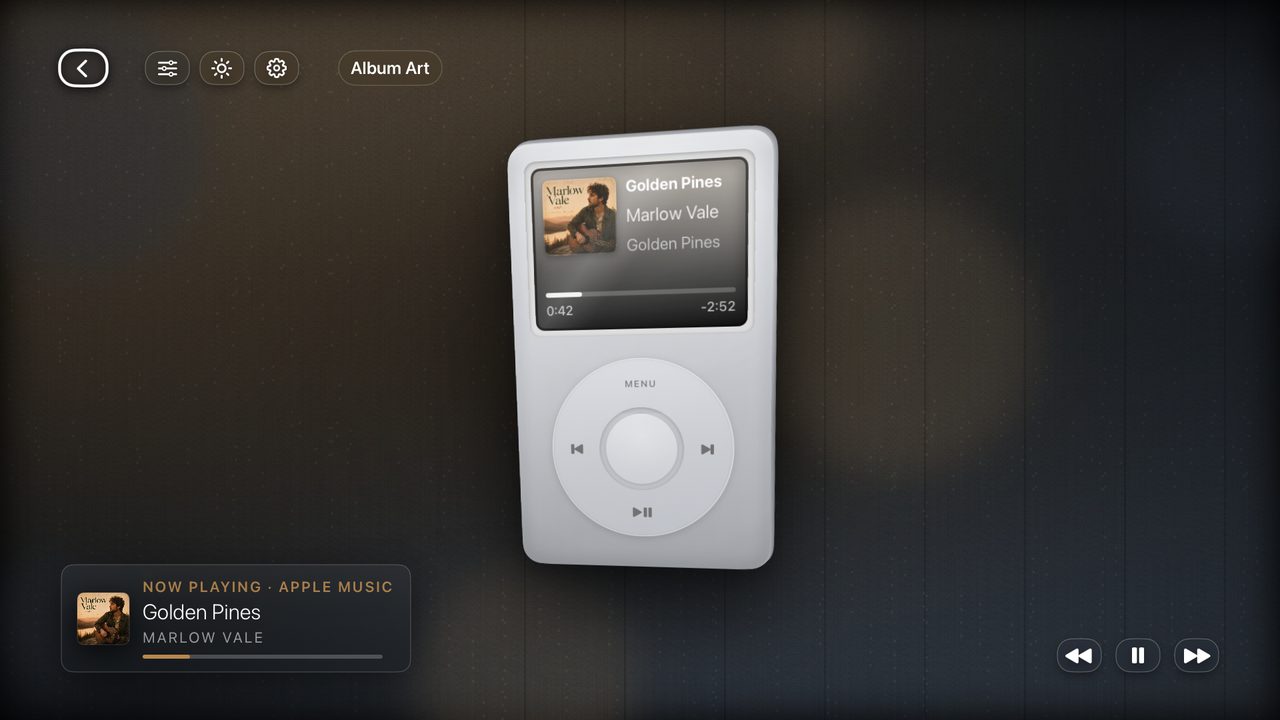
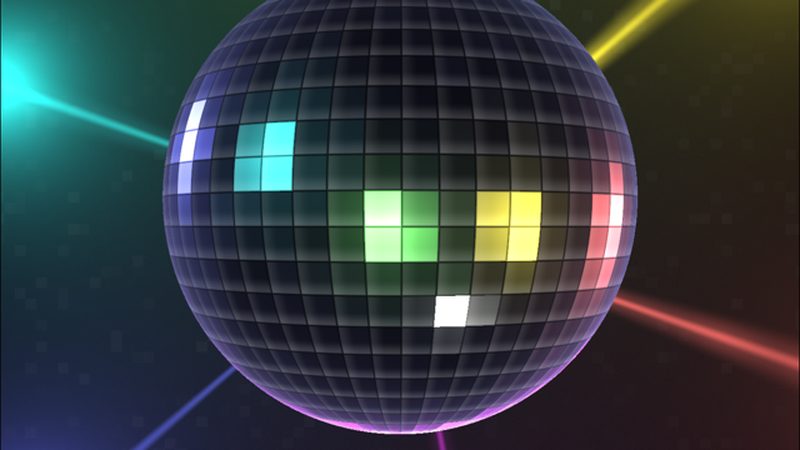
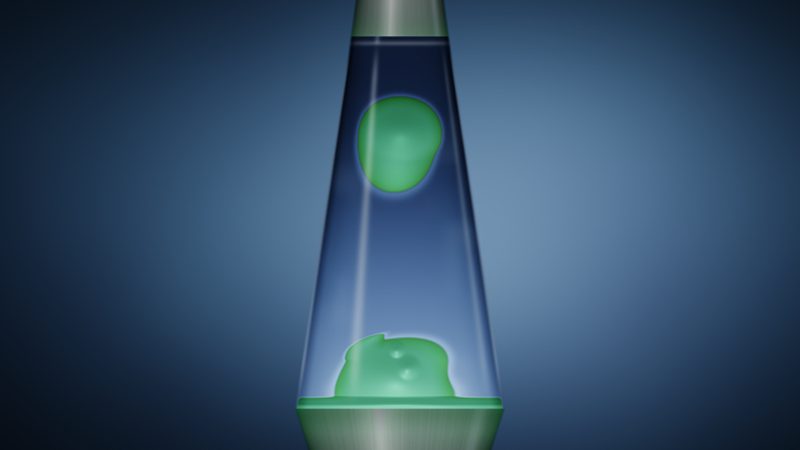
Your album art fills the screen, then a full-screen visual takes over and moves in time with the track. Around thirty looks, from liquid album art to a spinning mirrorball.
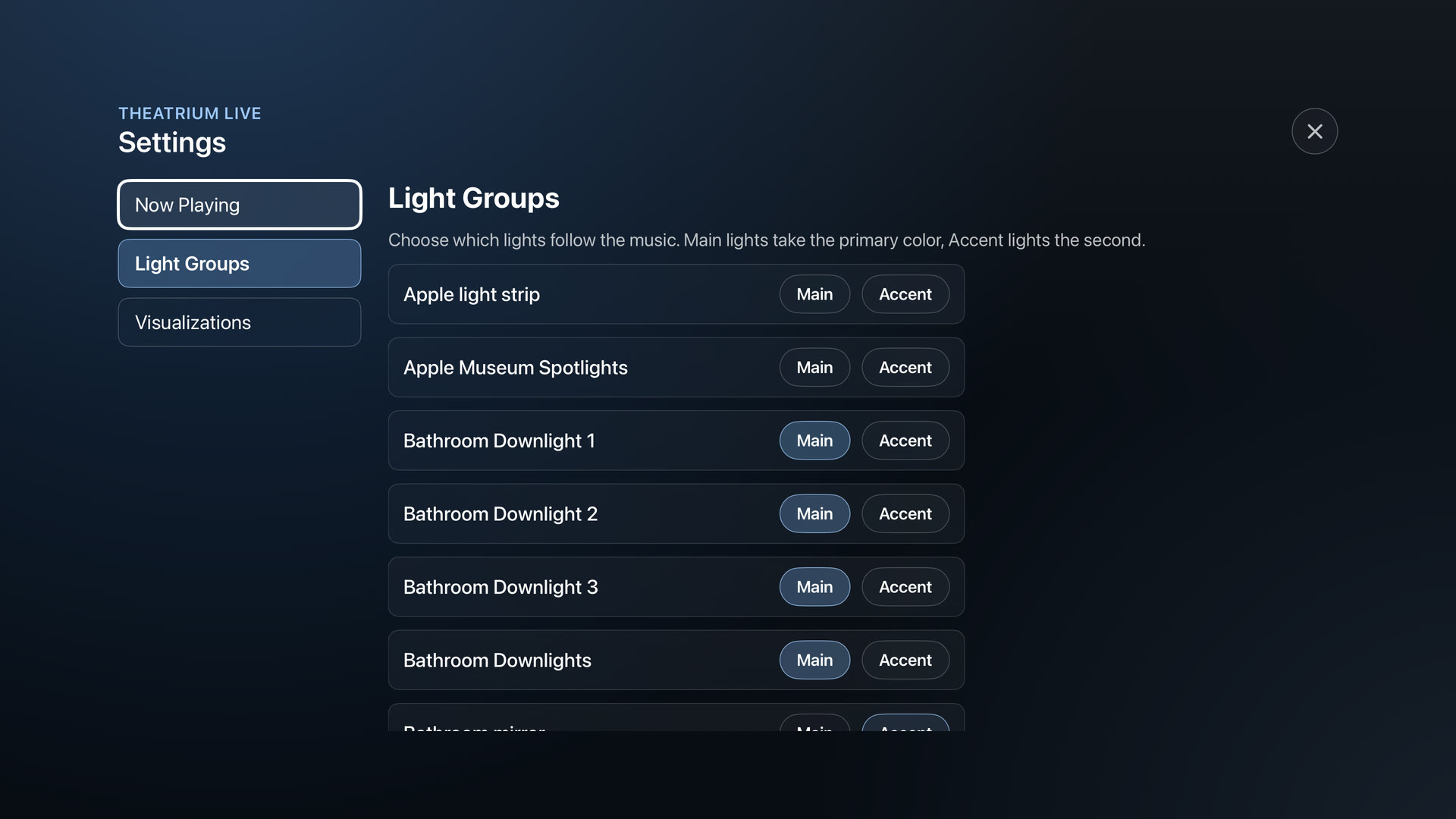
Your Apple Home lights take two colours from the screen, Main and Accent, and hold them through the track, so the room glows in the colours of whatever’s playing. Great for a party, easy on a quiet night.
Works with Apple Music, Last.fm, Sonos and Spotify (via Last.fm). Apple Music needs no setup: it shows whatever is playing, and the visuals and lights follow along.
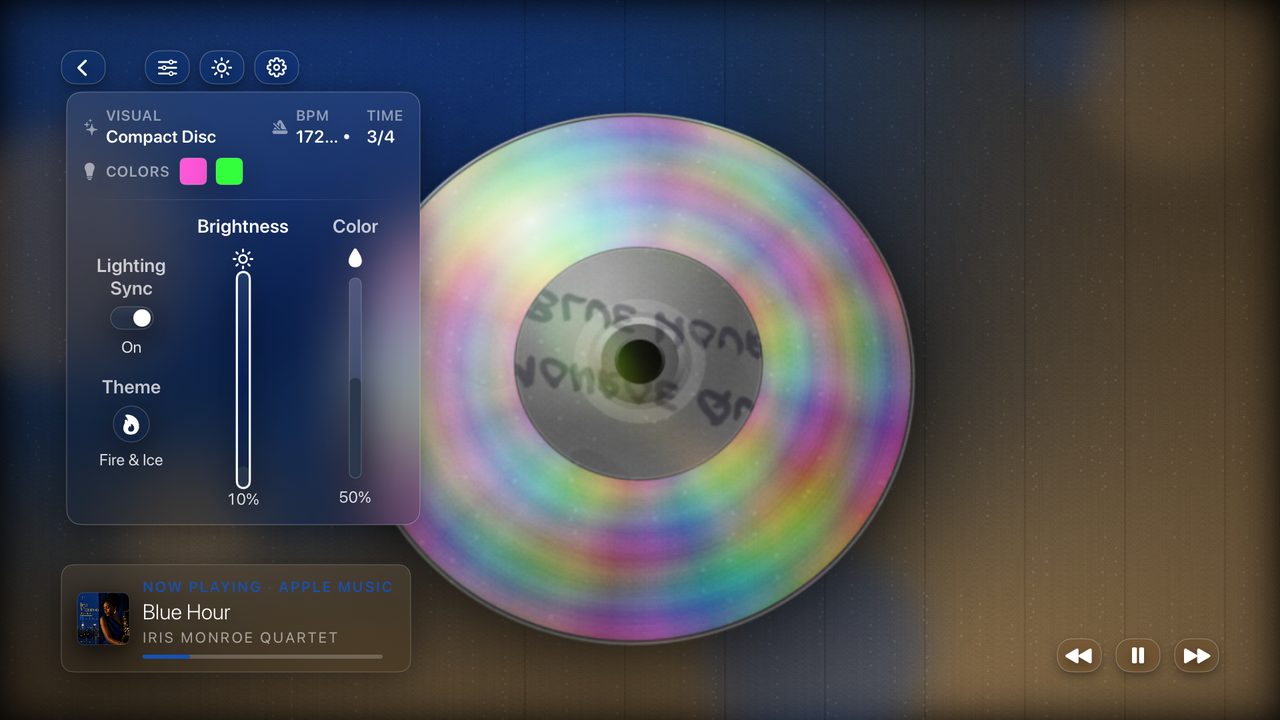
Big, simple, and made for the TV. Everything is a click away on the remote.


Two colours, straight off the screen: one for your main lights, one for your lamps. One Apple TV can light the whole room.

Theatrium Live reads whatever you are playing and turns it into a scene and two room colours, straight from your Apple TV.
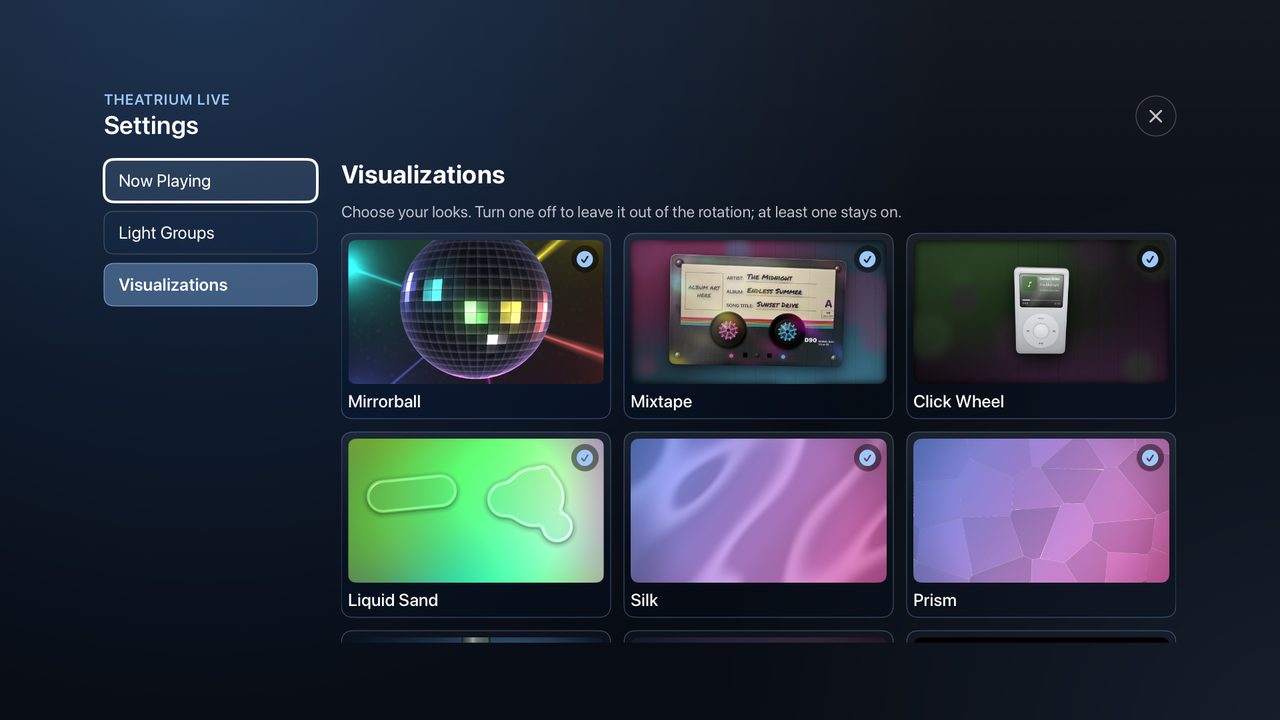
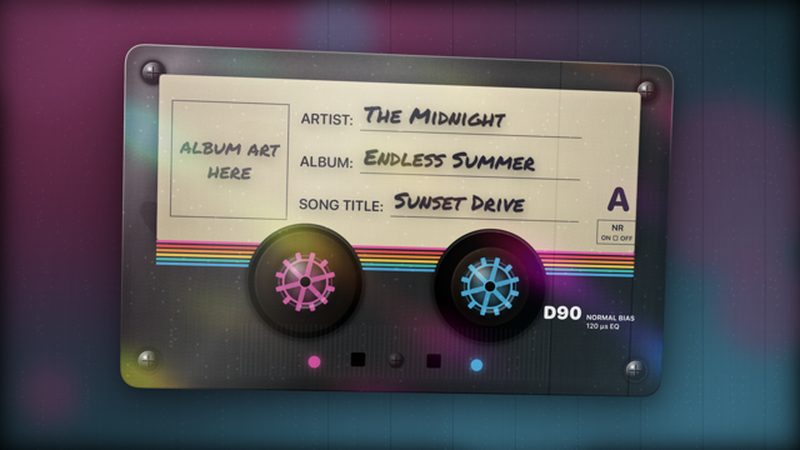
Every look reacts to the music, and lots of them are built around your own album art. Keep the ones you love, switch off the rest.


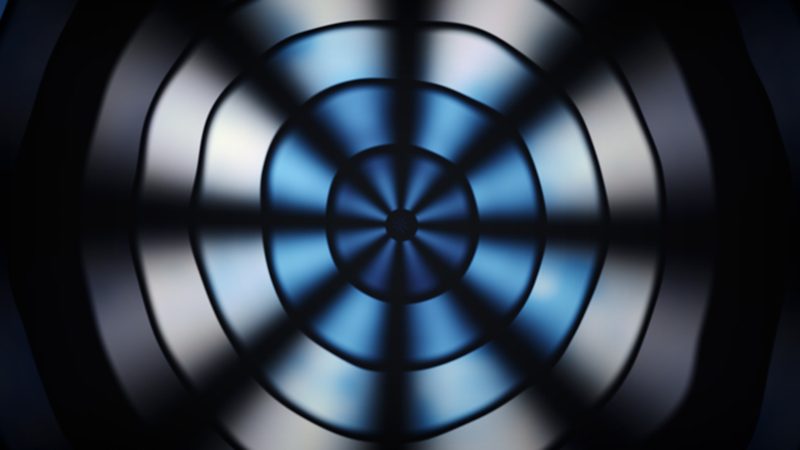
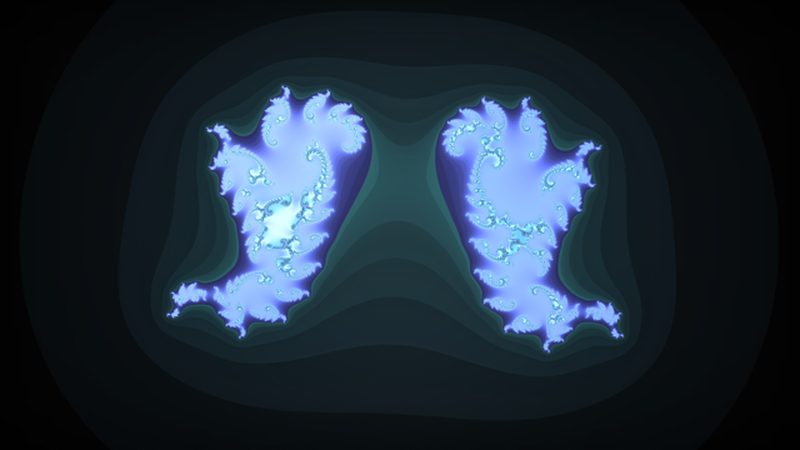
A few of the looks in Theatrium Live. Turn any on or off in Settings, Visuals.
No accounts to make, nothing to wire up.
Download Theatrium Live from the App Store and open it.
Choose Apple Music, Last.fm, Sonos or Spotify (via Last.fm). Apple Music needs nothing more.
Set each Apple Home light to Main or Accent. Only want the on-screen visuals? Skip it.
Start the music. Step into the full-screen visual and watch the room light up with it.
Your music, full-screen, with the whole room in its colours.
One-time purchase · no subscription · Questions? hello@theatrium.info