Get Theatrium Live
Download Theatrium Live from the App Store on your Apple TV and open it.
Choose your music
Open Settings › Now Playing and pick a source. Apple Music needs no setup and shows whatever is playing. For Last.fm, enter your username. For Sonos, let it find the speakers on your network and pick your room.
Add your lights
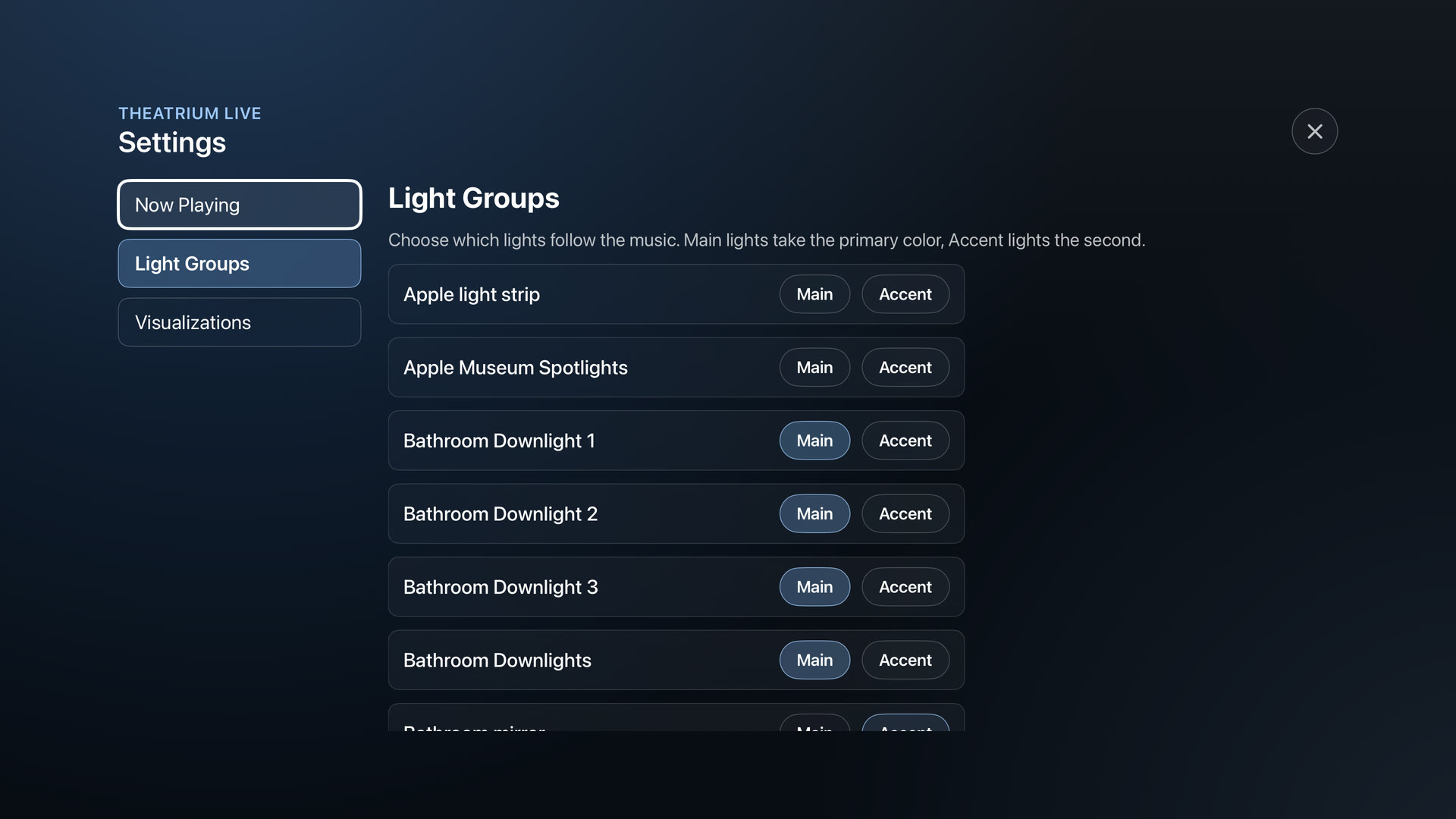
Open Settings › Light Groups and set each Apple Home light to Main or Accent. Main lights take the first colour, Accent lights the second. No smart lights? Skip this, the on-screen visuals stand on their own.
Pick your visuals
Open Settings › Visualizations and turn looks on or off. At least one stays on, and the ones you keep rotate as you play.
Play, then tune it on screen
Start the music and step into the full-screen visual. Press your remote to bring up the on-screen controls, then Adjust to set the colour theme, Lighting Sync, brightness and colour, or switch the visual. More on both below.