Guides › Home cards
The Blinds and Covers card
FreeWorks with: Home Assistant, Apple HomeAbout 2 minutes to set up
Open, stop and close blinds, curtains, garage doors and gates, one at a time or all together.
What it shows
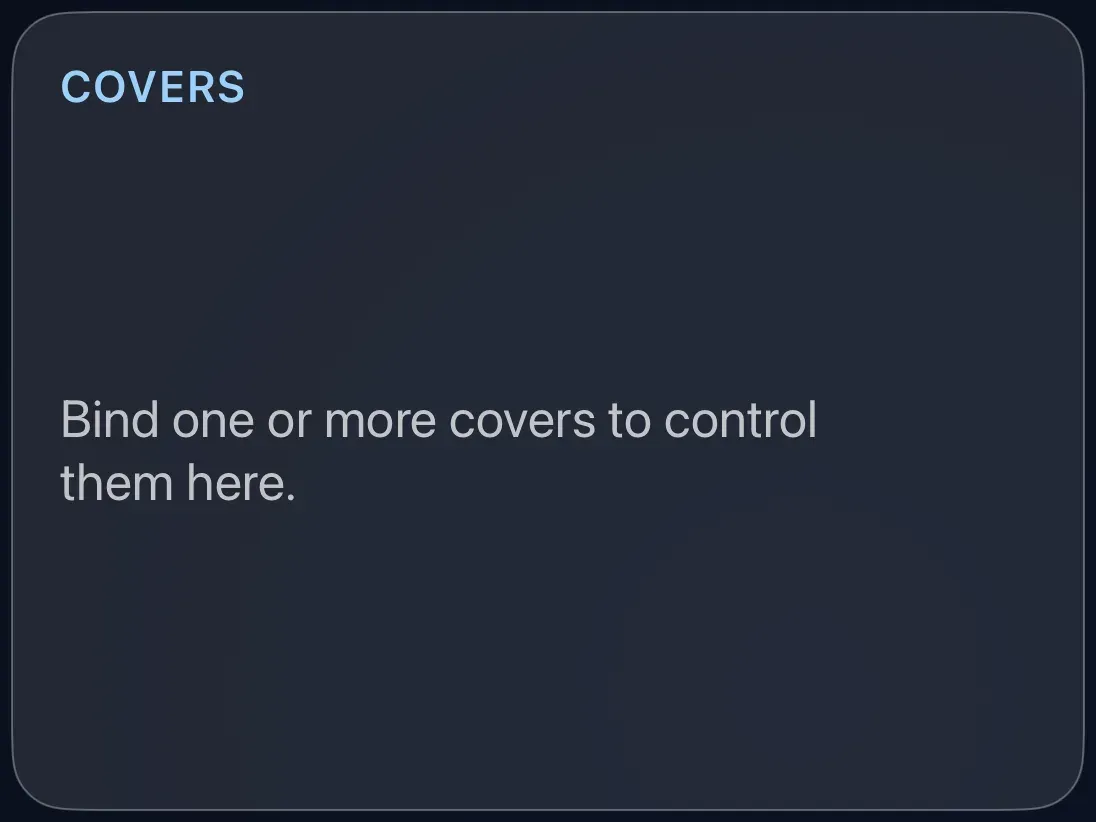
Up to eight blinds, curtains, shutters, garage doors or gates, each with its name, whether it is open or closed (and how far, where it reports that), and buttons to move it.
Add the card
Every card is added the same way. If you have done this before, skip ahead.
- On the dashboard, move to a card you want to replace. Press and hold the center of the remote's pad for about a second. The card dims and a Modify button appears on it.
Hold the center of the pad on the card you want to change. - Press the center once to choose Modify. The Choose a card screen opens.
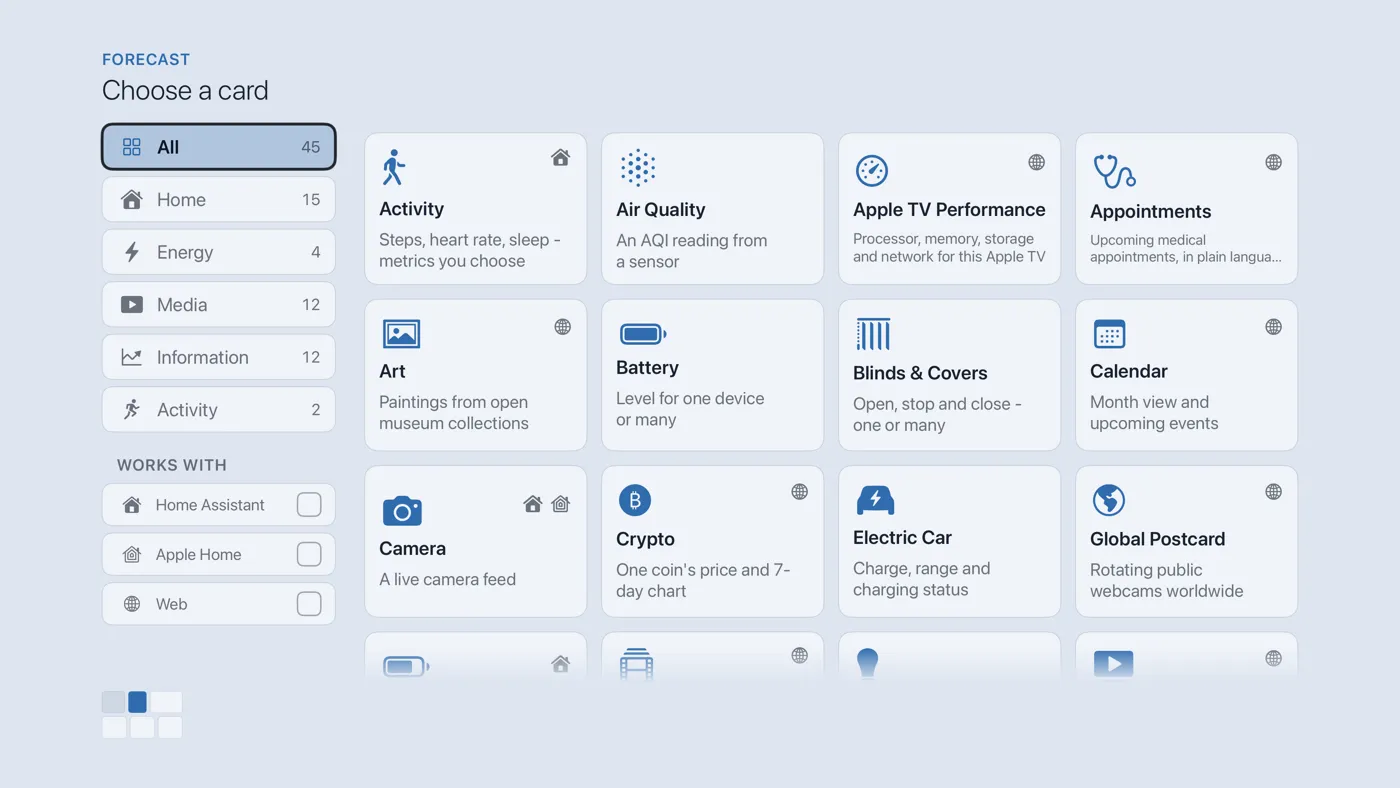
The Choose a card screen. The list down the left side narrows the cards by group. - On the left, choose Home, then move right and choose Blinds & Covers. (You can also leave the list on All and scroll; it is in alphabetical order.)
- Tick between one and eight covers from the list. Anything your smart home treats as a "cover" is here: blinds, curtains, awnings, garage doors and gates.
- Finish with the button at the foot of the setup screen, which is named for the card, such as Add Calendar Card. A card that needs no setup is added the moment you select it. You return to the dashboard with the new card in place.
Using it every day
- Move to the card and press the center to enter it.
Press the center of the pad - Move to the cover you want. Three small buttons sit beside it: an up arrow opens, a square stops, a down arrow closes. Press the center on one. Stop halts a blind part-way.
- Press Back to leave.