Guides › Media cards
The Global Postcard card
FreeWorks with: Any Apple TVAbout 1 minute to set up
A live picture from a public webcam somewhere in the world, changing every few minutes, a window that is always somewhere else.
What it shows
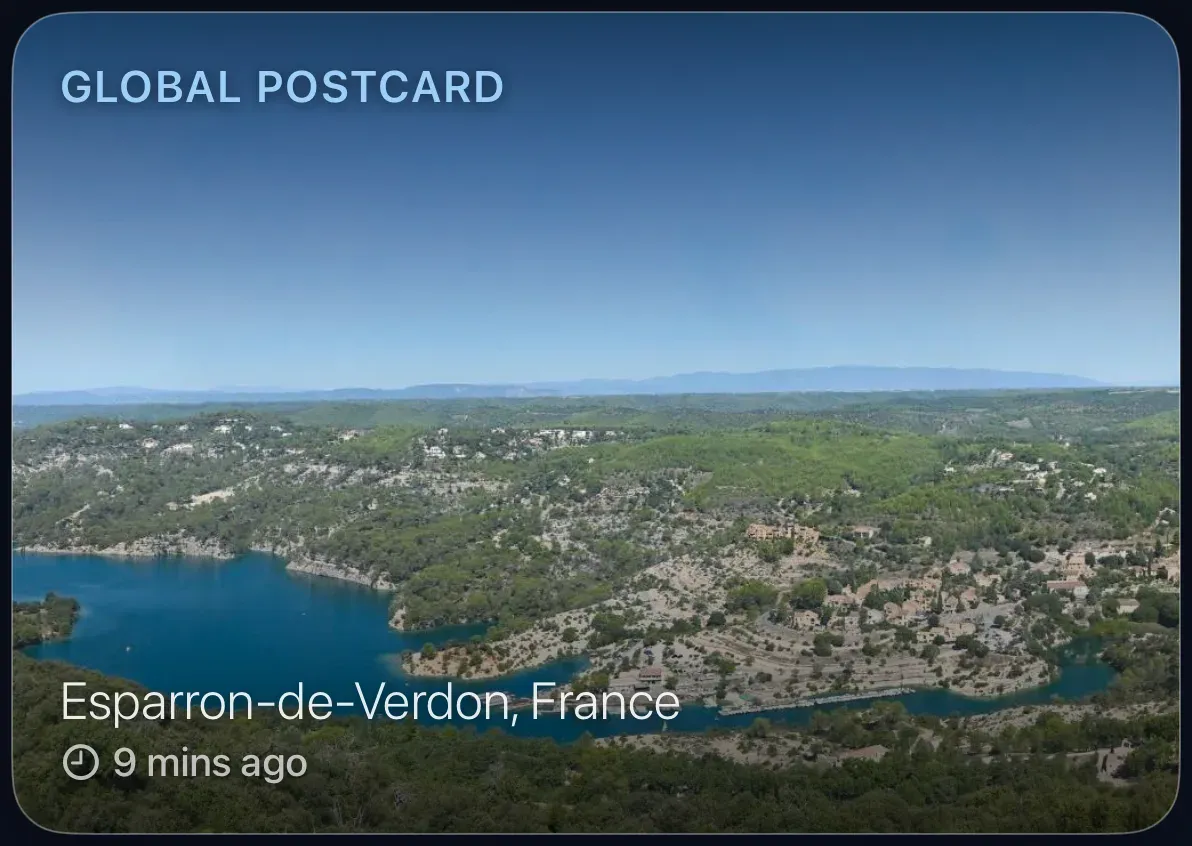
A recent picture from a public webcam, harbours, mountains, town squares, with the place name and how long ago the picture was taken. Every few minutes it moves on to another view.
Add the card
Every card is added the same way. If you have done this before, skip ahead.
- On the dashboard, move to a card you want to replace. Press and hold the center of the remote's pad for about a second. The card dims and a Modify button appears on it.
Hold the center of the pad on the card you want to change. - Press the center once to choose Modify. The Choose a card screen opens.
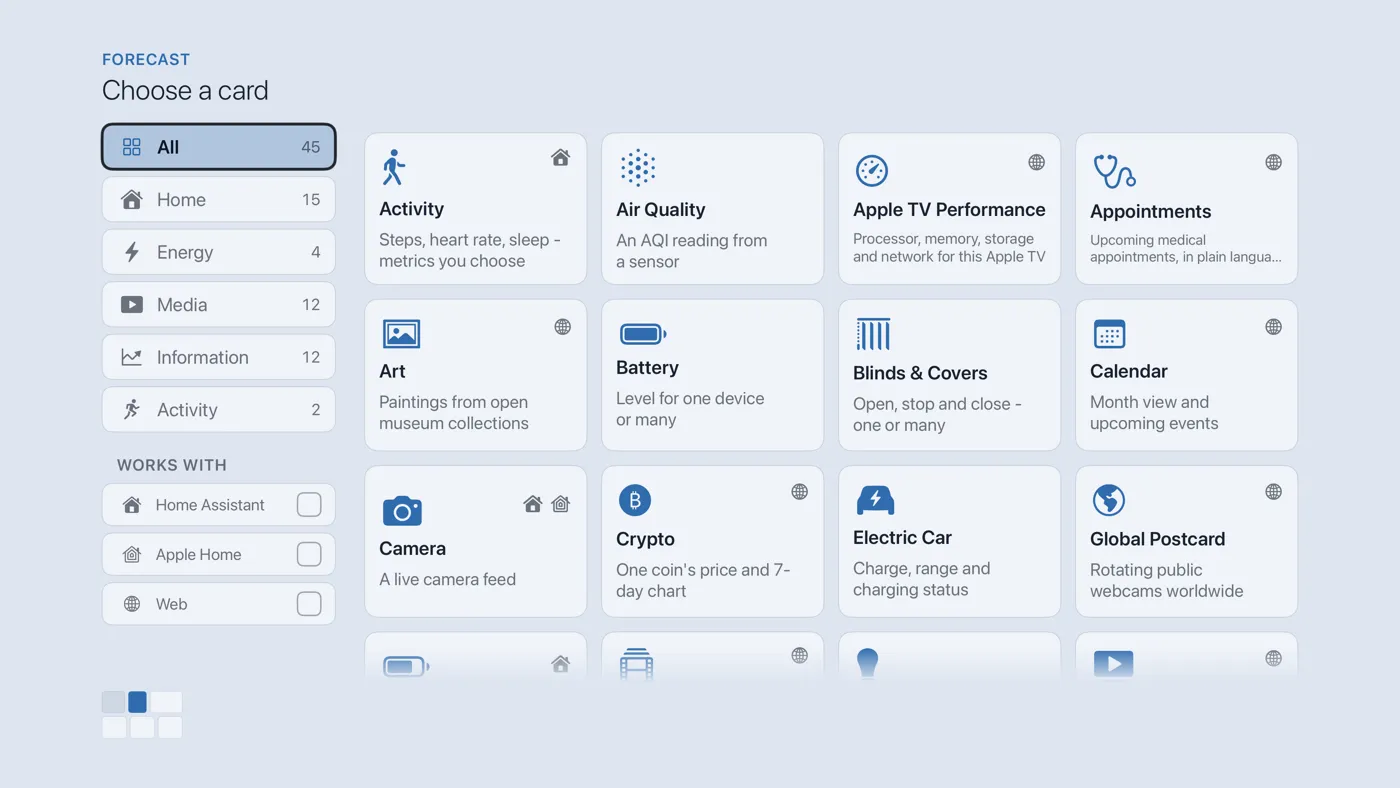
The Choose a card screen. The list down the left side narrows the cards by group. - On the left, choose Media, then move right and choose Global Postcard. (You can also leave the list on All and scroll; it is in alphabetical order.)
- Finish with the button at the foot of the setup screen, which is named for the card, such as Add Calendar Card. A card that needs no setup is added the moment you select it. You return to the dashboard with the new card in place.
Good to know
- Nothing to set up and nothing to press. It works with no smart home at all.
- The pictures come from public webcams around the world (through the Windy webcam service). Some are daylight, some night; you get the world as it is.
- Give it a wide or tall panel; it is the one card that is pure pleasure to look at.