Guides › Information cards
The Outdoor Air Quality card
FreeWorks with: Any Apple TVAbout 1 minute to set up
The air quality outside, for your location, on the US AQI scale, with no sensor of your own needed.
What it shows
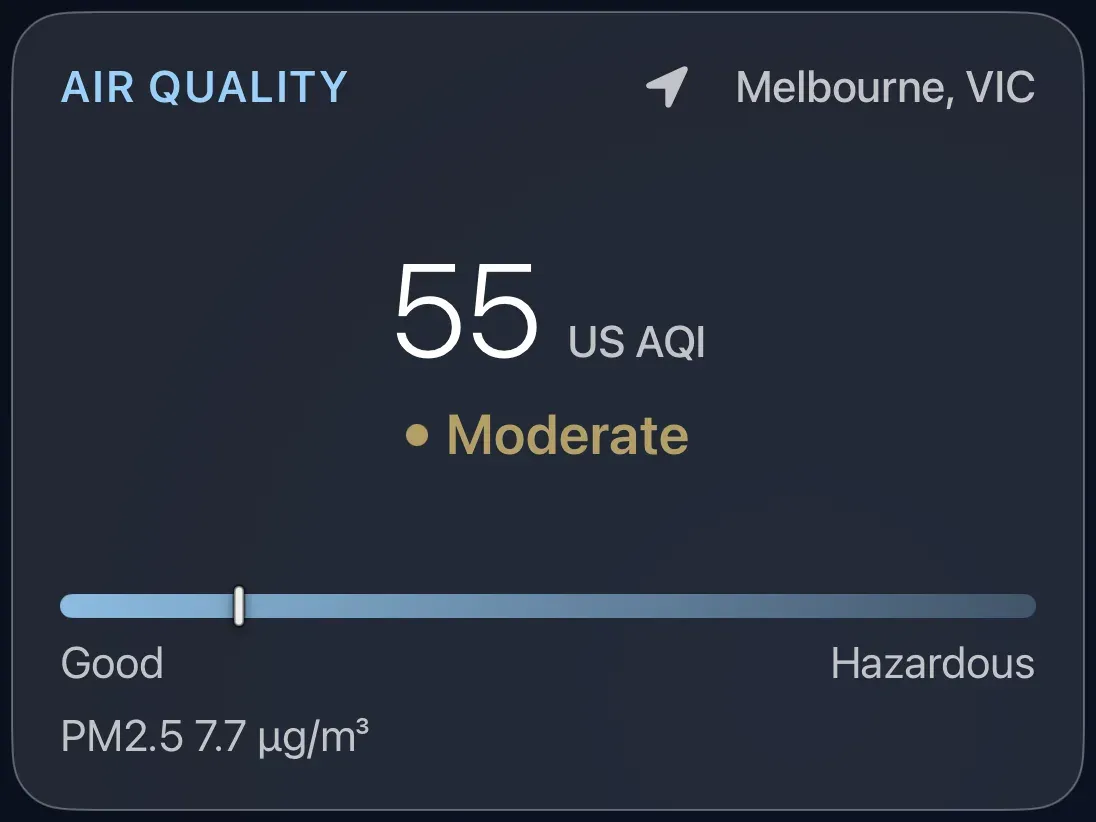
A number on the US Air Quality Index scale, a word for it (Good, Moderate, Unhealthy for sensitive groups, and so on), the place it applies to, a colored bar from Good to Hazardous, and the fine-particle reading behind it.
Add the card
Every card is added the same way. If you have done this before, skip ahead.
- On the dashboard, move to a card you want to replace. Press and hold the center of the remote's pad for about a second. The card dims and a Modify button appears on it.
Hold the center of the pad on the card you want to change. - Press the center once to choose Modify. The Choose a card screen opens.
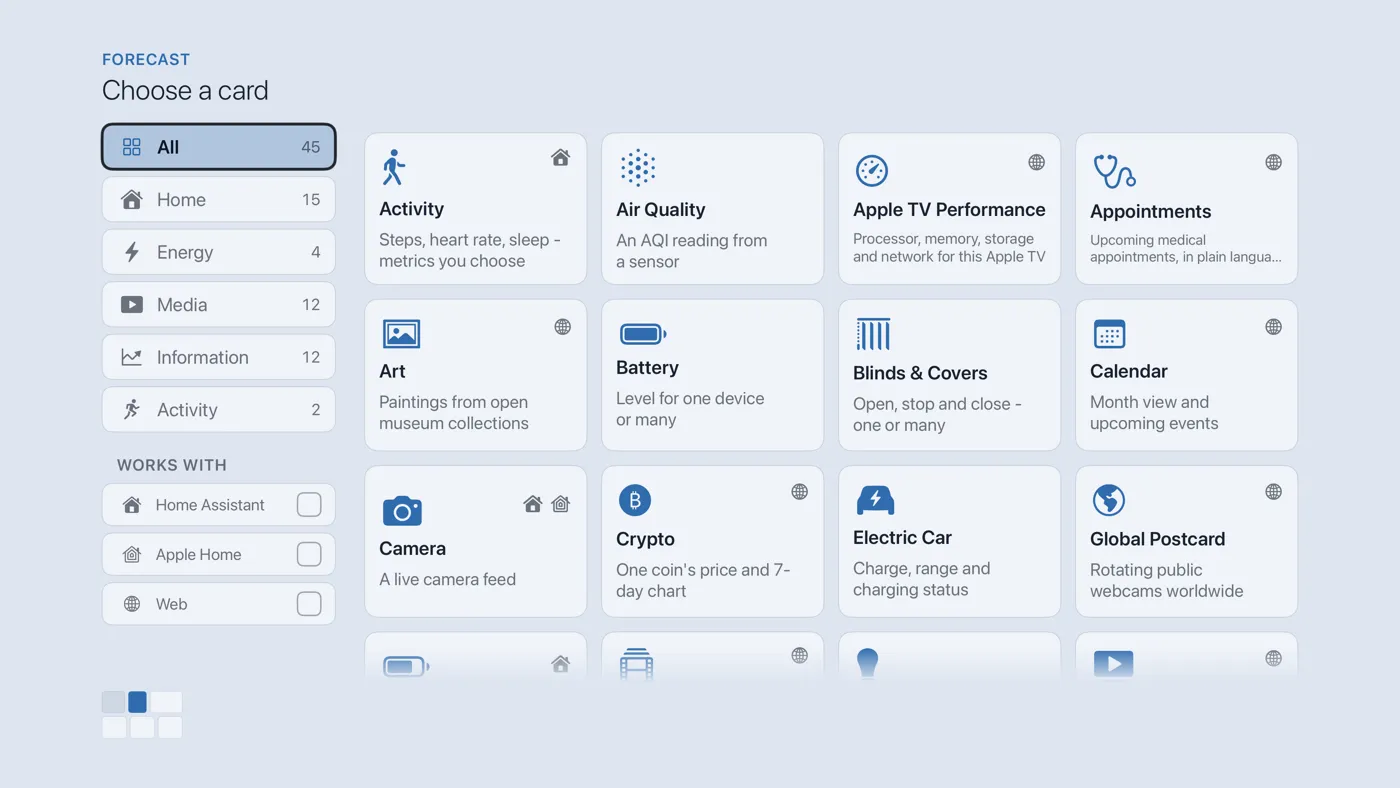
The Choose a card screen. The list down the left side narrows the cards by group. - On the left, choose Information, then move right and choose Outdoor Air Quality. (You can also leave the list on All and scroll; it is in alphabetical order.)
- Finish with the button at the foot of the setup screen, which is named for the card, such as Add Calendar Card. A card that needs no setup is added the moment you select it. You return to the dashboard with the new card in place.
Good to know
- Nothing to set up, nothing to press. It uses the location from Settings › Connections › Location.
- It is useful on bushfire and hay-fever days. For the air inside your house you need a sensor and The Air Quality card.