Guides › Home cards
The Who's Home card
Theatrium ProWorks with: Home AssistantAbout 2 minutes to set up
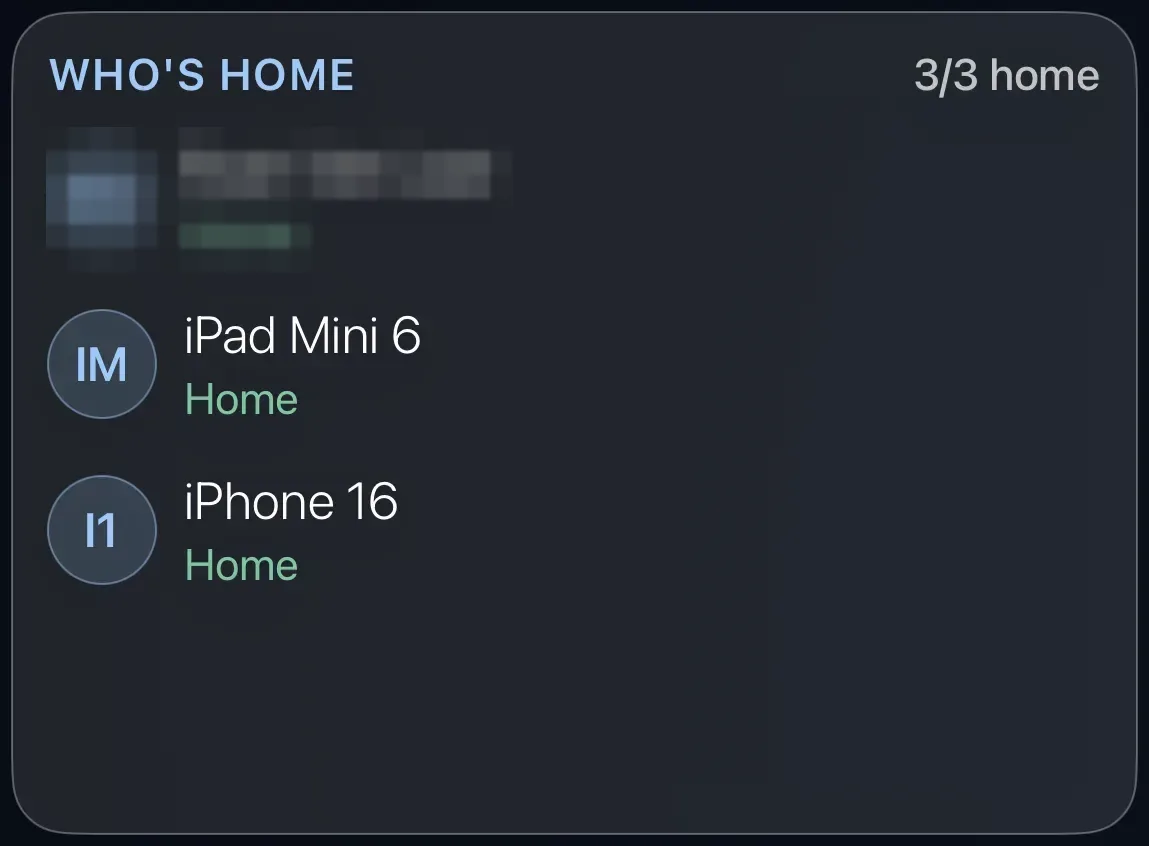
A list of the people in your household and whether each is home or away.
What it shows
Each person you track, with their initials in a circle, their name, and Home or Away. The corner count, such as "3/3 home", sums it up. Home Assistant works this out from each person's phone.
Add the card
Every card is added the same way. If you have done this before, skip ahead.
- On the dashboard, move to a card you want to replace. Press and hold the center of the remote's pad for about a second. The card dims and a Modify button appears on it.
Hold the center of the pad on the card you want to change. - Press the center once to choose Modify. The Choose a card screen opens.
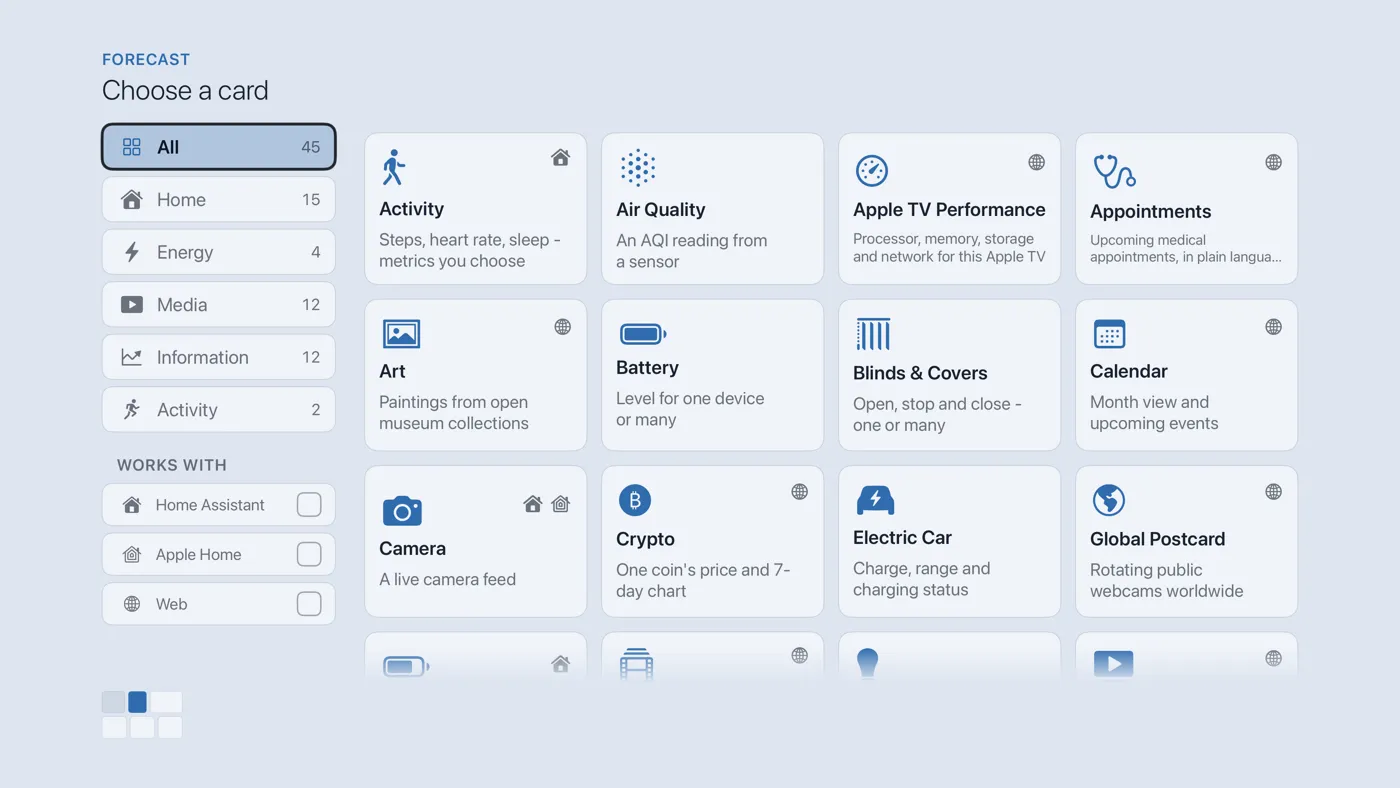
The Choose a card screen. The list down the left side narrows the cards by group. - On the left, choose Home, then move right and choose Who's Home. (You can also leave the list on All and scroll; it is in alphabetical order.)
- A list of the people and devices Home Assistant tracks appears. Tick the ones you want shown, up to twelve. Leave it empty and the card shows everyone.
- Finish with the button at the foot of the setup screen, which is named for the card, such as Add Calendar Card. A card that needs no setup is added the moment you select it. You return to the dashboard with the new card in place.
Good to know
- People come from Home Assistant's People list (Settings › People in Home Assistant), each linked to a phone running the Home Assistant Companion app. If someone is missing, add them there first.
- The card is display only; nothing to press.
- Apple Home does not share who is home, so this card needs Home Assistant.