Guides › Activity cards
The Workouts card
Theatrium ProWorks with: Home AssistantAbout 1 minute to set up
Your recent rides, runs and walks, and how far you have gone this week.
What it shows
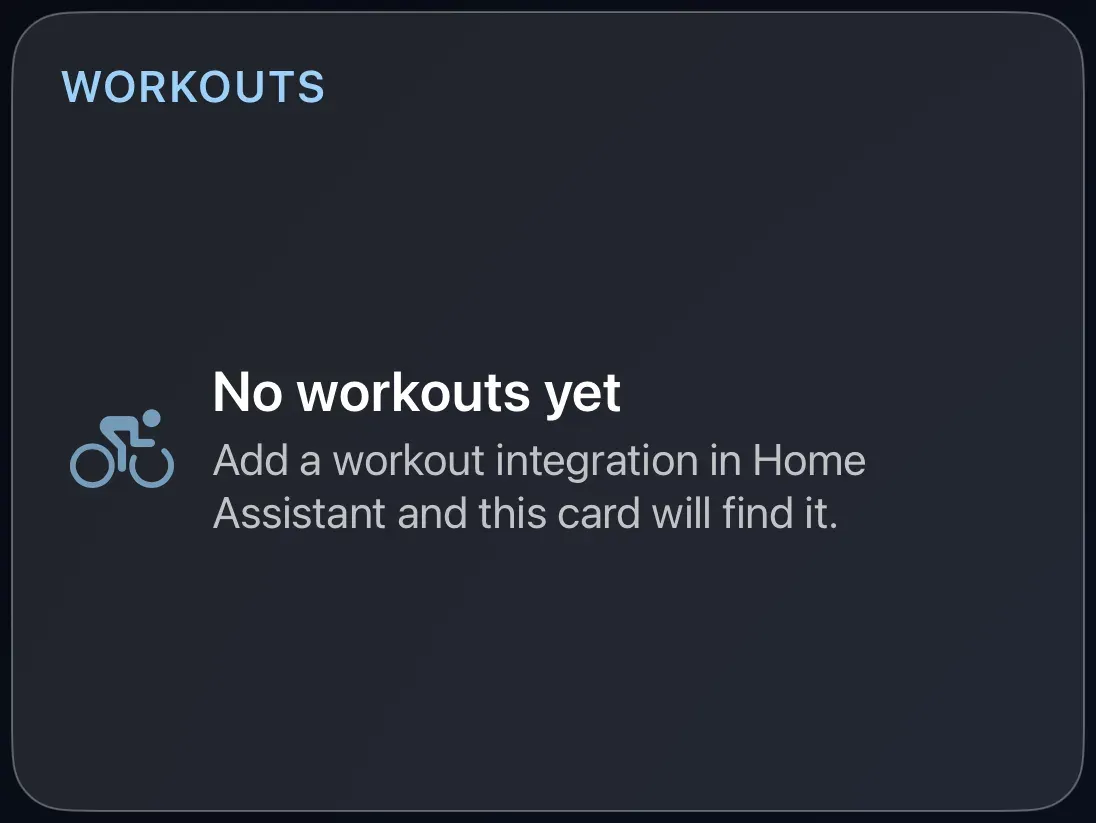
A short list of recent workouts with their type, distance and time, and this week's total against a weekly goal. When the goal is reached the card says so.
Add the card
Every card is added the same way. If you have done this before, skip ahead.
- On the dashboard, move to a card you want to replace. Press and hold the center of the remote's pad for about a second. The card dims and a Modify button appears on it.
Hold the center of the pad on the card you want to change. - Press the center once to choose Modify. The Choose a card screen opens.
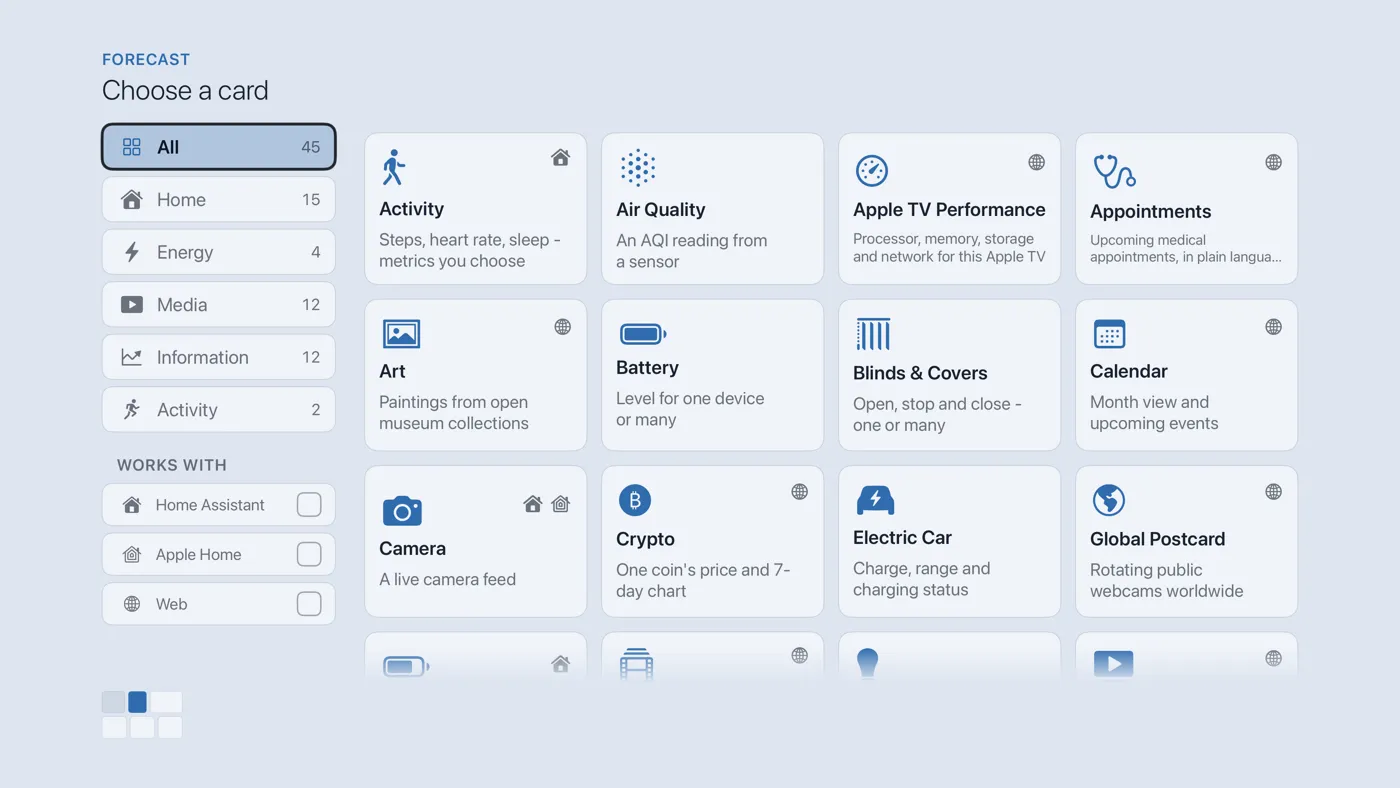
The Choose a card screen. The list down the left side narrows the cards by group. - On the left, choose Activity, then move right and choose Workouts. (You can also leave the list on All and scroll; it is in alphabetical order.)
- Finish with the button at the foot of the setup screen, which is named for the card, such as Add Calendar Card. A card that needs no setup is added the moment you select it. You return to the dashboard with the new card in place.
Where the workouts come from
Theatrium reads whatever workout information reaches Home Assistant, from any of the ways people bring it in: a Strava integration, a Garmin sync, an Apple Health exporter. Nothing to choose on the card; it finds the workout entities on its own.
Good to know
- Display only.
- Needs Home Assistant with a workout integration already set up. Apple Home has none.