Guides › Media cards
The Library Stats card
FreeWorks with: A Plex serverAbout 1 minute to set up
How many films, shows and albums your server holds, how big each library is, and when it was last updated.
What it shows
One row per library, Movies, TV Shows, Music, with the item count and when it was last scanned. A library that has just gained something shows "1 new this week".
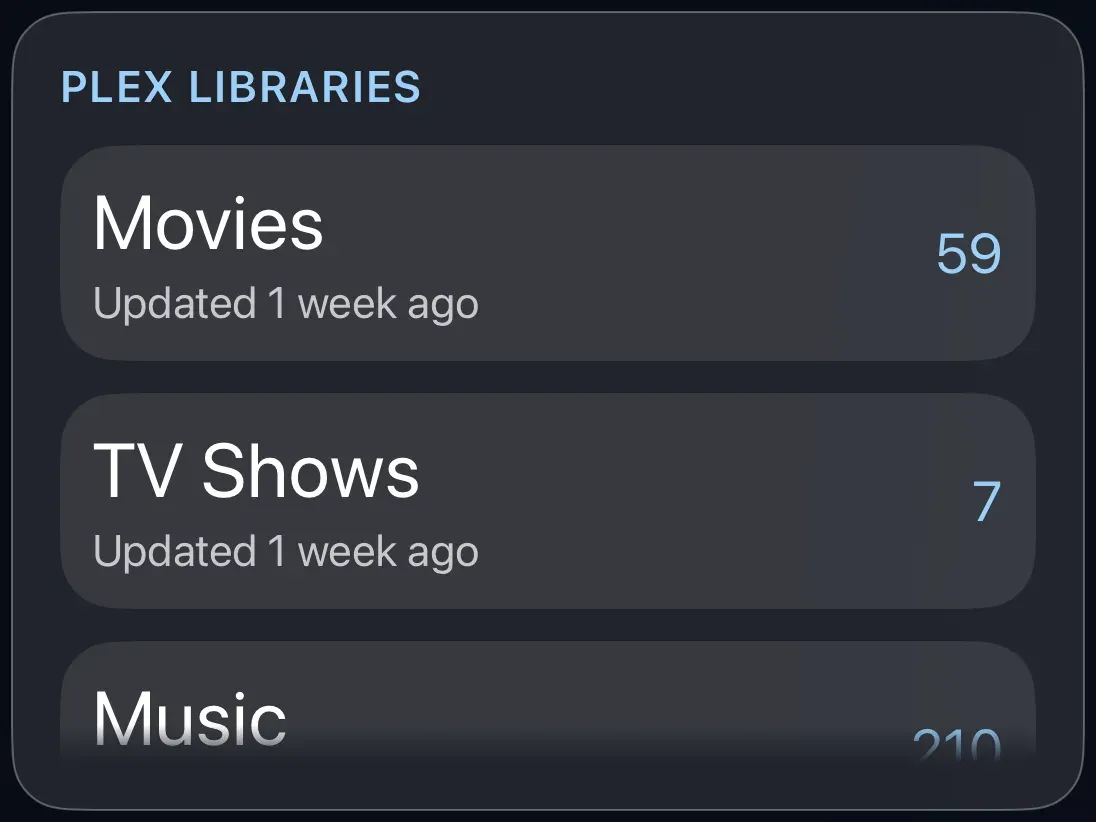
Add the card
Every card is added the same way. If you have done this before, skip ahead.
- On the dashboard, move to a card you want to replace. Press and hold the center of the remote's pad for about a second. The card dims and a Modify button appears on it.
Hold the center of the pad on the card you want to change. - Press the center once to choose Modify. The Choose a card screen opens.
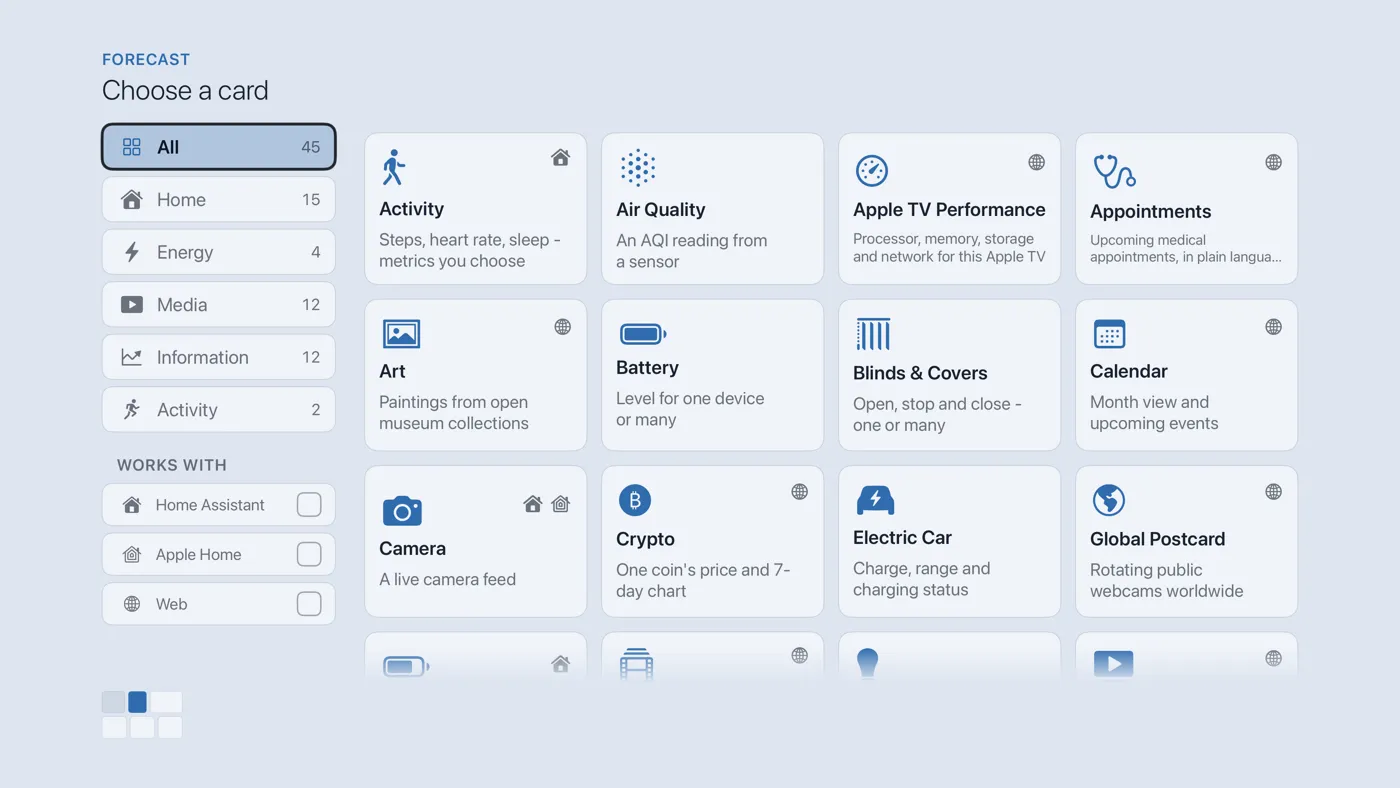
The Choose a card screen. The list down the left side narrows the cards by group. - On the left, choose Media, then move right and choose Library Stats. (You can also leave the list on All and scroll; it is in alphabetical order.)
- Finish with the button at the foot of the setup screen, which is named for the card, such as Add Calendar Card. A card that needs no setup is added the moment you select it. You return to the dashboard with the new card in place.
Good to know
- Display only, nothing to set up. See Connect your Plex server.
- Every library on the server is listed, including photo and music libraries.