Guides › Your dashboard
Saved Dashboards
Save a whole dashboard — its theme, colors, cards and background — and switch between your saved dashboards in a press.
What this is
A saved dashboard remembers how the screen is set up right now: the theme with its colors and its light or dark face, the cards in every panel, the second page, the background image, the Display Size, the clock settings and the buttons on the Quick Access bar. Save two or three and you can change the whole room in a moment — a calm everyday layout, a movie‑night one heavy on Plex, a guest layout that hides the private cards.
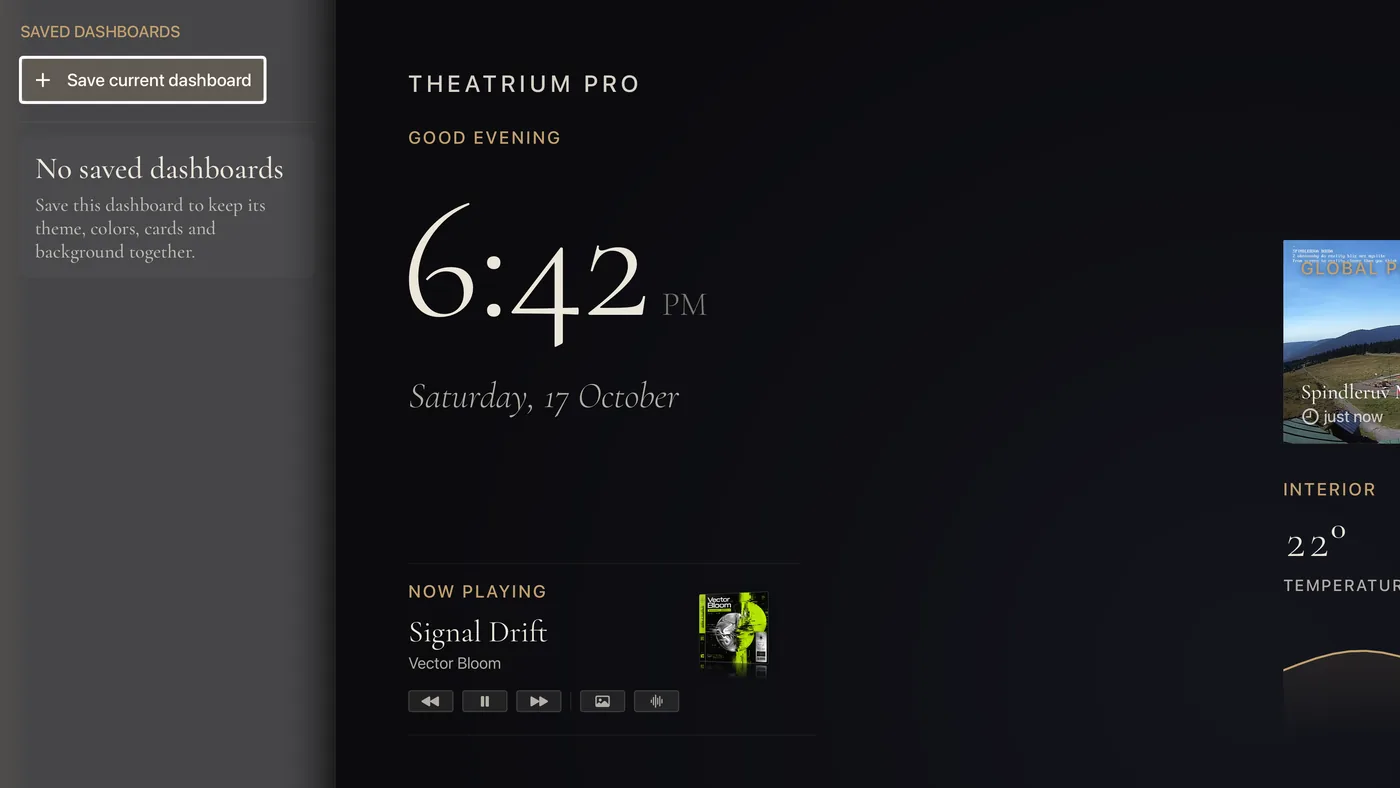
Open the drawer
From the main dashboard, press Left at the edge of the screen — move onto the left‑most card and press Left once more. The dashboard slides aside and the Saved Dashboards drawer opens. While you are using the remote, a faint line at the left edge of the screen marks where it is. Press Back or Right to close the drawer; it also closes by itself after a few seconds without the remote.
Save the dashboard you have
- Set the dashboard up the way you want it — theme, colors, cards and background all count.
- Open the drawer and choose Save current dashboard.
- A tile for it appears in the drawer, with a small picture of the layout and the date you saved it. A saved dashboard is named for its theme, so two on the same theme are told apart by the picture and the date.
Switch between them
Open the drawer and choose any saved dashboard. The whole screen changes to it — theme, cards and background together — and the drawer closes. Your current arrangement is not saved automatically, so save it first if you want to keep it too.
Remove one
Move right from a saved dashboard to the bin button beside it and press the center. Theatrium asks Delete saved dashboard? before it goes. The drawer holds twelve; once it is full, delete one to make room.
Good to know
- A saved dashboard is a snapshot. Changing your live dashboard afterwards does not change the saved one — save again to update it.
- Saved dashboards stay on the Apple TV where you saved them. They are not part of iCloud Sync, so another Apple TV in the house has its own.
- Applying a saved dashboard does not turn the Quick Access bar on or off. It changes which buttons are on it.