Theatrium Music Visualizer

A dedicated music visualization app from Theatrium: full-screen visuals that move with your music, with optional light sync that matches your room to the screen.

Download on the App Store Free to try · one-time purchase unlocks 30+ visualizations

A separate download from Theatrium. Already have Theatrium Pro? These visuals and light sync are already in it.

A full-screen visual playing in Theatrium Music Visualizer
Album cover playing in Theatrium Music Visualizer
Now playing
Your lights

Music Visualizer, or the full Theatrium?

  • Theatrium Music Visualizer is the fun part on its own: the visuals, plus an optional light show through Apple Home.
  • Theatrium is the full app: a smart-home dashboard with dozens of cards, and it works with Home Assistant too. Pro already includes these music features.
  • Want the dashboard as well? See Theatrium for Apple TV.
  • To see how the music visualizer works inside Theatrium, read the Apple TV music visualizer page.

Play music. Watch it come alive.

Theatrium Music Visualizer fills your TV with visuals that move to your music. 💡 Have Apple Home connected lights? They take on the colors on screen too. No connected lights? The visuals are the whole show. Pick a look, hit play, and enjoy.

Full-screen visuals

Your album art fills the screen, then a full-screen visual takes over and moves in time with the track. Over thirty looks, from liquid album art to a spinning mirrorball.

Lights that match, if you want them

Light sync is optional. If you have Apple Home connected lights, they take two colors from the screen, Main and Accent, and hold them through the track, so the room glows in the colors of whatever’s playing. Great for a party, easy on a quiet night.

Your music

Works with Apple Music, Last.fm, Sonos and Spotify. Apple Music needs no setup: it shows whatever is playing, and the visuals and lights follow along. For Spotify, pick Theatrium Visualizer in Spotify’s device list (Premium needed).

Inside the app

Big, simple, and made for the TV. Everything is a click away on the remote.

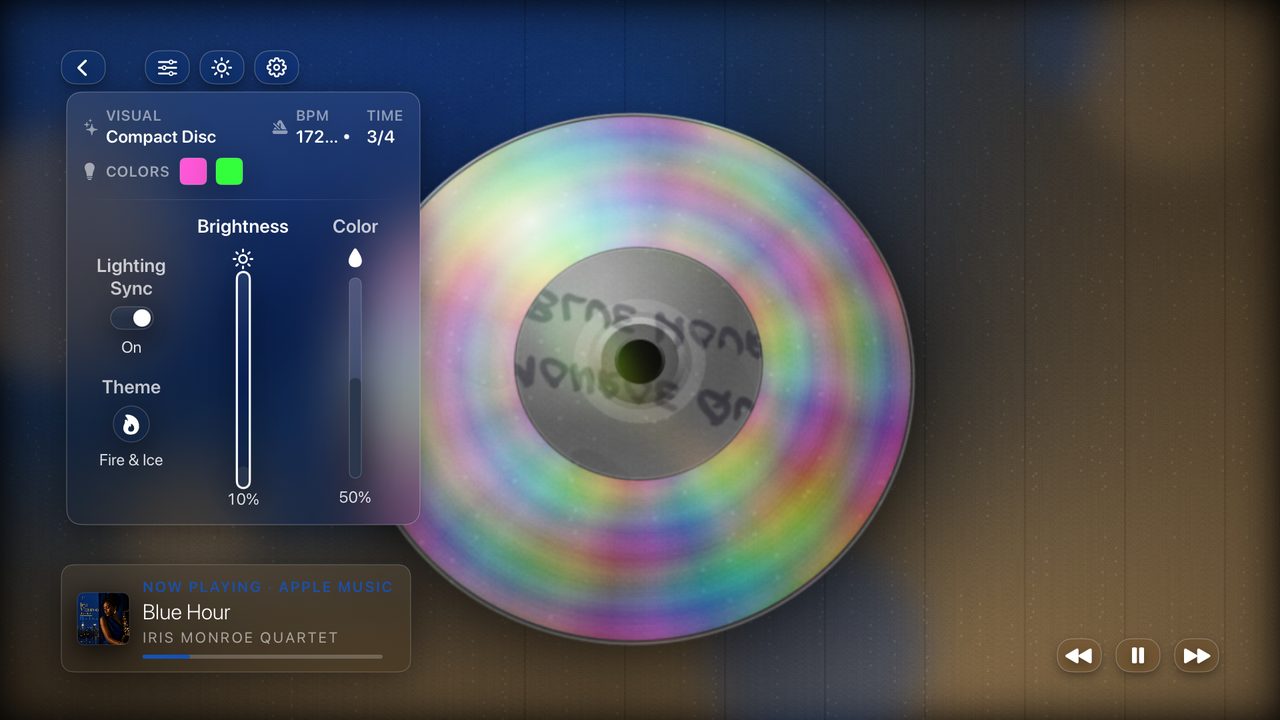
A full-screen visual playing over a track, with the adjust panel showing tempo, colors and light sync
The visual, liveTweak the tempo, the colors and how hard the lights react, all while the music plays.
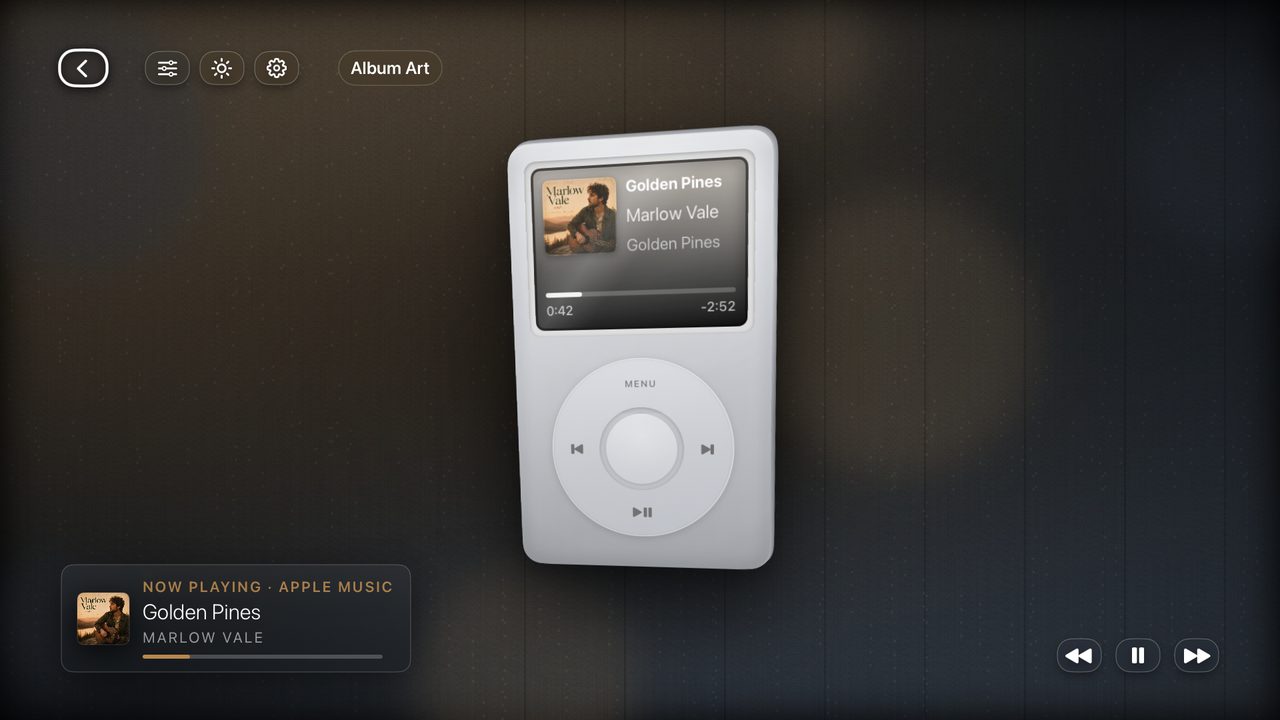
Album art on screen with the track playing full-screen in Theatrium Music Visualizer
Your music, front and centerYour album art fills the screen, then the visual takes over and moves with the track.
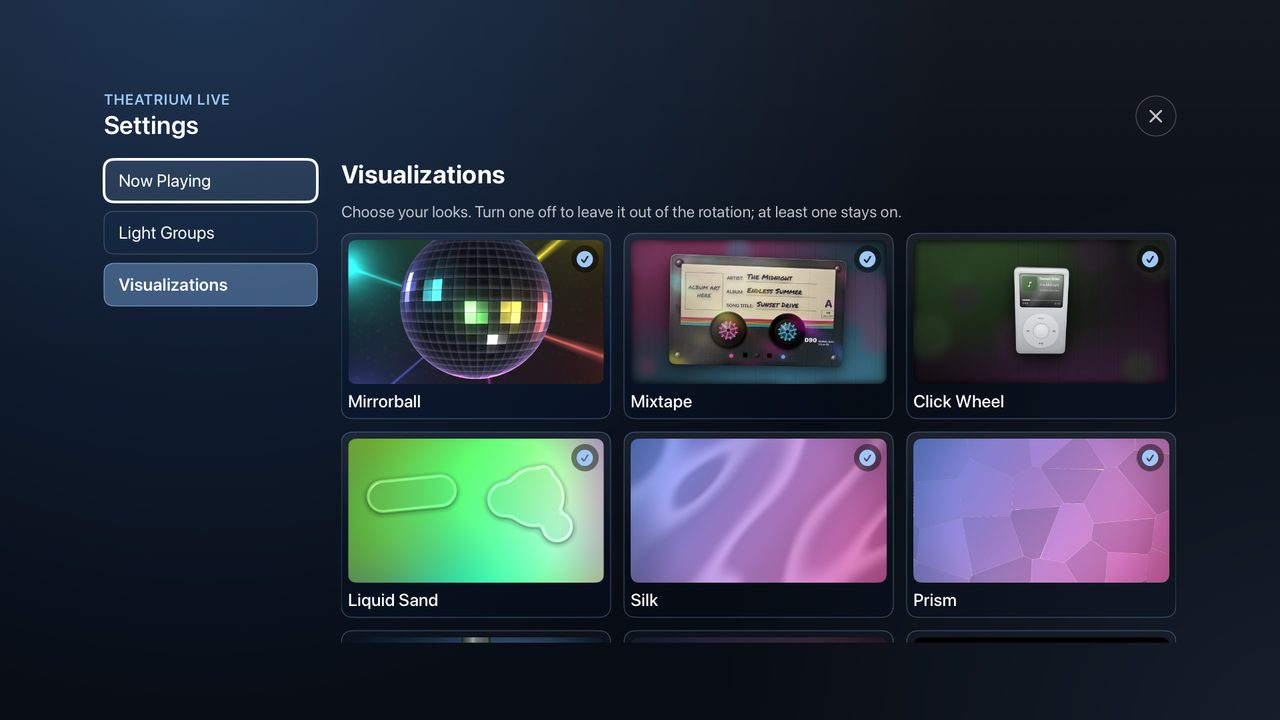
The visualizations picker showing a grid of looks to choose from
Choose your looksFlip through every visual and keep the ones you love. Change it any time.

How the lights follow your music

💡 Optional, and only if you have Apple Home connected lights. Two colors, straight off the screen: one for your main lights, one for your lamps. One Apple TV can light the whole room.

Main lights THEATRIUM Theatrium on Apple TV Accent lamps Main color Accent color
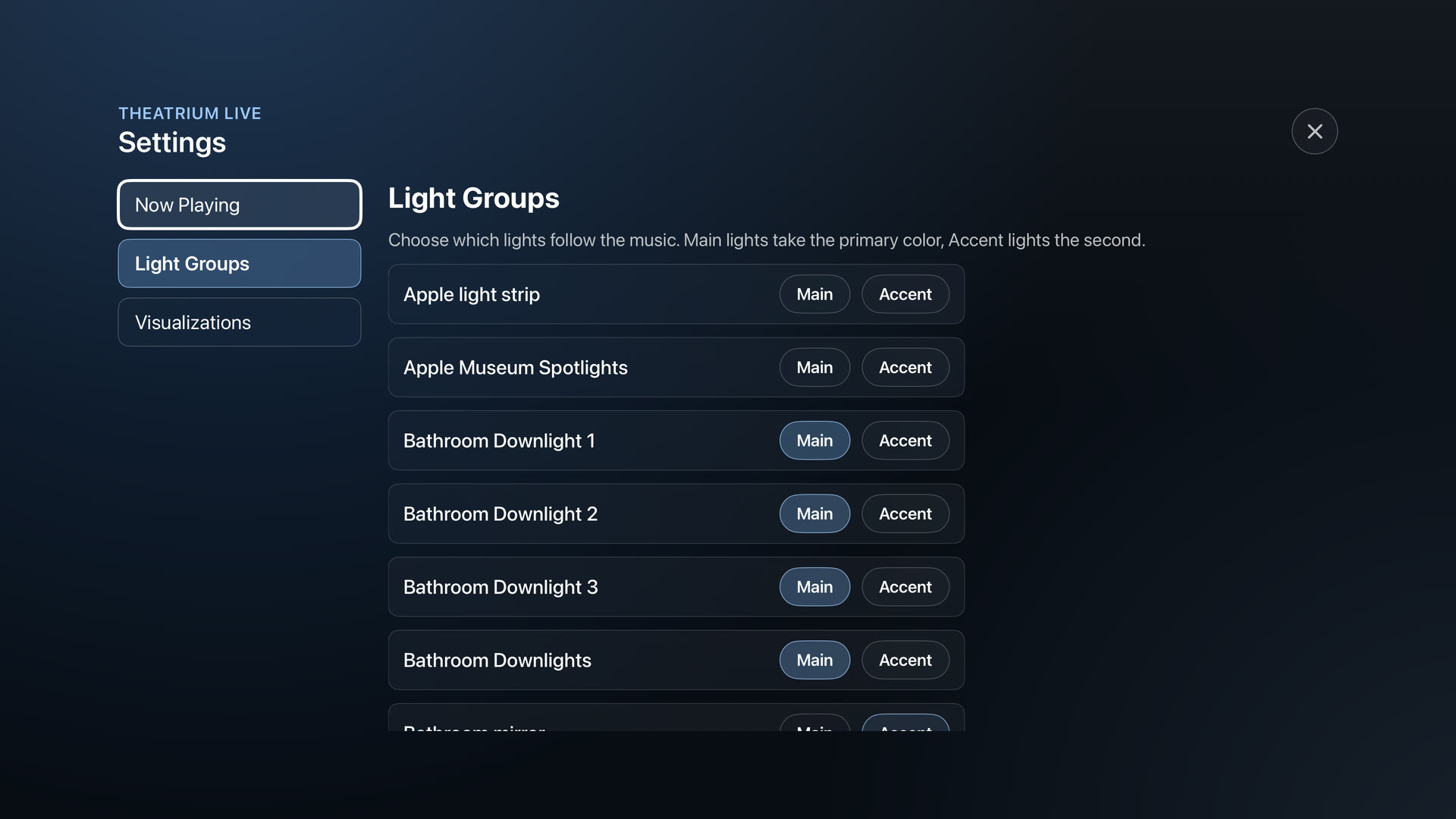
Theatrium Music Visualizer Settings screen, Light Groups: each light set to Main or Accent
  1. 1Your musicPlay something on Apple Music, Last.fm, Sonos or Spotify. Apple Music needs no setup at all.
  2. 2Theatrium Music VisualizerReads the track and its tempo, draws the visual live on the Apple TV, and pulls two colors out of what it is drawing.
  3. 3Your roomThe two colors go straight from the Apple TV to your Apple Home lights. No server in between.

Theatrium Music Visualizer reads whatever you are playing and turns it into a scene and two room colors, straight from your Apple TV.

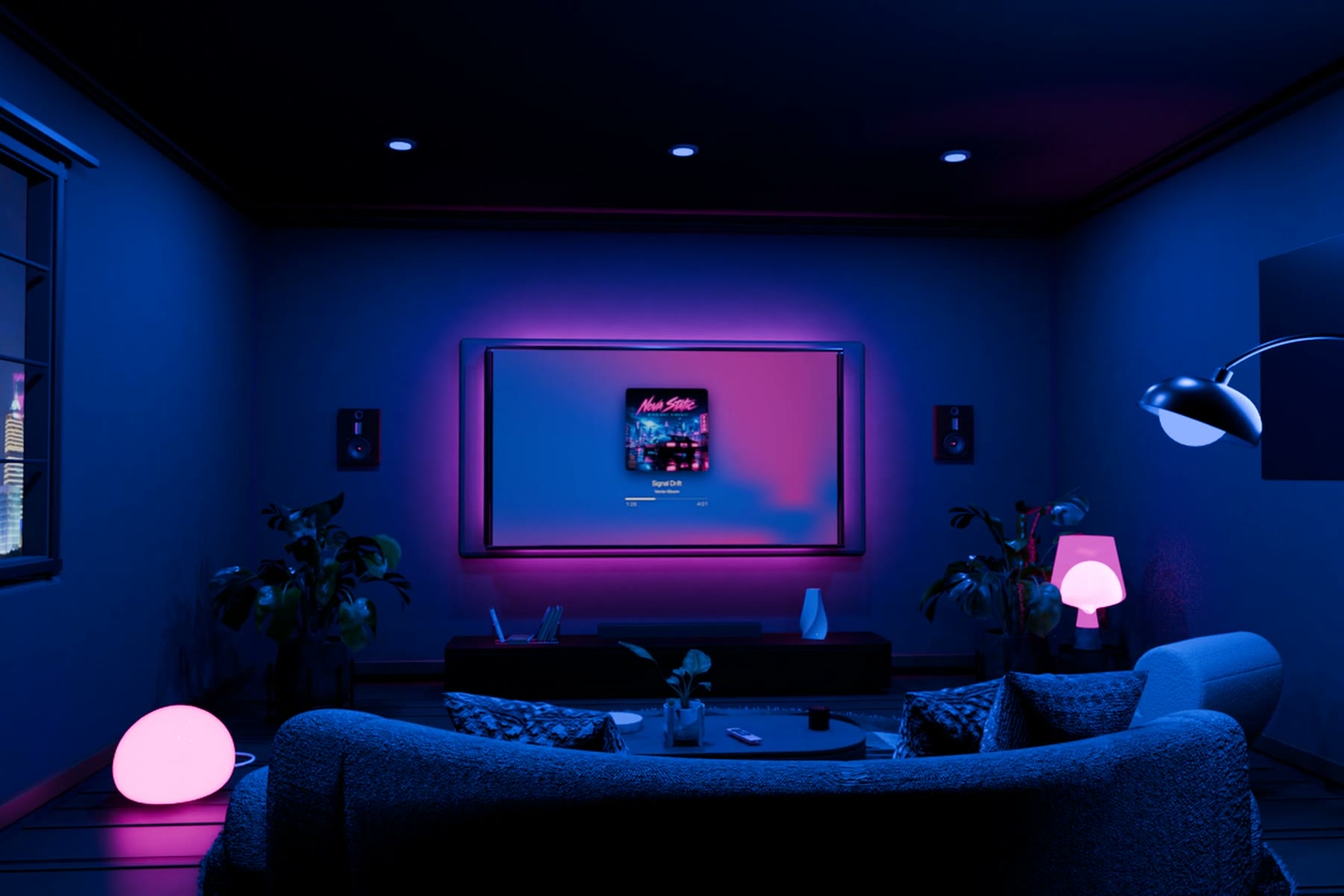
An illustrated living room: the TV shows album art in blue and pink, and the lamps and wall glow the same colors

An illustration: the room takes on the colors of the album on screen.

Pick your vibe

Every look reacts to the music, and lots of them are built around your own album art. Keep the ones you love, switch off the rest.

Silk visualization for Apple TV: your album cover flowing like liquid fabric
Silk
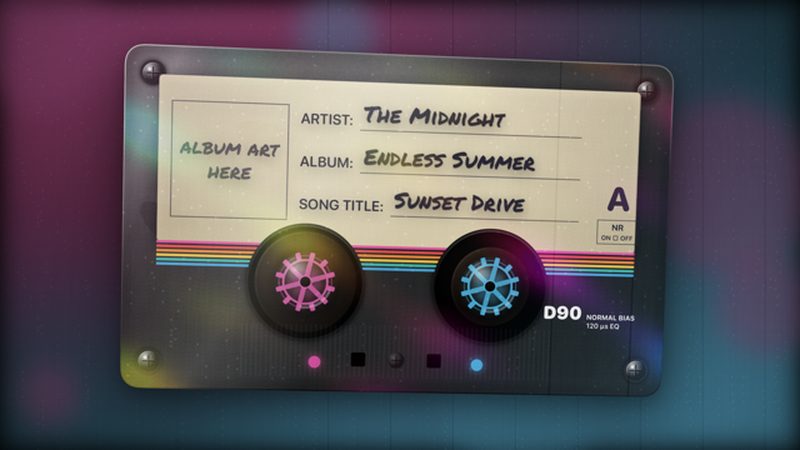
Mixtape visualization for Apple TV: a clear cassette with reels spinning to the track
Mixtape
Mirrorball visualization for Apple TV: a disco ball scattering colored light
Mirrorball
Lava Lamp visualization for Apple TV: wax rising and sinking in a glowing lamp
Lava Lamp
Aurora visualization for Apple TV: shimmering northern lights
Aurora
Ocean visualization for Apple TV: a moonlit sea rolling toward the horizon
Ocean
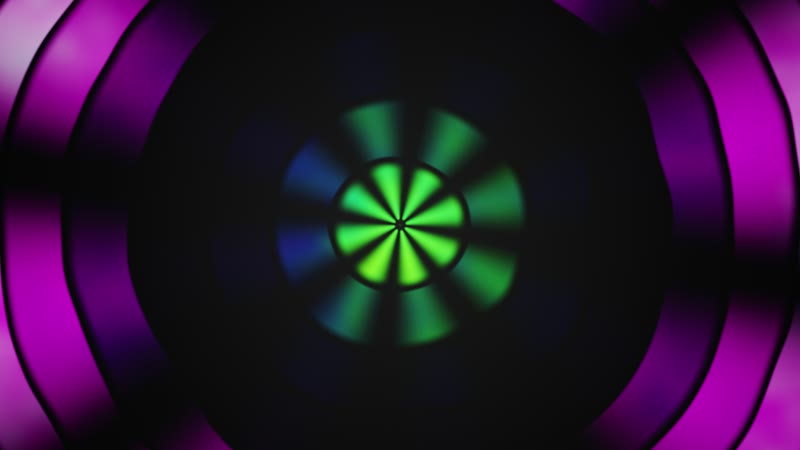
Mandala visualization for Apple TV: rotating concentric rings
Mandala
Phoenix visualization for Apple TV: flame-like fractal feathers
Phoenix

A few of the looks in Theatrium Music Visualizer. Turn any on or off in Settings, Visuals.

Up and running in a minute

No accounts to make, nothing to wire up.

Get it on your Apple TV

Download Theatrium Music Visualizer from the App Store and open it.

Pick your music

Choose Apple Music, Last.fm, Sonos or Spotify. Apple Music needs nothing more.

Add your lights (optional)

Set each Apple Home light to Main or Accent. Only want the on-screen visuals? Skip it.

Hit play

Start the music. Step into the full-screen visual and watch the room light up with it.

See the full setup guide →

What you need

  • An Apple TV running tvOS 18 or later.
  • Music from Apple Music, Spotify, Sonos or Last.fm.
    Apple MusicSpotifySonosLast.fm
  • For the lights: Apple Home connected lights. Optional, the visuals look great on their own.
  • Free to try, with three visualizations. Aurora, Silk and Lava Lamp are included. A one-time purchase unlocks every other visualization and the named color palettes. No account to make.
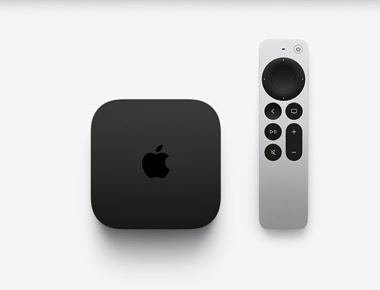
An Apple TV 4K and its Siri Remote

Questions answered

Is Theatrium Music Visualizer free?

It is free to try, with Aurora, Silk and Lava Lamp included. A one-time purchase unlocks 30+ visualizations and the named color palettes, and it can be shared with your family.

Which music works with it?

Apple Music needs no setup. Spotify plays straight to your Apple TV once you choose it in the Spotify app (Spotify Premium is required). Sonos and Last.fm also work. See the setup guide.

Do I need Apple Home connected lights?

No. The visuals look great on their own. If you have Apple Home connected lights, the app sets them to the colors on screen.

How is it different from Theatrium?

Theatrium Music Visualizer is a dedicated app for the music display and the light show. Theatrium is the full smart-home dashboard for Apple TV, and its Pro tier includes these music features too. See how the visualizer works inside Theatrium.

Which Apple TV do I need?

An Apple TV 4K running tvOS 18 or later.

🪩 Turn it up.

Your music, full-screen, with the whole room in its colors.

Free to try · one-time purchase unlocks 30+ visualizations · Questions? hello@theatrium.info