The public beta is open & freejoin on TestFlight and run Theatrium on your Apple TV in minutes.
A real-time generative scene from Theatrium's music visualiser, running full-screen on an Apple TV with a Home Assistant now-playing card overlaid
For Apple TV

An Apple TV music visualizer that reacts in real time

Theatrium turns your Apple TV screen into a live music visualiser: dozens of scenes built from your song's tempo, album art and title, generated fresh every time, never a looping video.

Free in beta · No account, no ads, no tracking

How it works

Built from the music, not a video loop

Most TV music visualisers are pre-rendered clips on a timer. Theatrium's are generated on the Apple TV itself, in real time, driven by what's actually playing: the track's tempo (BPM), the colours in its album art, and its title. Scenes reshuffle their look each time a song plays, so the same track rarely looks the same way twice. This works with Apple Music on the Apple TV itself, or with Spotify, Last.fm and Plex mirrored from your phone or computer — and with any Home Assistant media_player source, including Music Assistant.

The visualiser responds only to track changes, tempo and album art. It does not listen to the room and does not use the microphone.

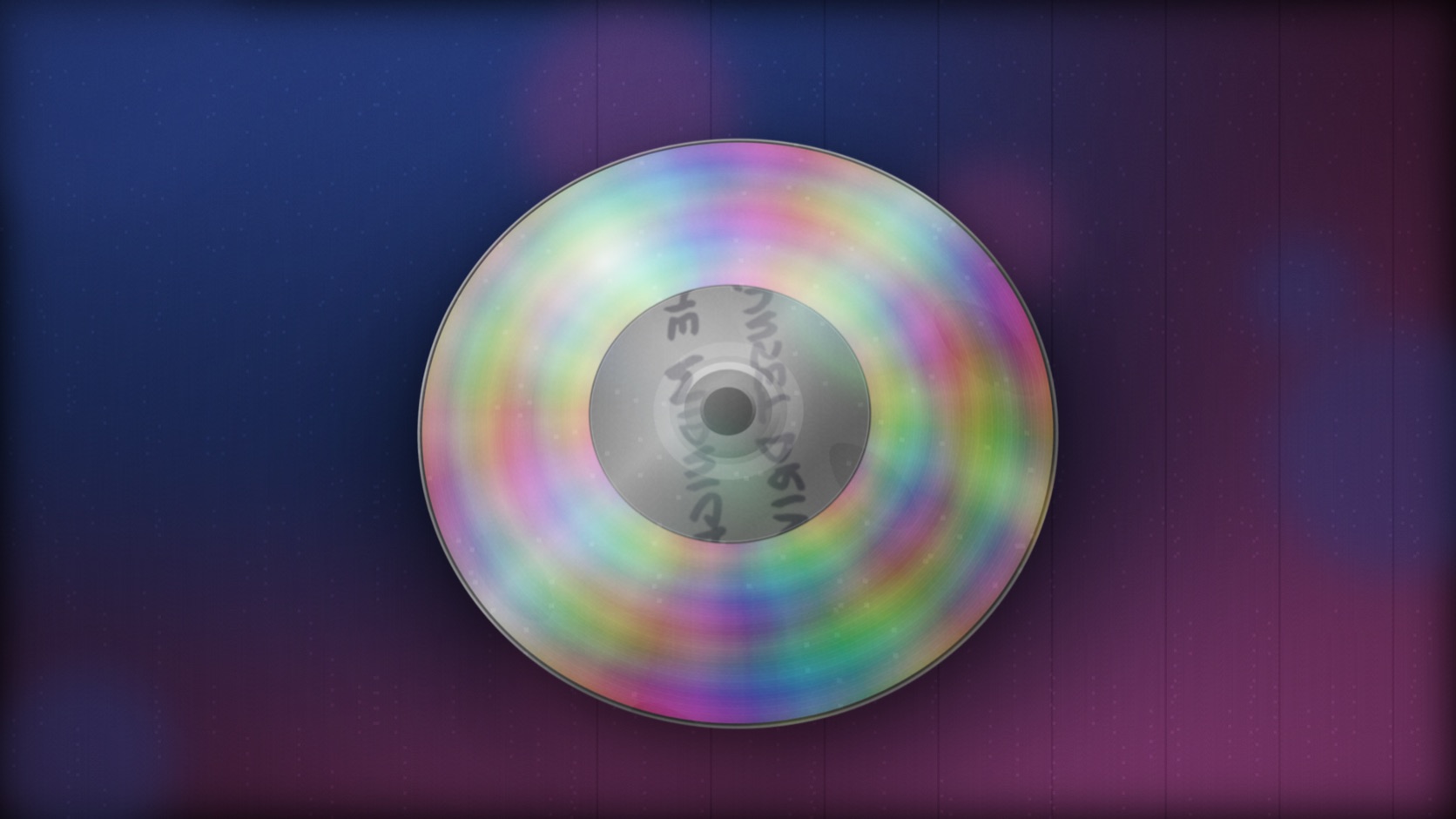
Theatrium's Compact Disc visualiser scene, a spinning CD reflecting light
Compact DiscA hyper-real spinning disc, one of the retro showpiece scenes
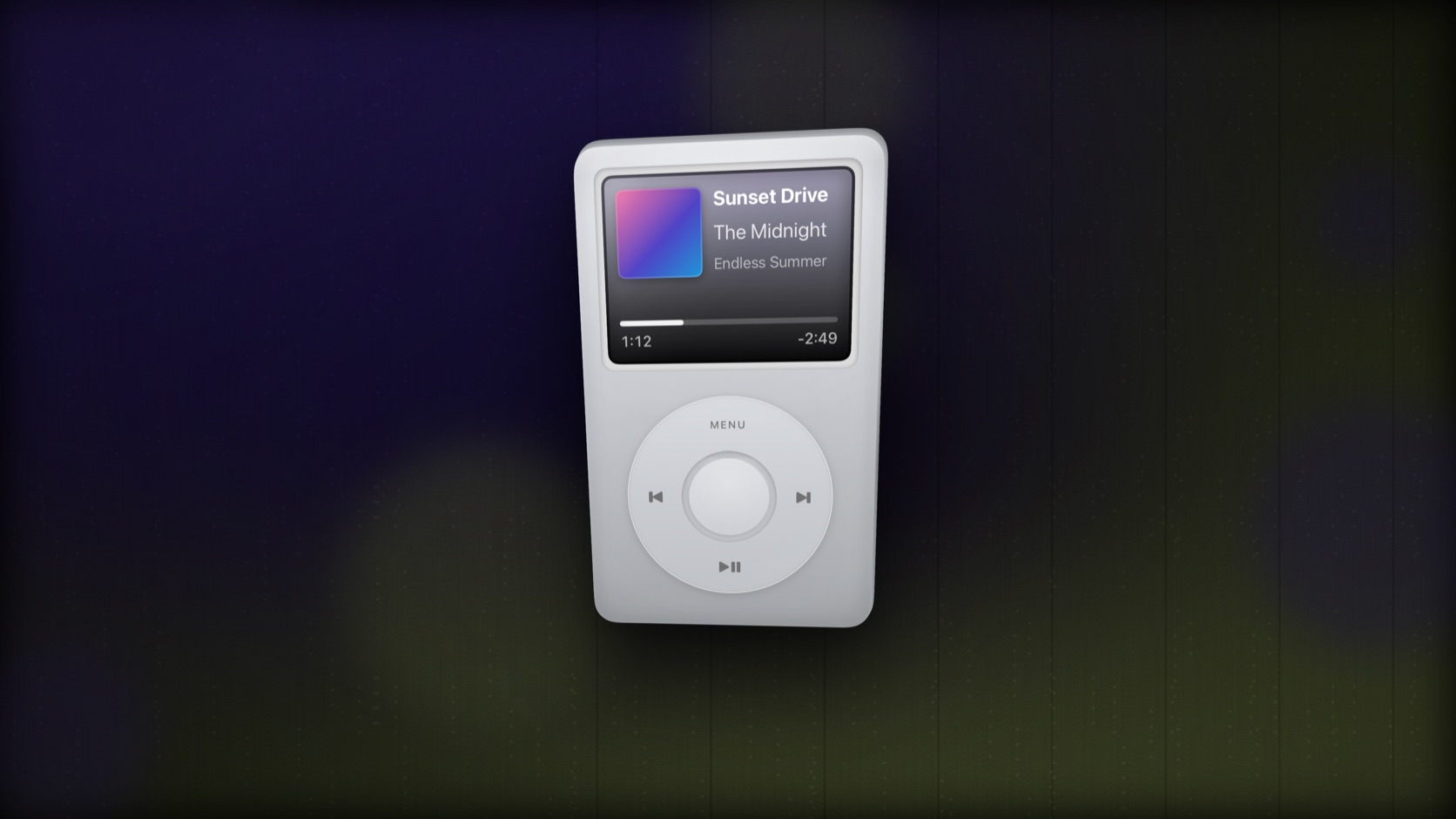
Theatrium's iPod visualiser scene, a click-wheel iPod showing the now-playing track
iPodA click-wheel iPod, complete with the track's title and artist
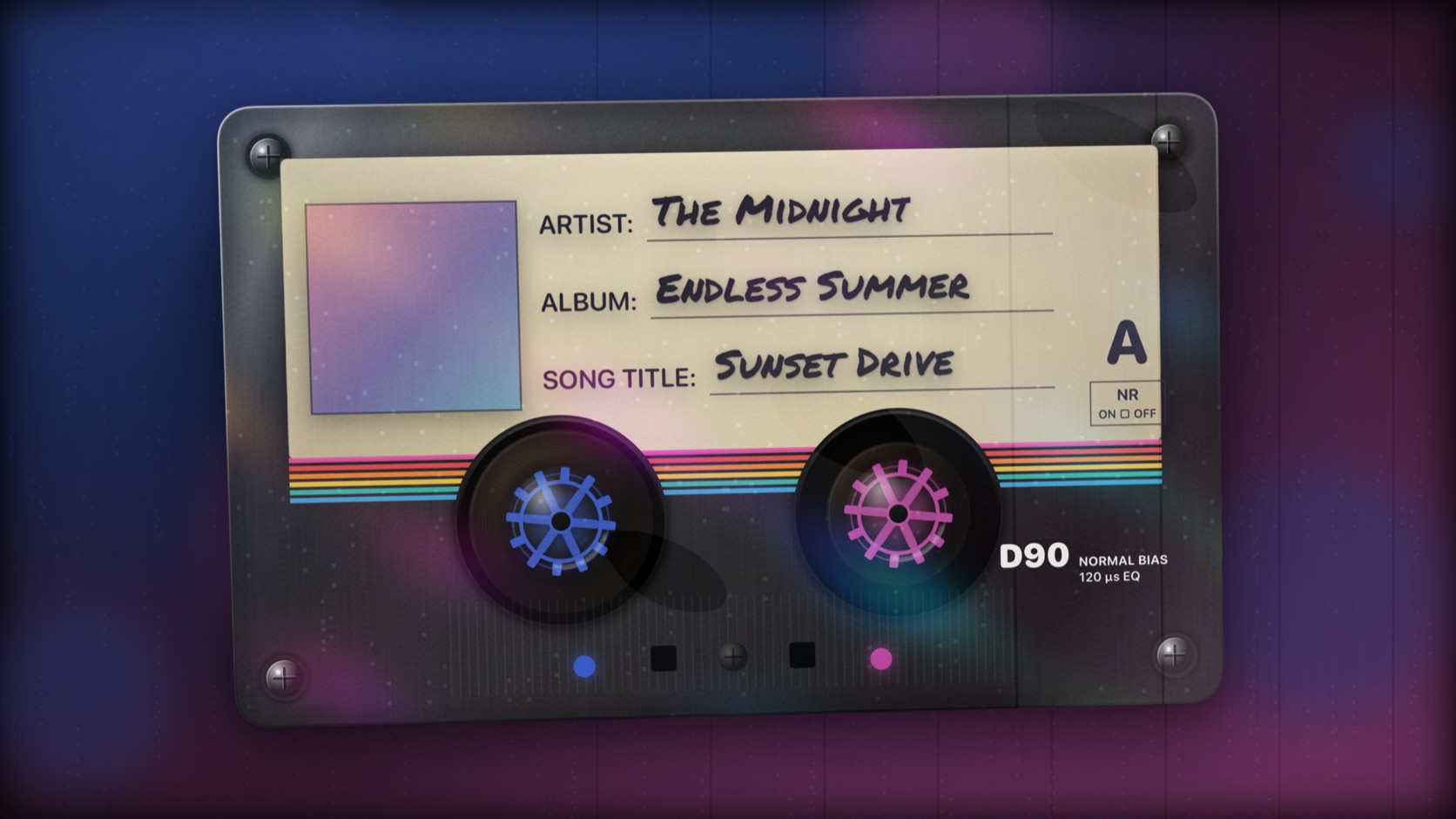
Theatrium's Mixtape visualiser scene, a cassette tape labelled with the current track
MixtapeA hand-labelled cassette, artist and album written out in full
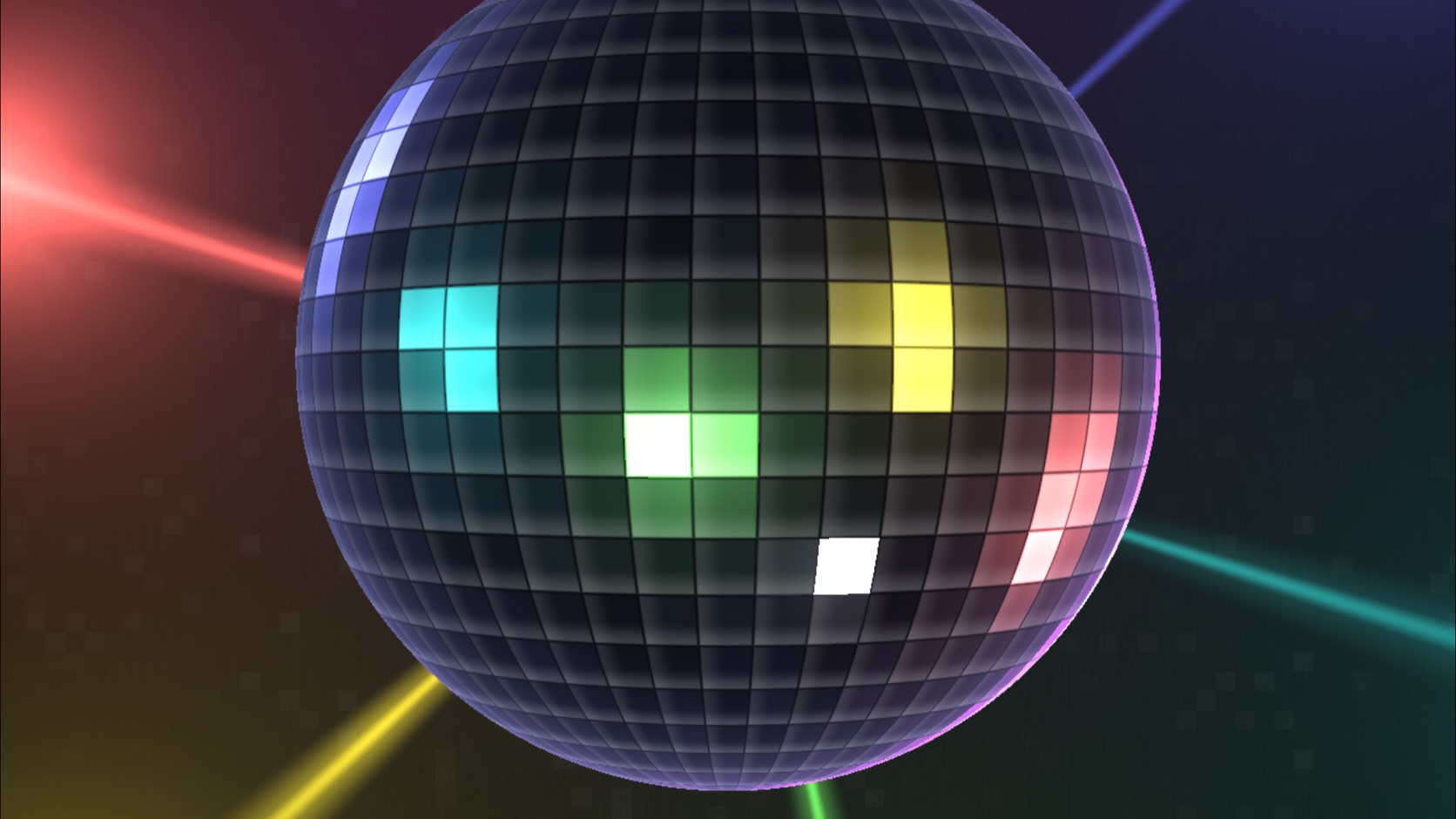
Theatrium's Mirrorball visualiser scene, a spinning disco ball catching coloured light
MirrorballA spinning disco ball, catching light in time with the beat
Theatrium's Fire visualiser scene, warm generative flame gradients pulsing to the beat
FireWarm, generative flame gradients that pulse with the tempo
Theatrium's Logo Bars visualiser scene, glowing equaliser-style bars pulsing to the beat
Logo BarsGlowing equaliser bars, tuned for driving the room-light sync
Dozens of scenes, a few families

Album art, generative fields, and light-sync scenes

Beyond the retro showpieces above, Theatrium's beta ships with three broad families of scene. Album-art scenes such as Silk, Prism, Liquid Sand and Gallery pull their palette directly from the cover art of whatever's playing, turning it into slow-moving colour and light. Generative scenes such as Aurora, Kaleidoscope, Mandala, Neon, Ocean, Butterfly and a set of fractal patterns (Fractal Spiral, Burning Ship, Newton, Phoenix, Julia Morph) are built from mathematical fields rather than artwork, each shifting with the track's tempo. And a smaller set, including Logo Bars, Bar Wall, Bar Halo, Brand Ribbon, Circuit Traces, Neon Grid, Iron Filings and Line Ribbons, are tuned specifically for handing their colours off to the room-light sync below. The library is under active development, so exact scenes and counts can change between beta releases.

Beyond the screen

The same colours, on your room lights

Whatever the visualiser is showing can also drive up to two Home Assistant light groups, shifting colour with the song and in time with its BPM, so the light in the room moves with the music too. This is a Home Assistant feature; it isn't available over plain Apple HomeKit.

See how light sync works →

What you need

Requirements

Hardware

Apple TV 4K running tvOS 26 or later. Theatrium is an Apple TV app; it does not run on iPhone or iPad.

Music source

Apple Music on the Apple TV itself, or Spotify, Last.fm and Plex mirrored from your phone or computer, or any Home Assistant media_player source.

Theatrium app icon Apple TV · Free beta

Try the visualiser

Join the free public beta on TestFlight and run Theatrium's music visualiser on your own Apple TV in a few minutes.

Questions? hello@theatrium.info