Guides › Music
The visuals, one by one
Every visualizer style with a picture of each, which ones are free, how each one follows the music, and how to choose the set that plays.
Choosing which visuals play
- Open Settings › Visualizations.
- Under Scenes, move down the list, which is grouped by style. Highlighting a scene previews it beside the list; pressing Select includes it in the automatic cycle, or takes it out again. The scenes you include are the ones the visualizer cycles through in the music room, and the ones its swipes and Skip buttons step through.
- Turn All Scenes On or Off at the top saves selecting one at a time.
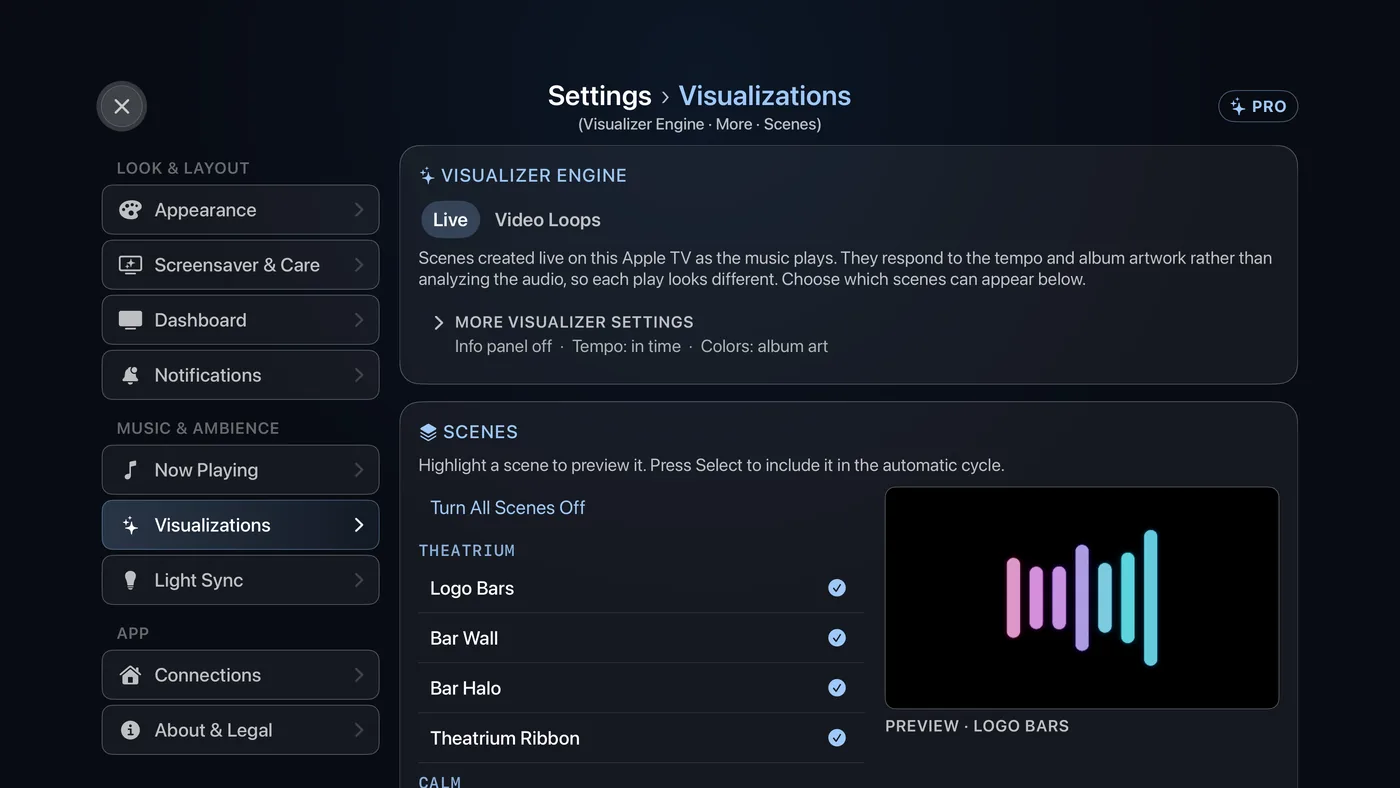
There are 35 visuals in all. Eleven are free all year, and the Pumpkin Patch is free during October. The rest come with Theatrium Pro and show a small PRO mark. Three of the 35 are Halloween visuals, which appear in this list only while Halloween Mode is on (Settings › Appearance › Halloween Mode); the rest are always listed.
When the visuals hear the music
When Theatrium plays the music itself – Spotify sent to this Apple TV from Spotify’s speaker list (Premium required) – the visuals hear the sound, not just the tempo. Each keeps its own design, but moves faster as the music gets busier, settles in quiet passages, grows through a build and opens out at the drop. Listening never adds a flash on the beat.
Music from anywhere else – Apple Music, a Home Assistant speaker, or Plex and Last.fm playing on another device – moves the visuals to the song’s tempo, as before. Theatrium never listens to the room; it hears only the music it is playing. How the visualizer keeps time explains both.
Below, a visual marked Listening does something more when it can hear the music. The rest speed up and slow down with it.
Calm




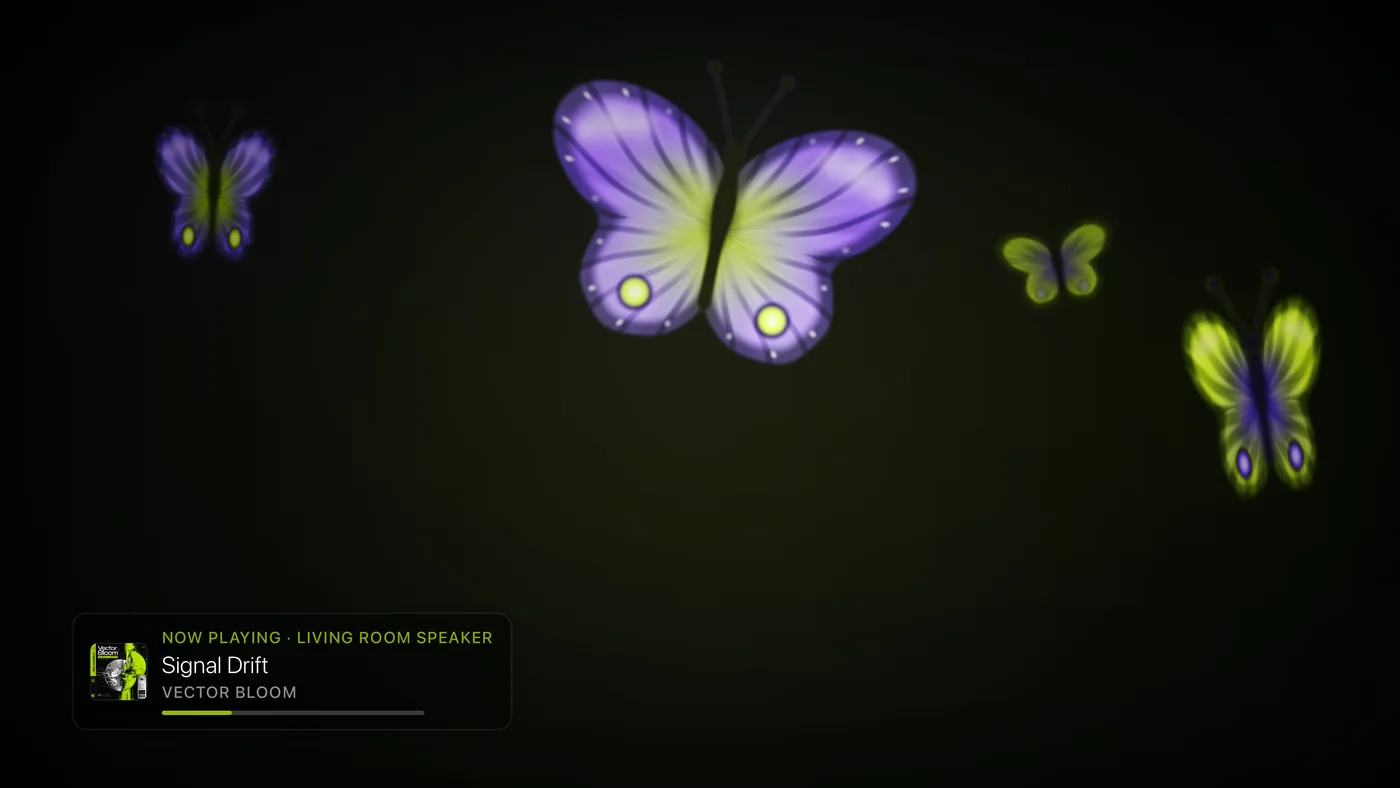
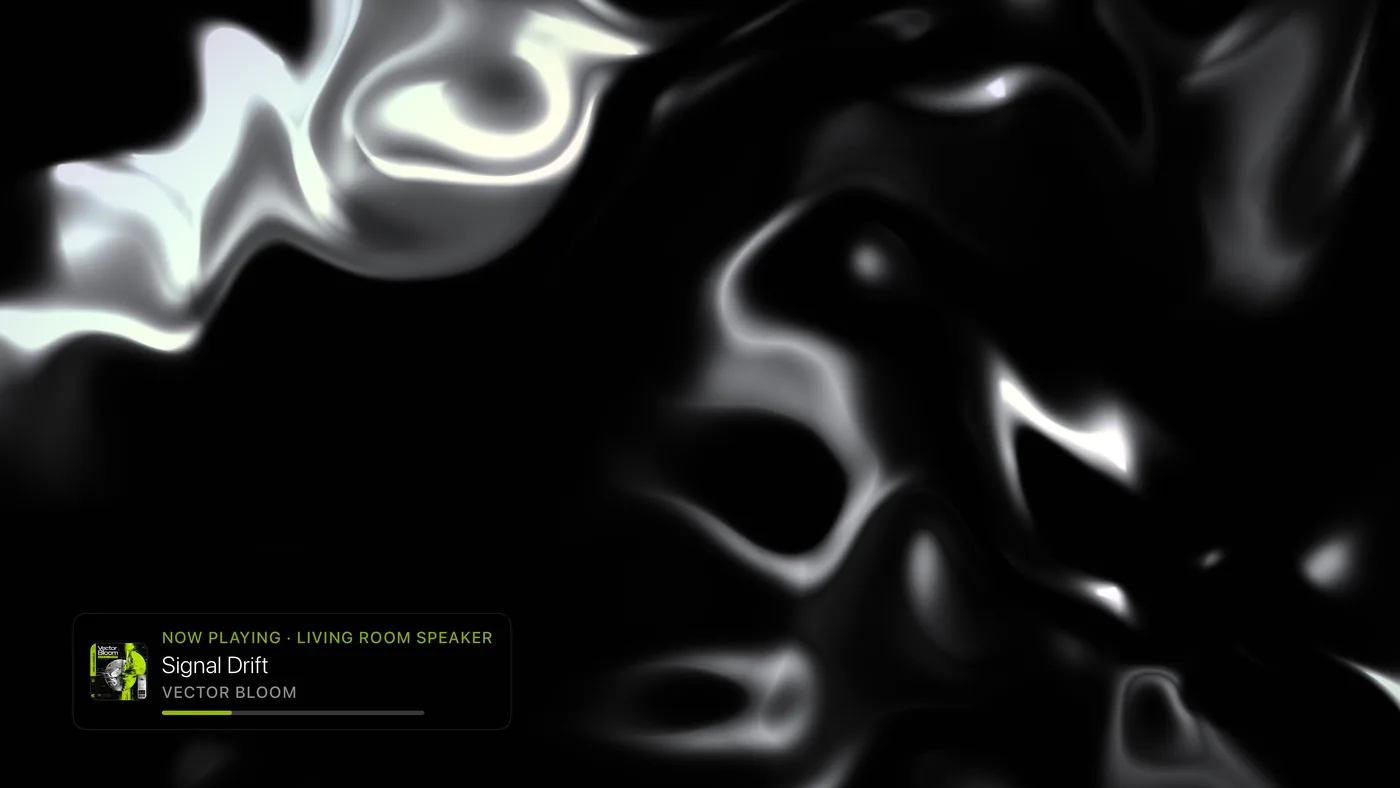
From the album cover
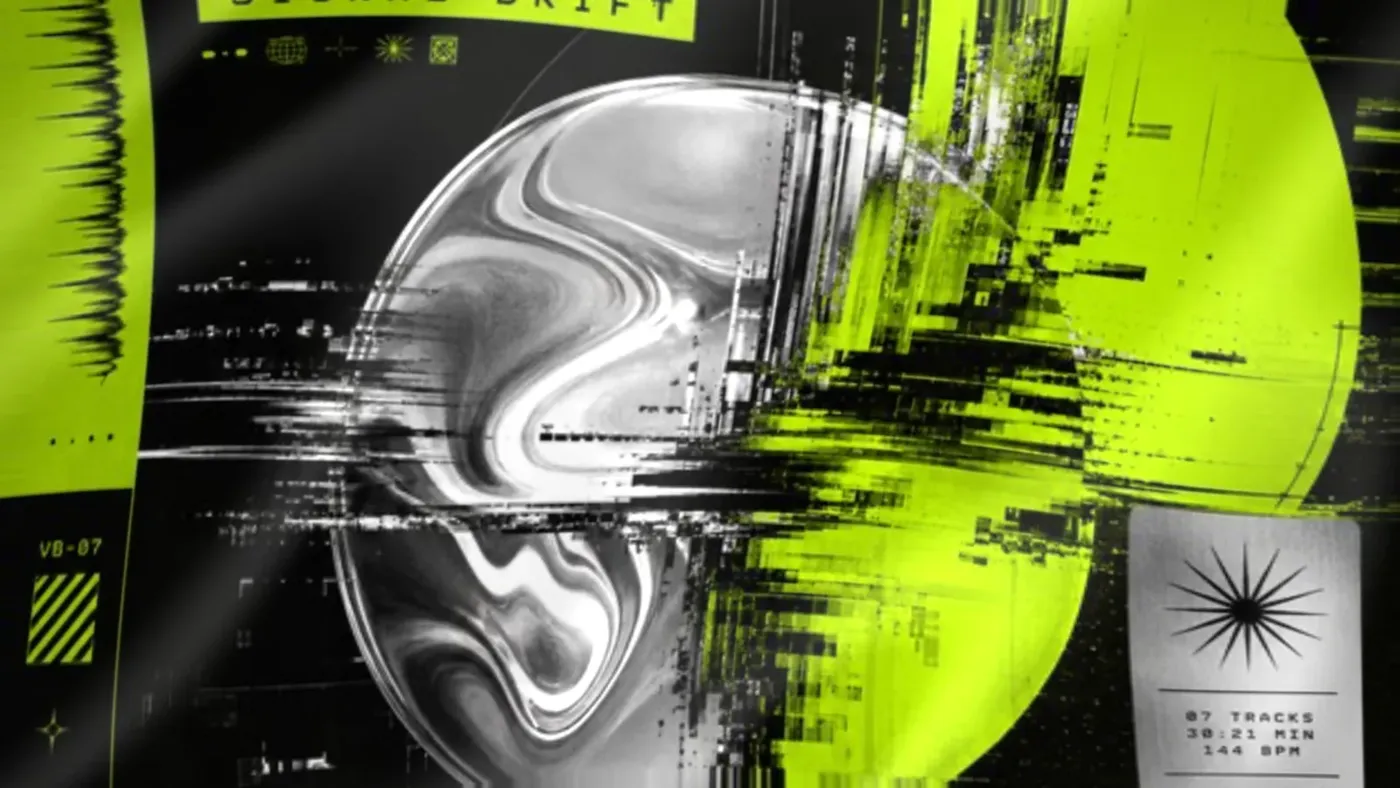
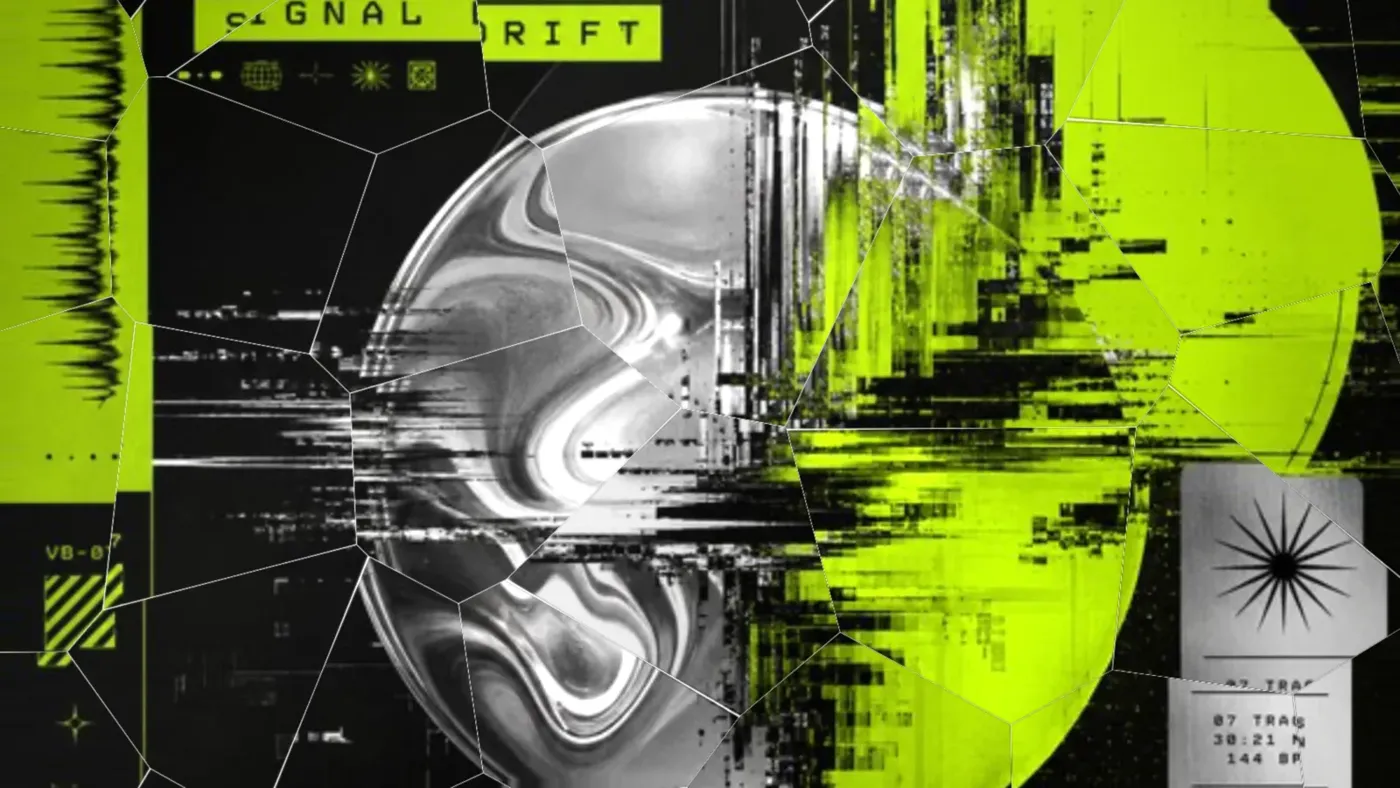
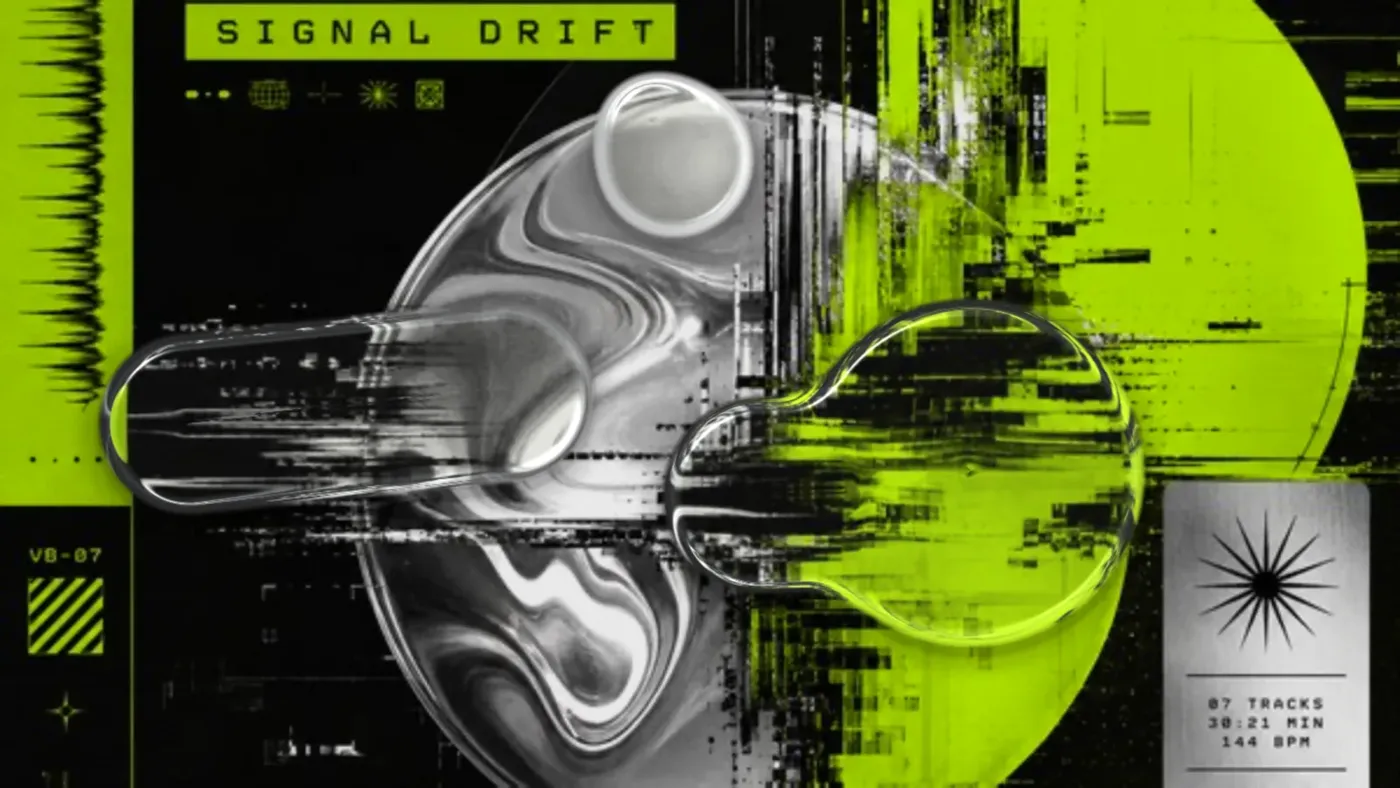
These are built from the song's own artwork.
Retro
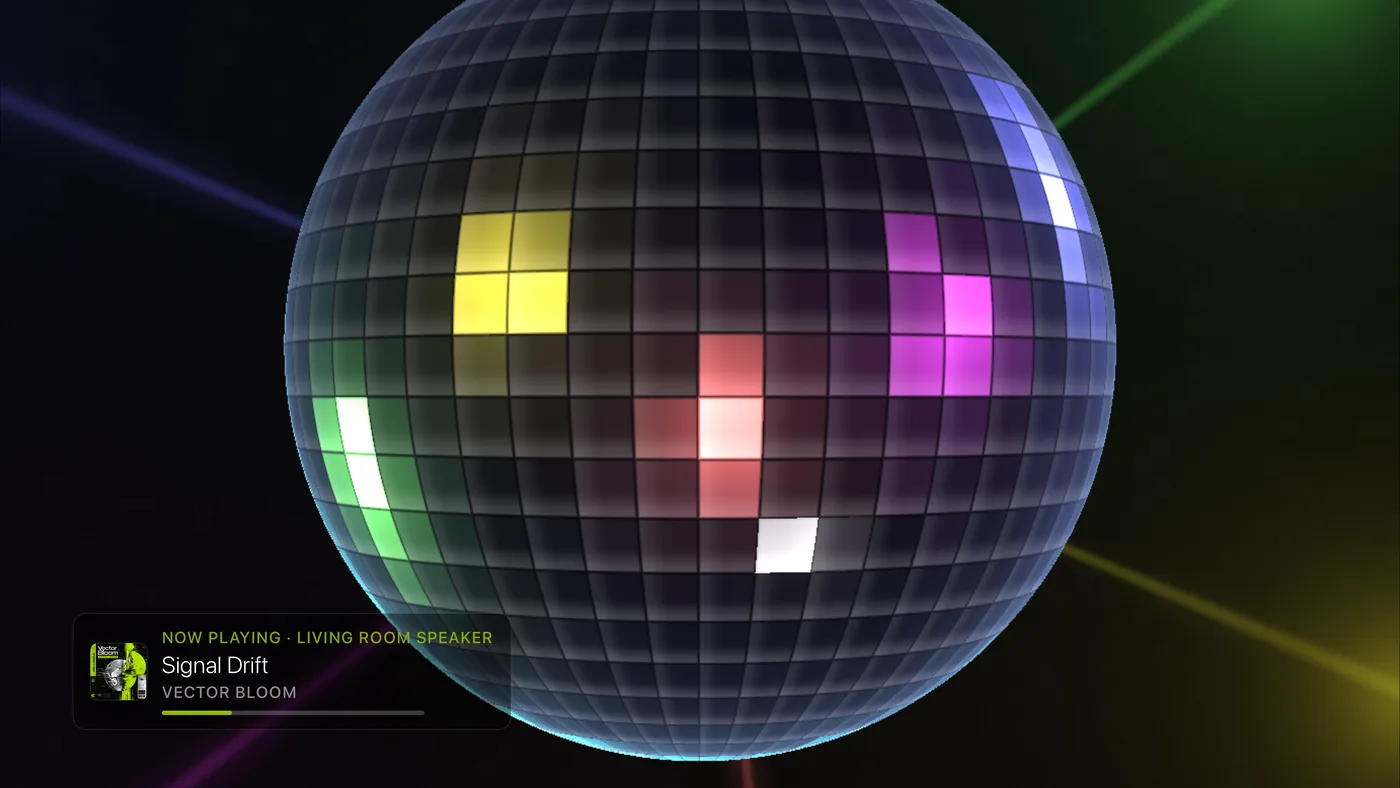
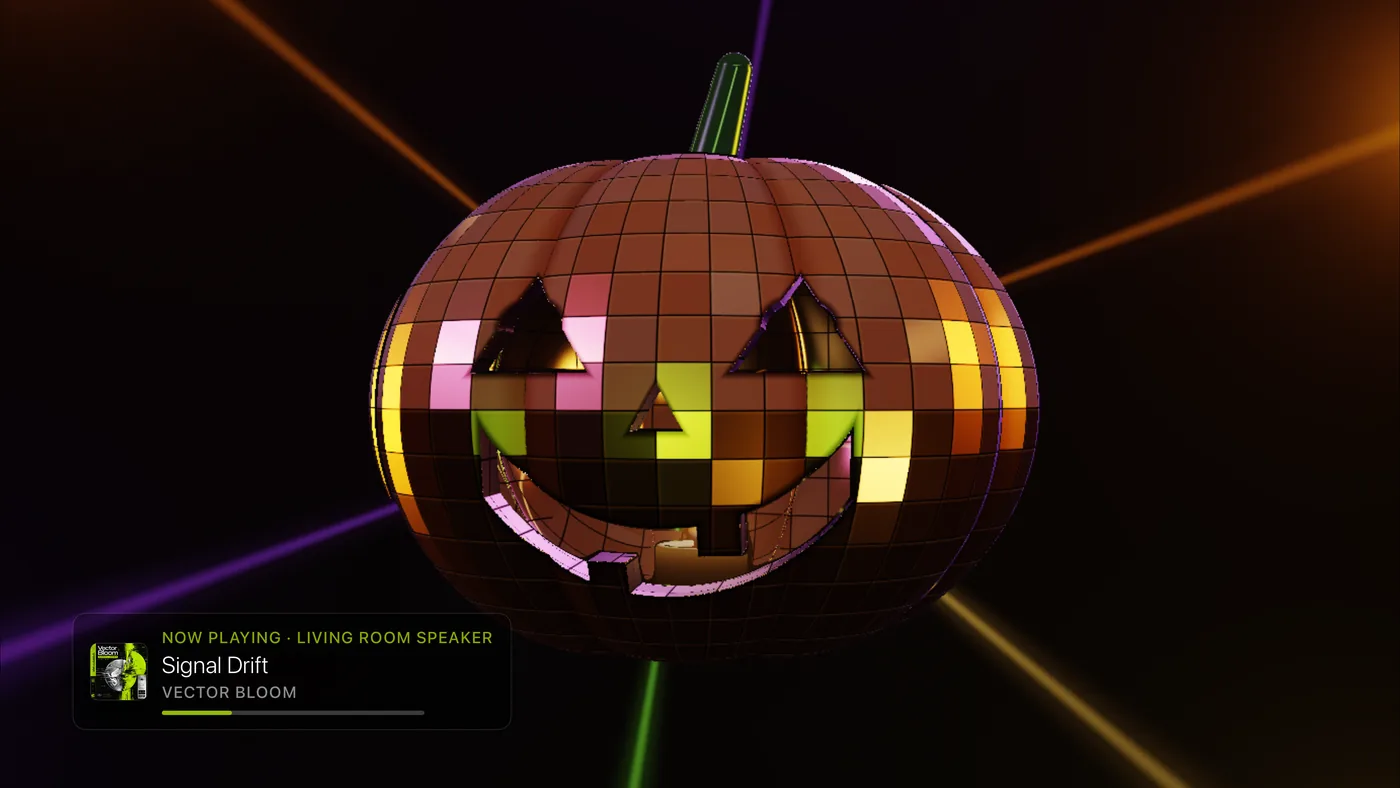
The Compact Disc, Mixtape and Click Wheel sit in a darker room, and the Mirrorball reads as mirror glass.
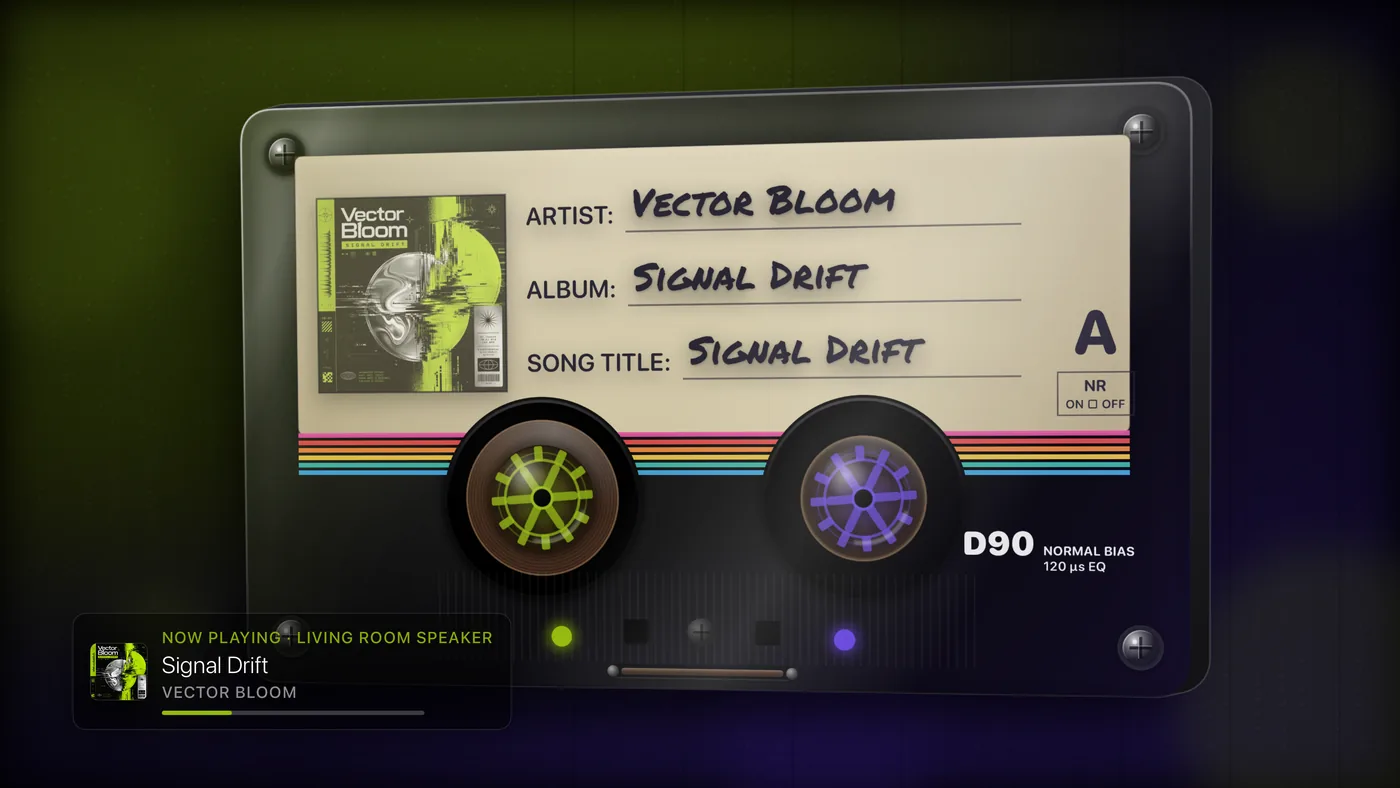
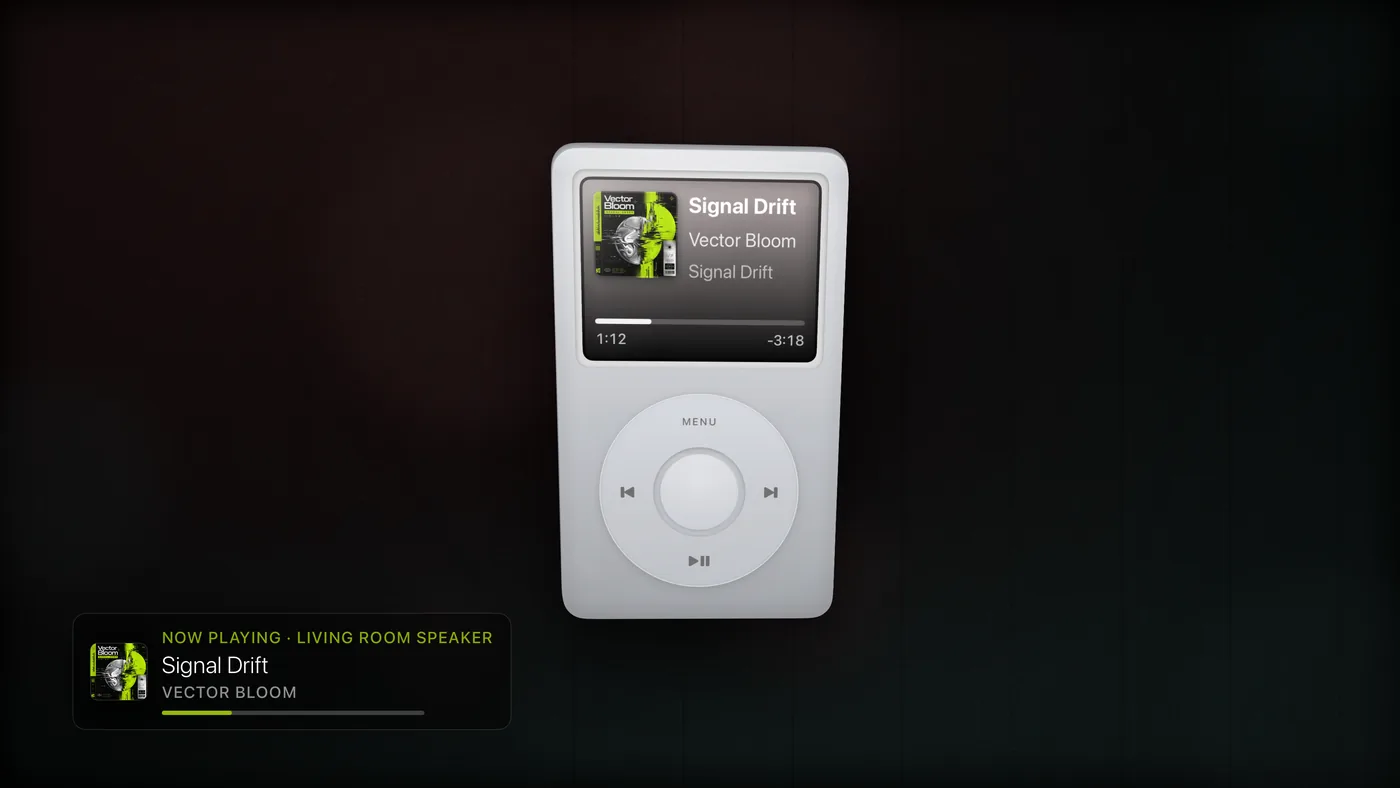
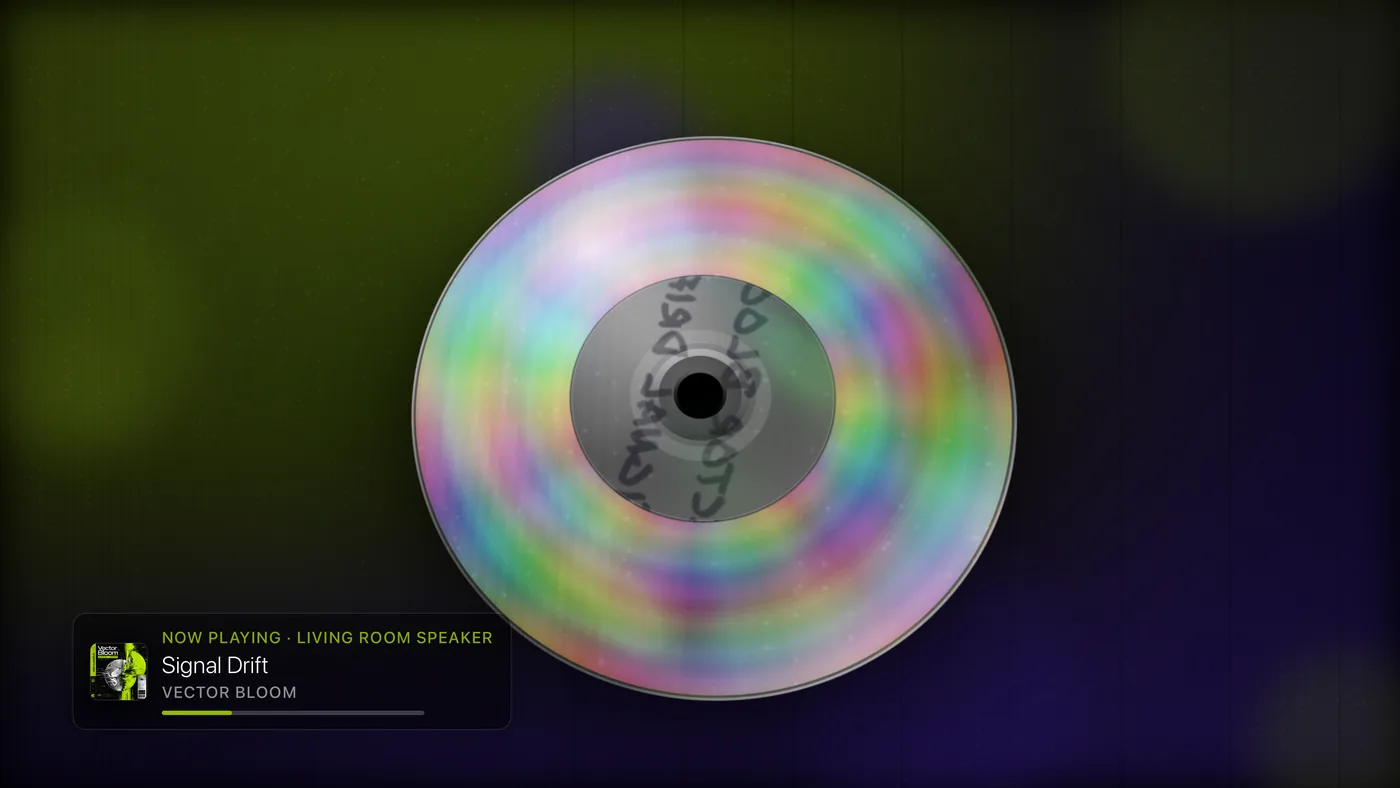
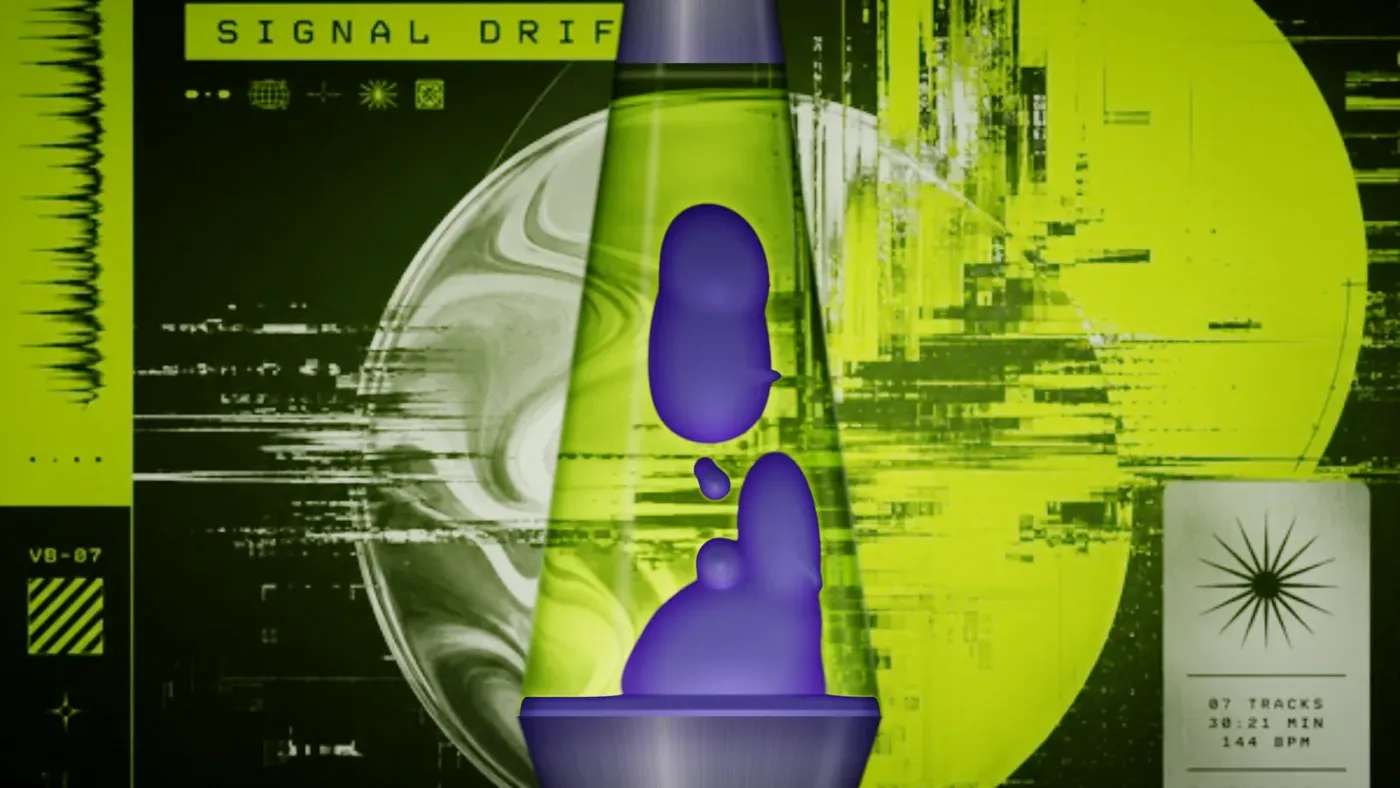
Bars and brand
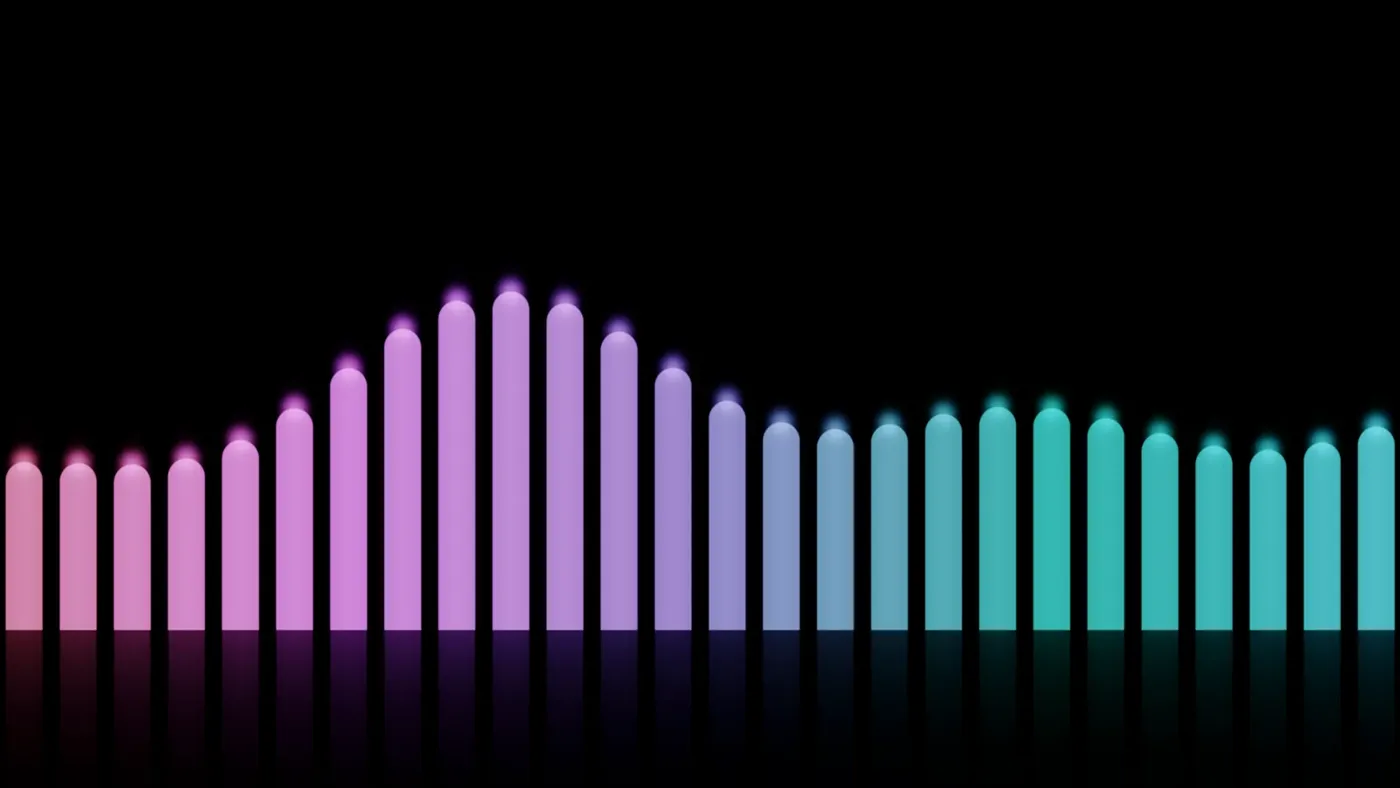
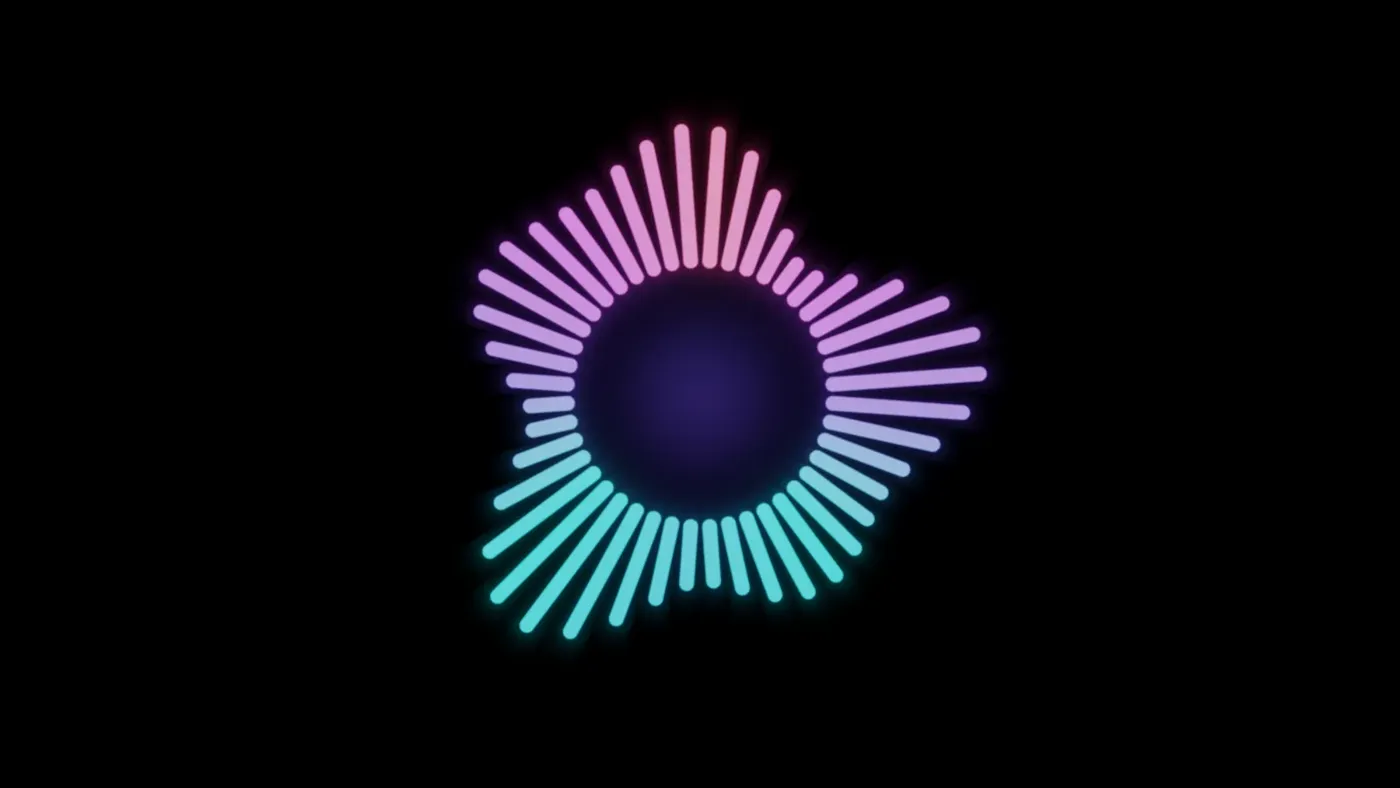
Listening, these four draw the music itself: the bars rise and fall with the sound and settle when it pauses. Settings › Visualizations › Theatrium visualiser style chooses how. Equalizer spreads the sound from bass to treble across the bars; Conductor swells the whole row together. Other sources move the bars to the song’s tempo.


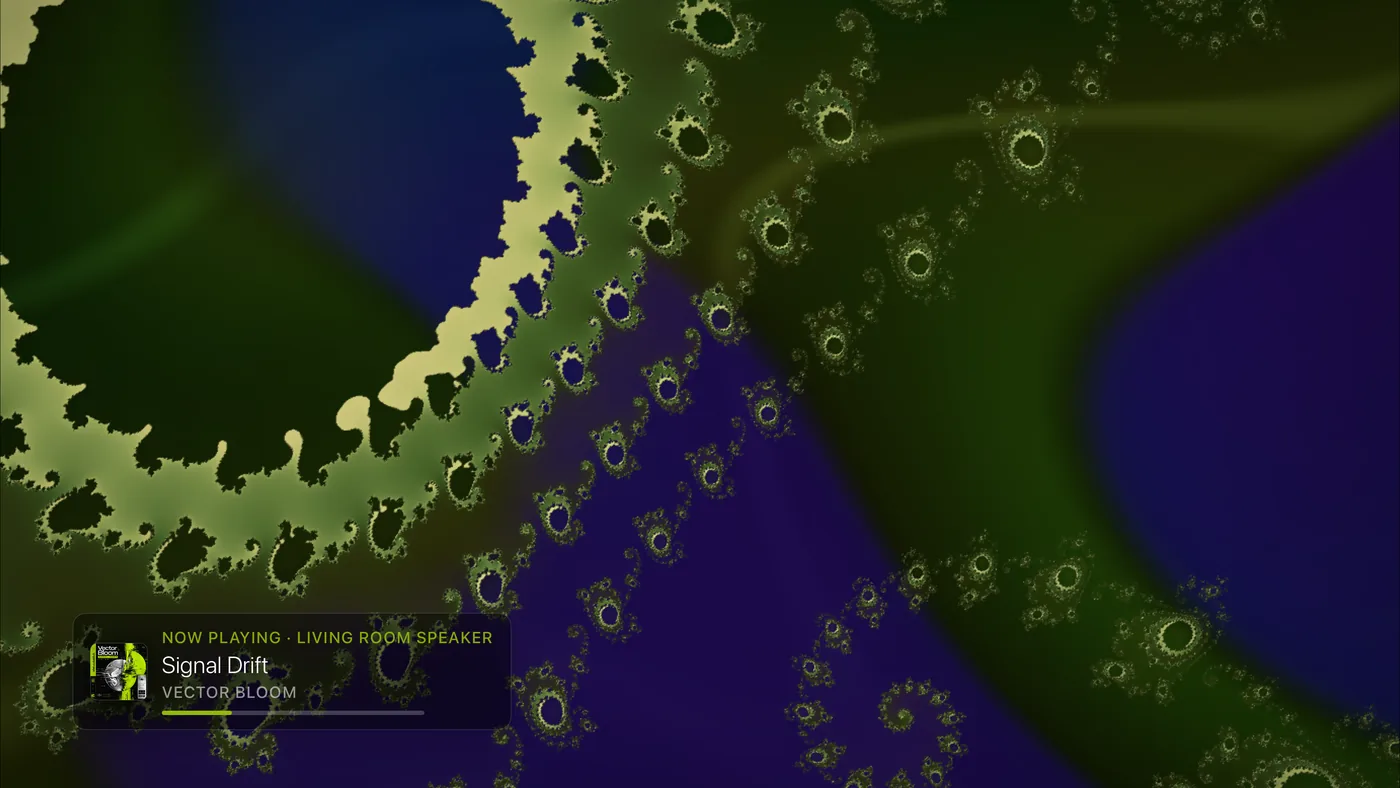
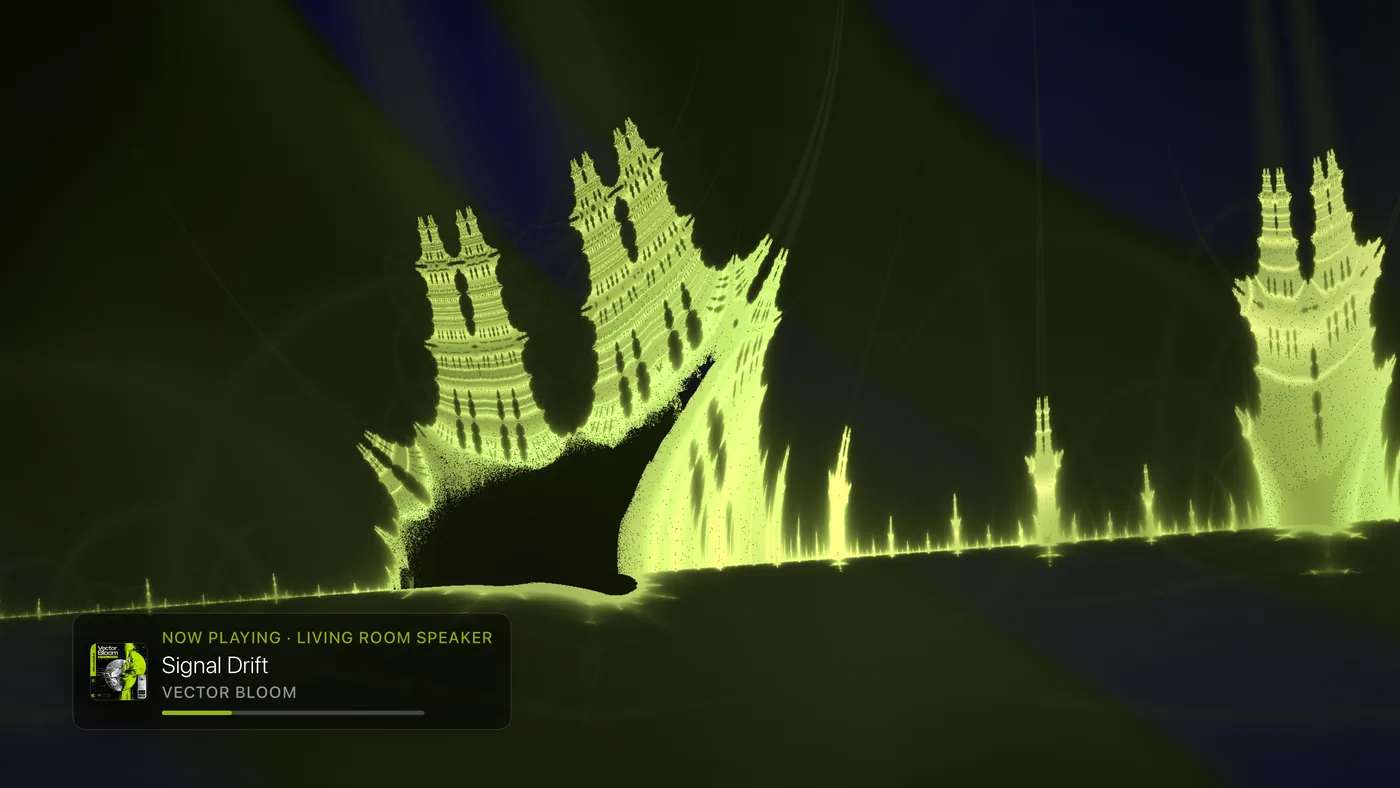
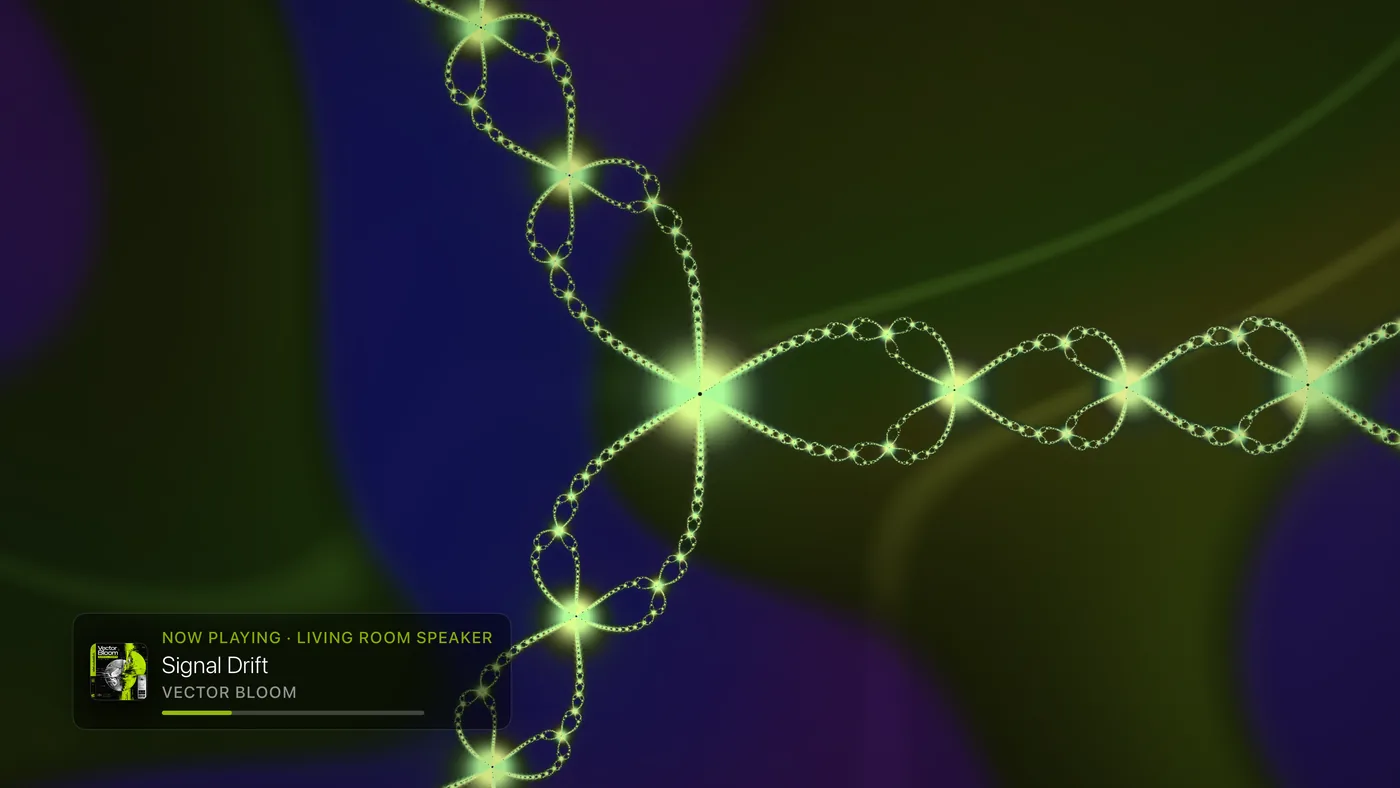
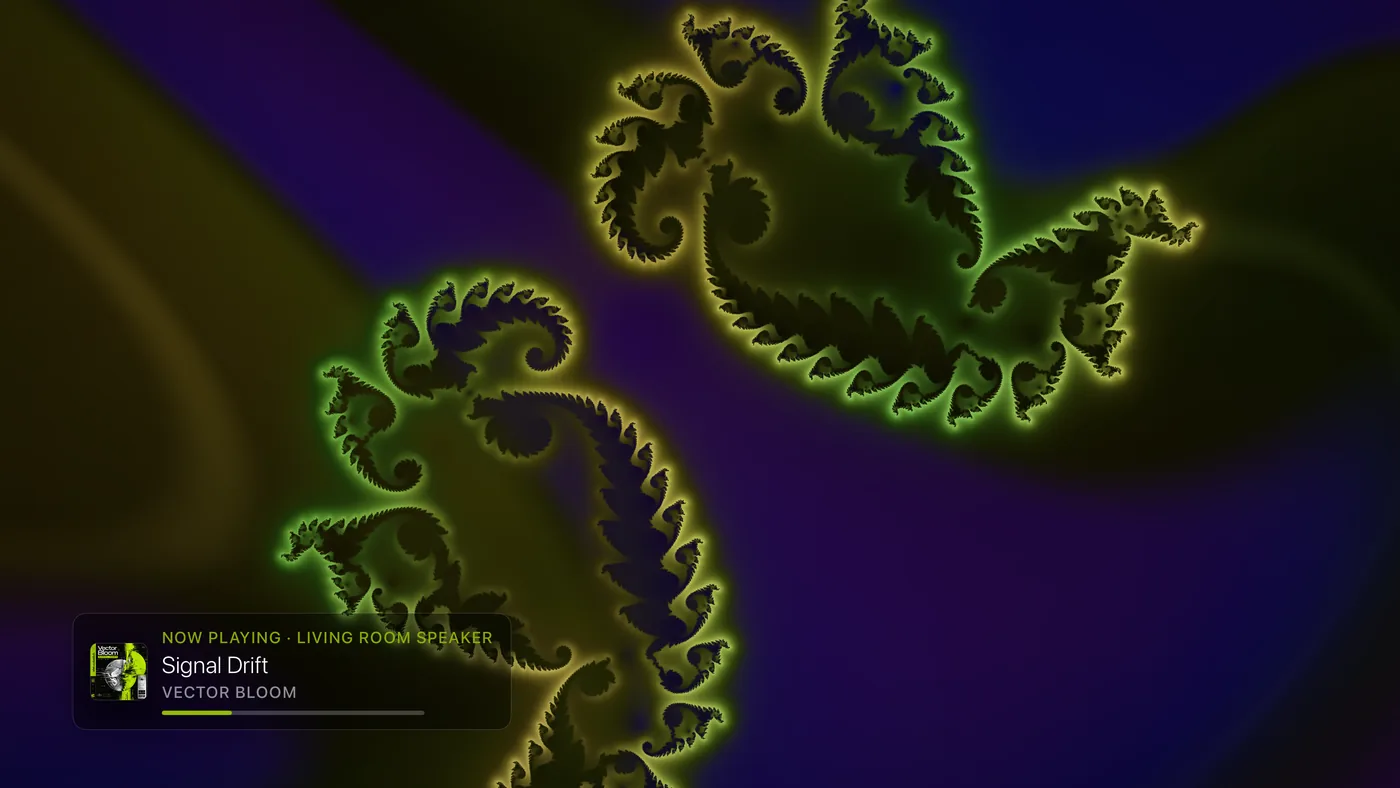
Fractals
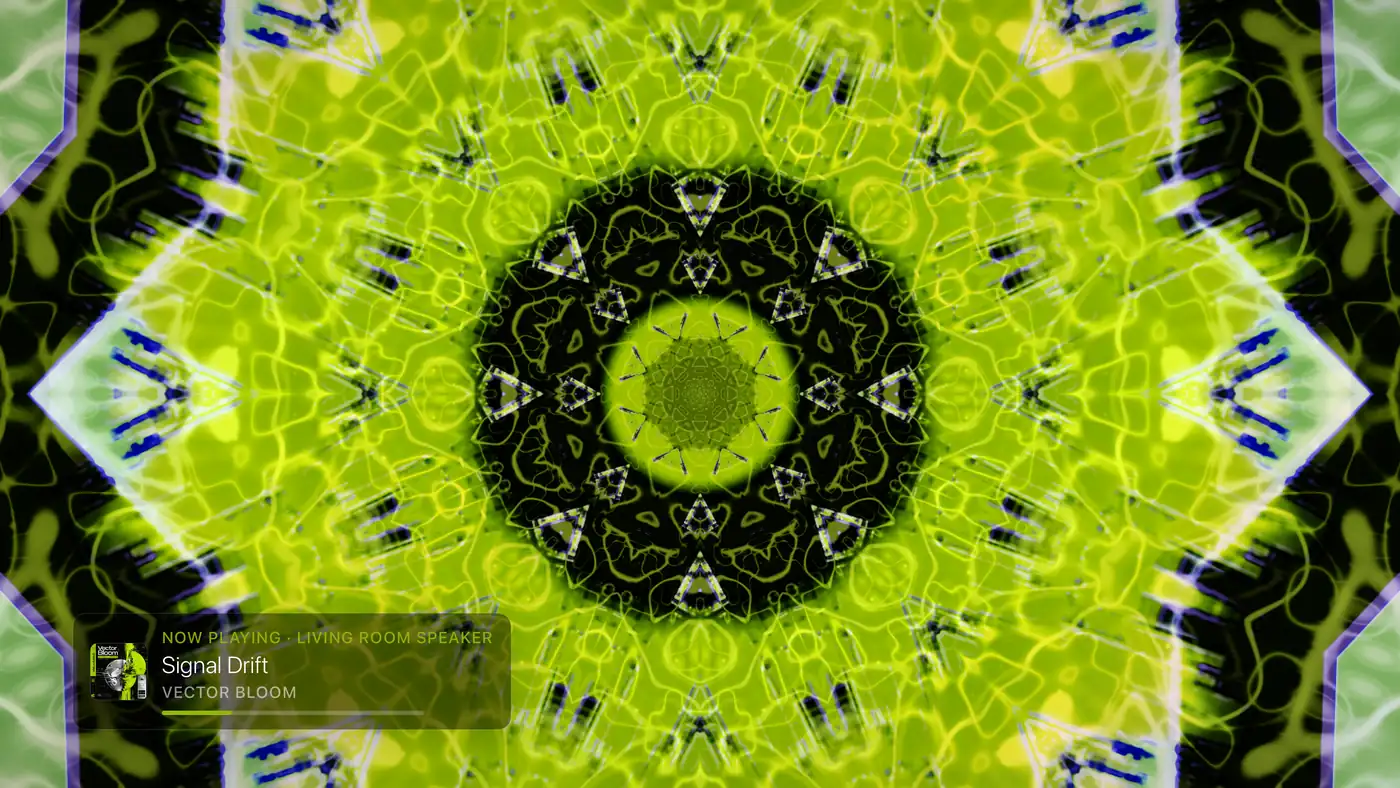
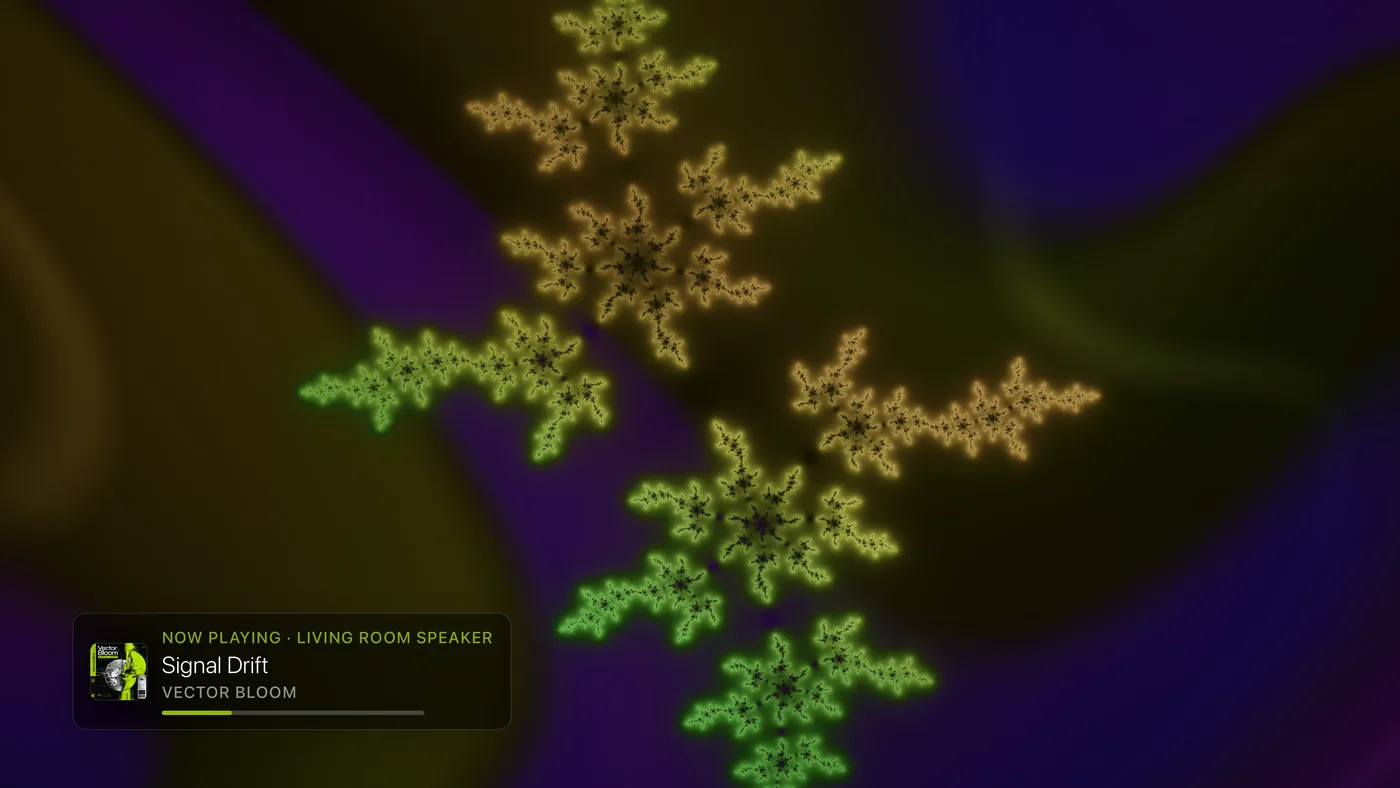
Endless mathematical patterns that zoom and turn. They sit on a dark wash of the album's two colors, flow at the pace of the song without flashing, and are sharper on older Apple TVs. Listening, their sweep reaches further in loud passages.
Kinetic and neon
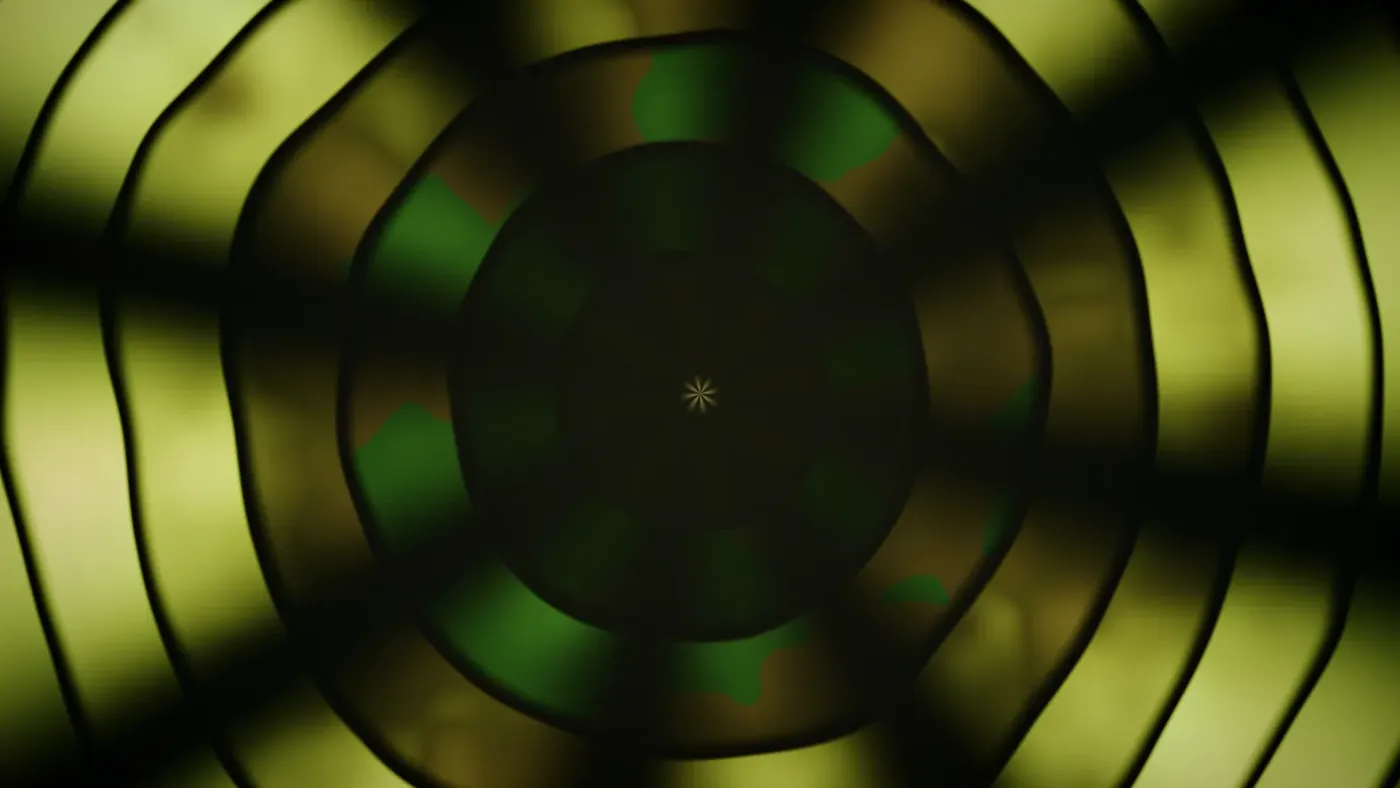




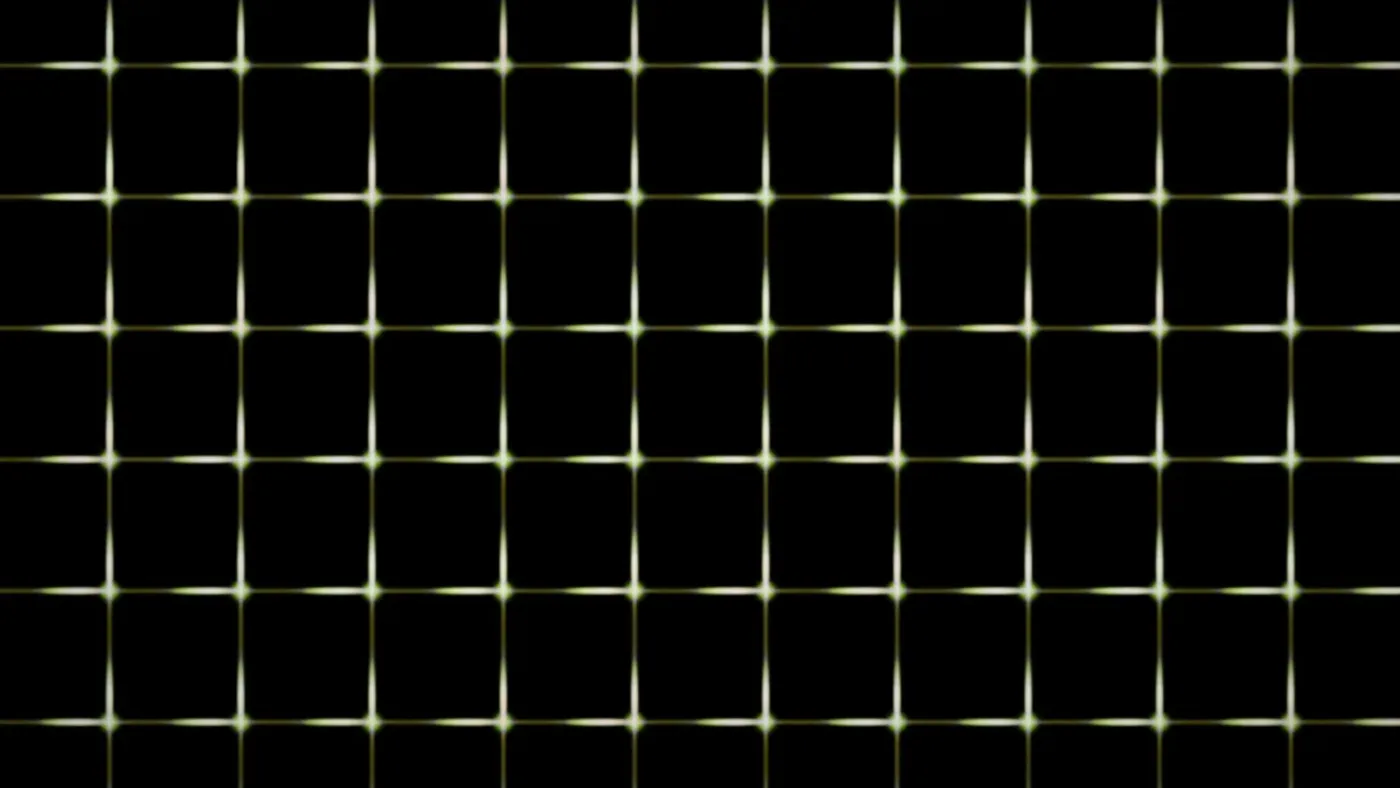
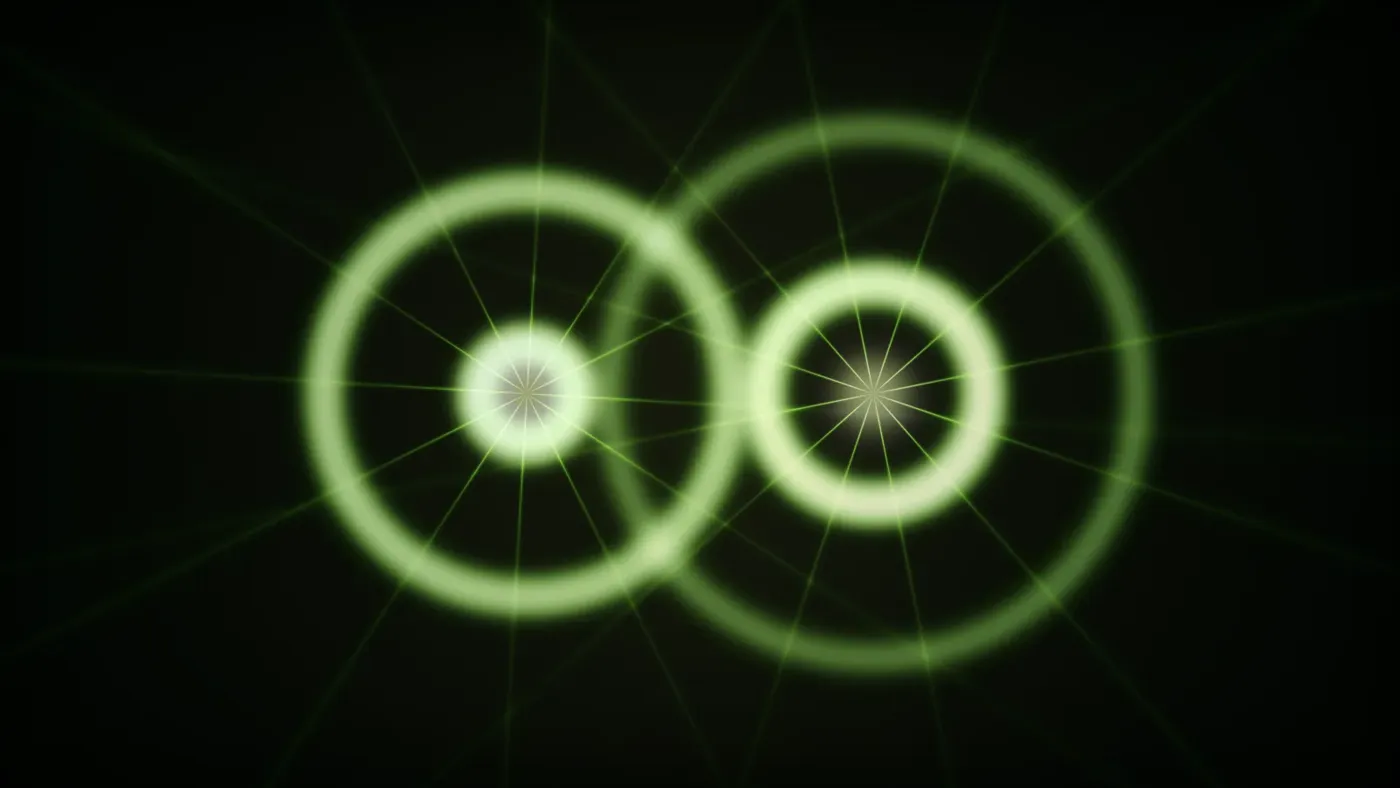
Seasonal
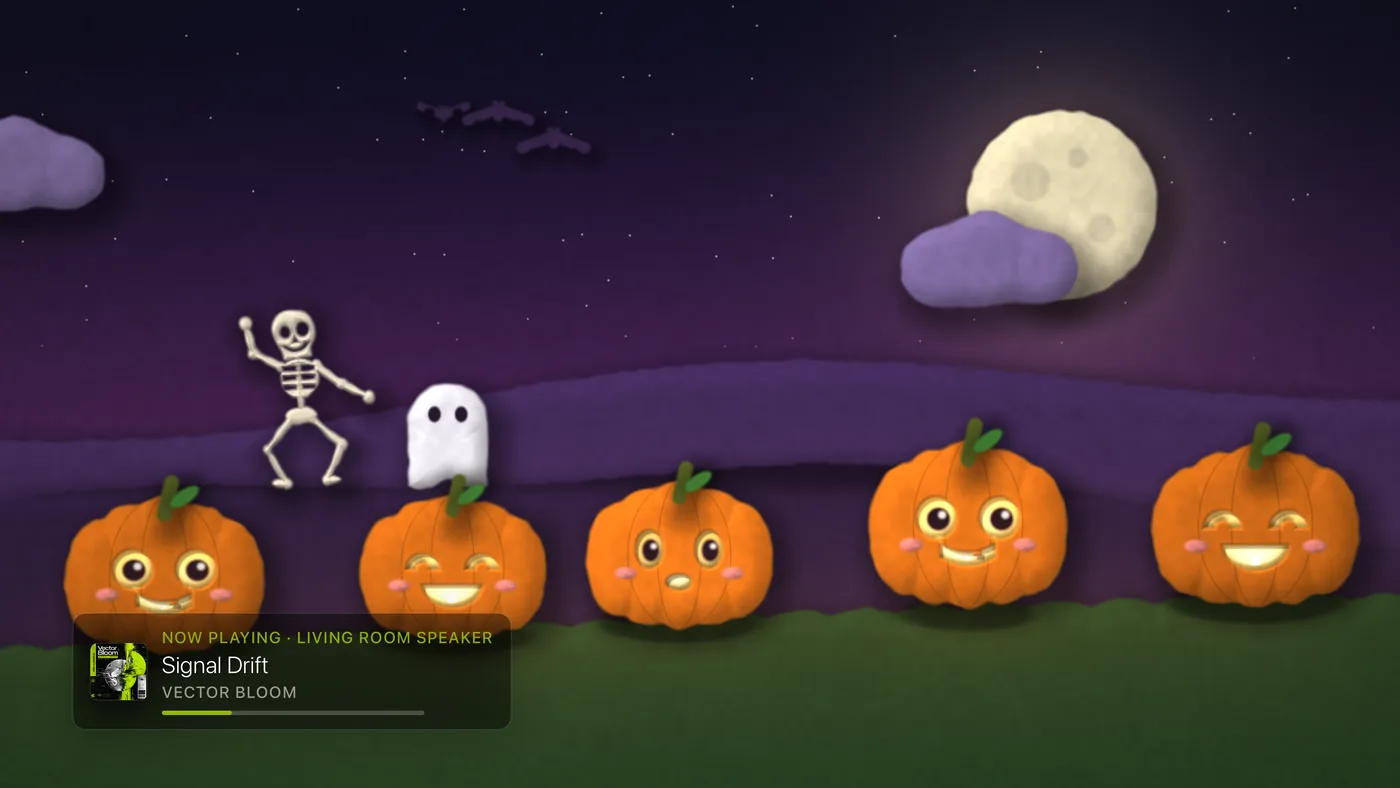
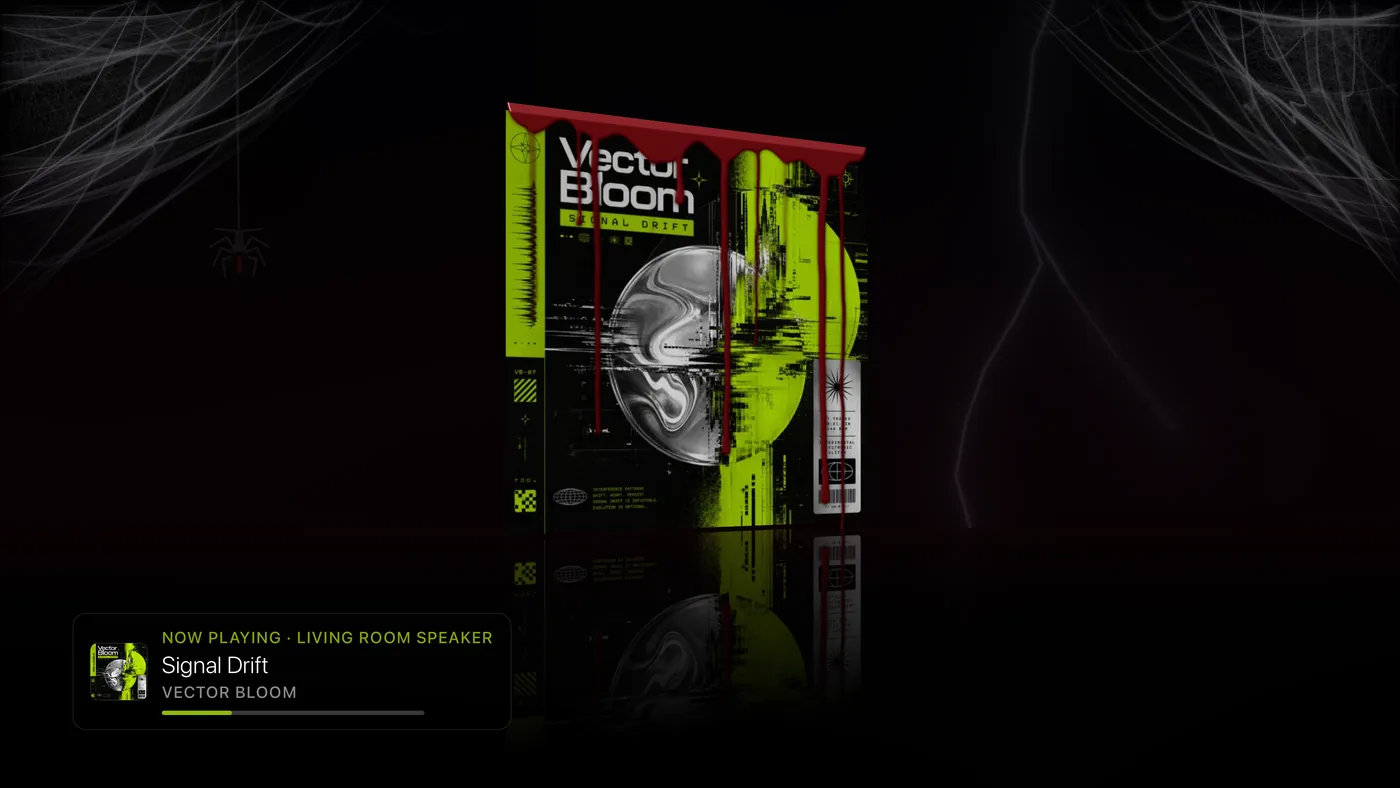
Three Halloween visuals, listed together under Seasonal in Settings. They are listed, and they play, only while Halloween Mode is on. With it on, the cycle plays only the Halloween visuals you have access to; turn it off and your own visuals return exactly as you had them. Pumpkin Patch is free during October and Pro the rest of the year; Mirror Pumpkin and Crimson Drip are Pro all year. See the Halloween pack guide for the whole look.
Two engines
Settings › Visualizations › Visualizer Engine offers Live (the visuals are drawn live on the Apple TV, the normal choice) and Video Loops (Pro: ready-made video clips, downloaded once, for an older Apple TV that struggles to draw them live). Once downloaded, a Remove downloaded loops button under More visualizer settings frees the space again. The same More visualizer settings row holds the Info Panel and the Tempo and Colors choices; see How the visualizer keeps time.