What’s new in Theatrium
Every update brings the dashboard, your music and the room a little closer together. Here’s what just landed, and everything before it.
One question, then you’re in
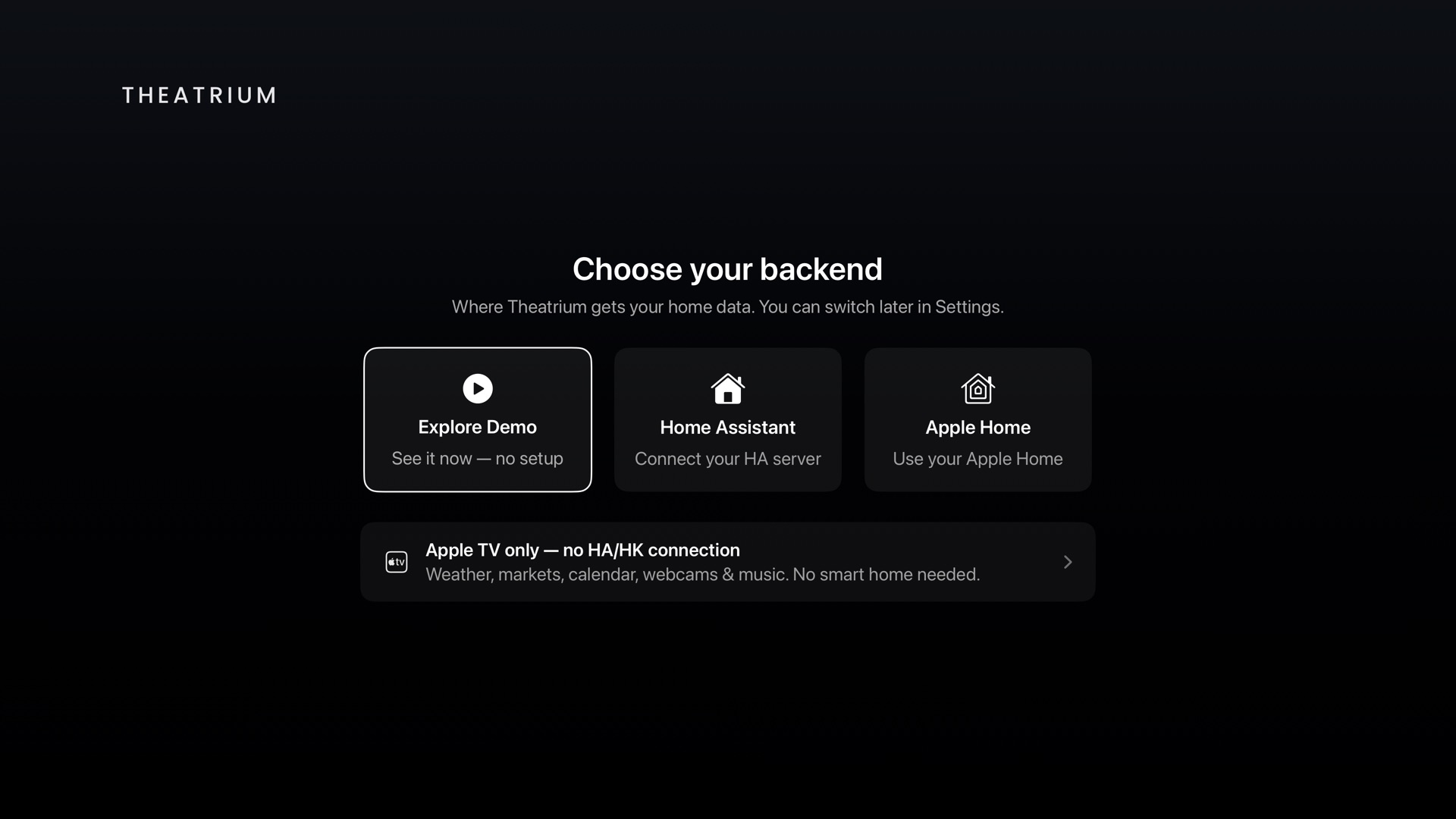
Setup used to ask about your lights, your music and your cards before showing you anything. Now it asks one thing, where your home data comes from, and drops you straight onto a working dashboard. Everything else is waiting in Settings when you want it.
It finds your server
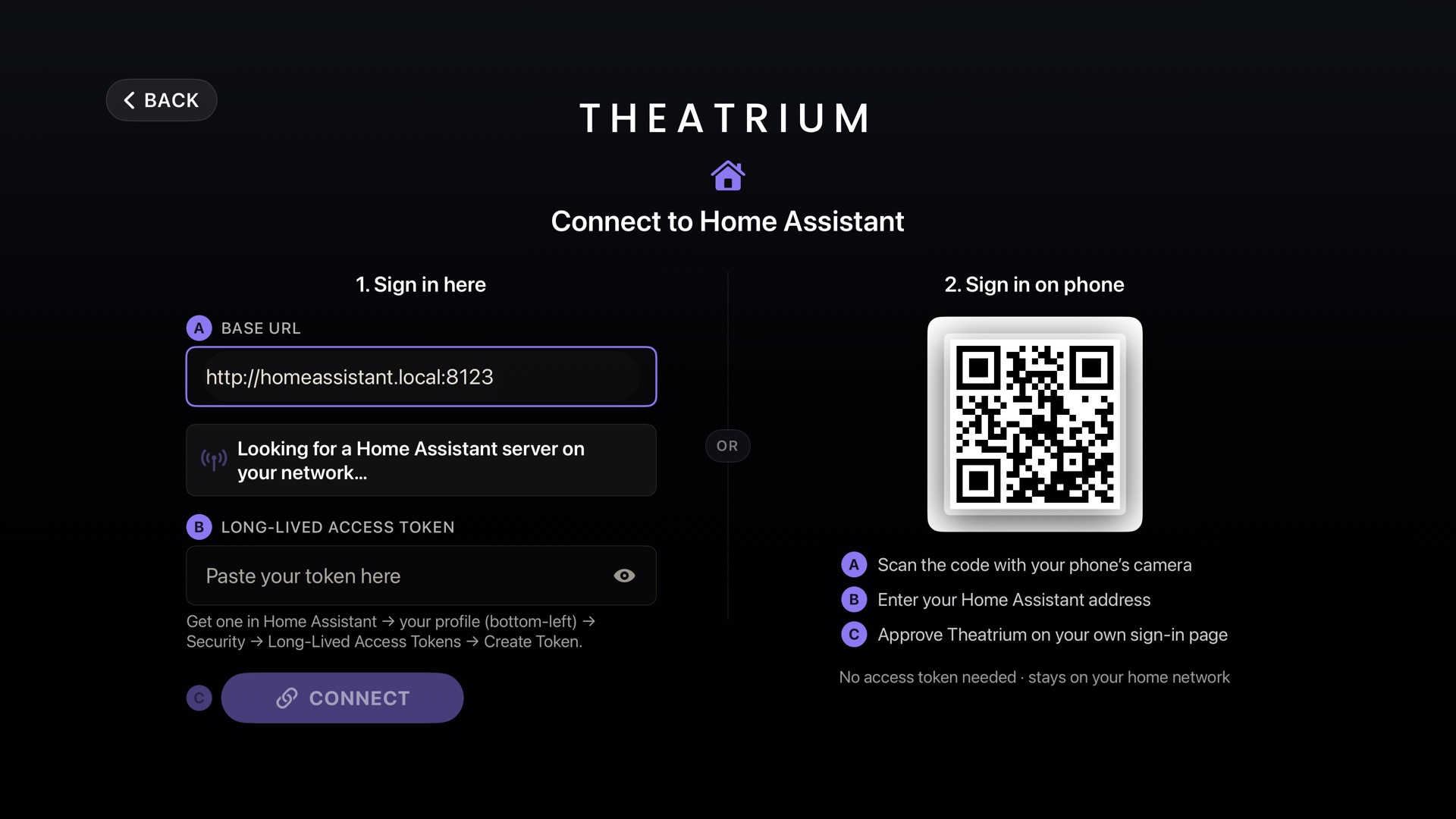
Theatrium looks for Home Assistant on your network and fills the address in for you. From there, sign in on the TV with a token, or scan the code and approve it on your phone, on your own Home Assistant page, with no token to create at all.
Theatrium Pro
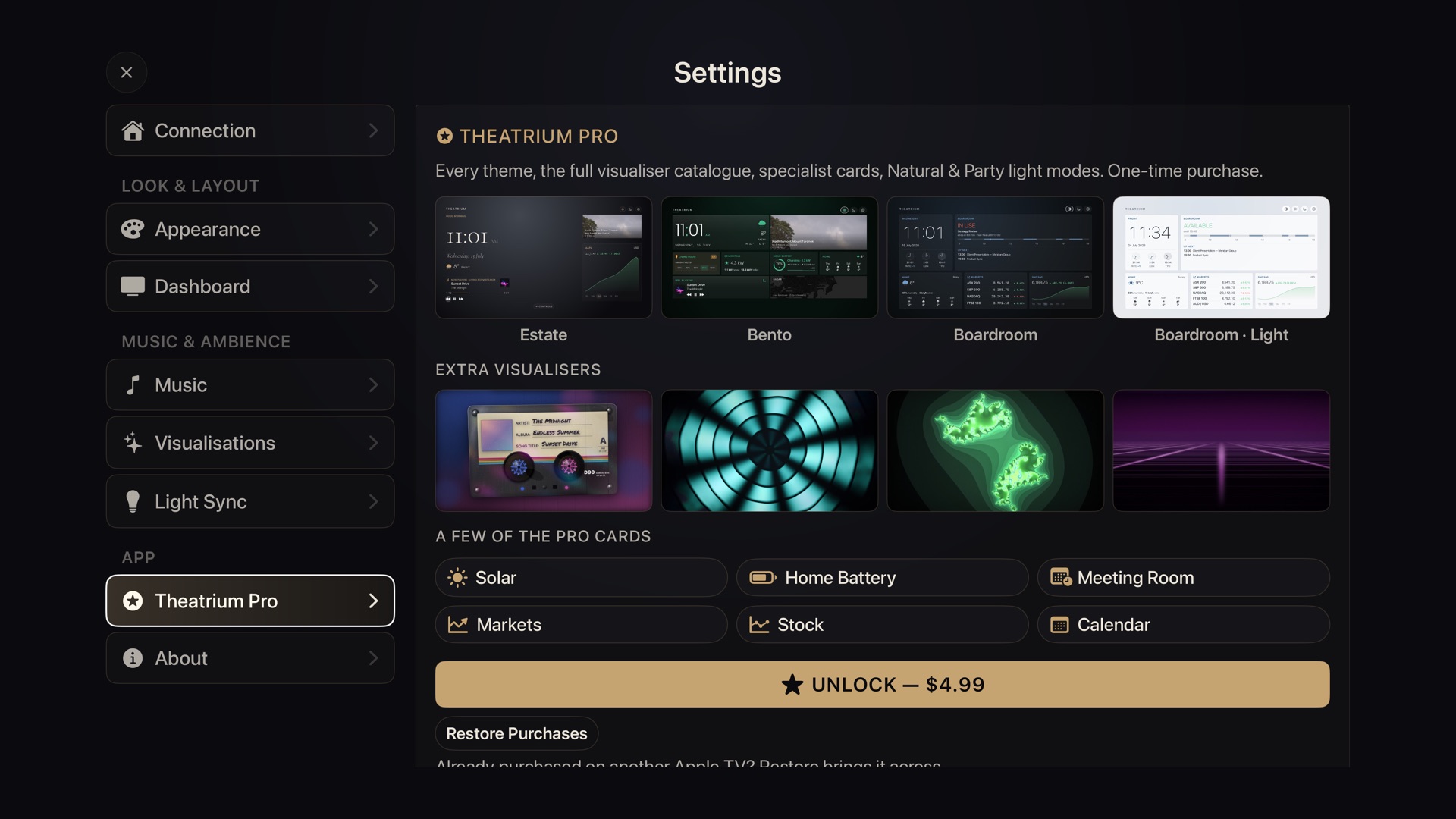
Theatrium is free, and the free tier fills a whole dashboard on any backend, every music source included. Pro is a one‑time upgrade that unlocks every theme, the full visualizer catalog, the specialist cards and the richer light-sync modes. No subscription.
Every release
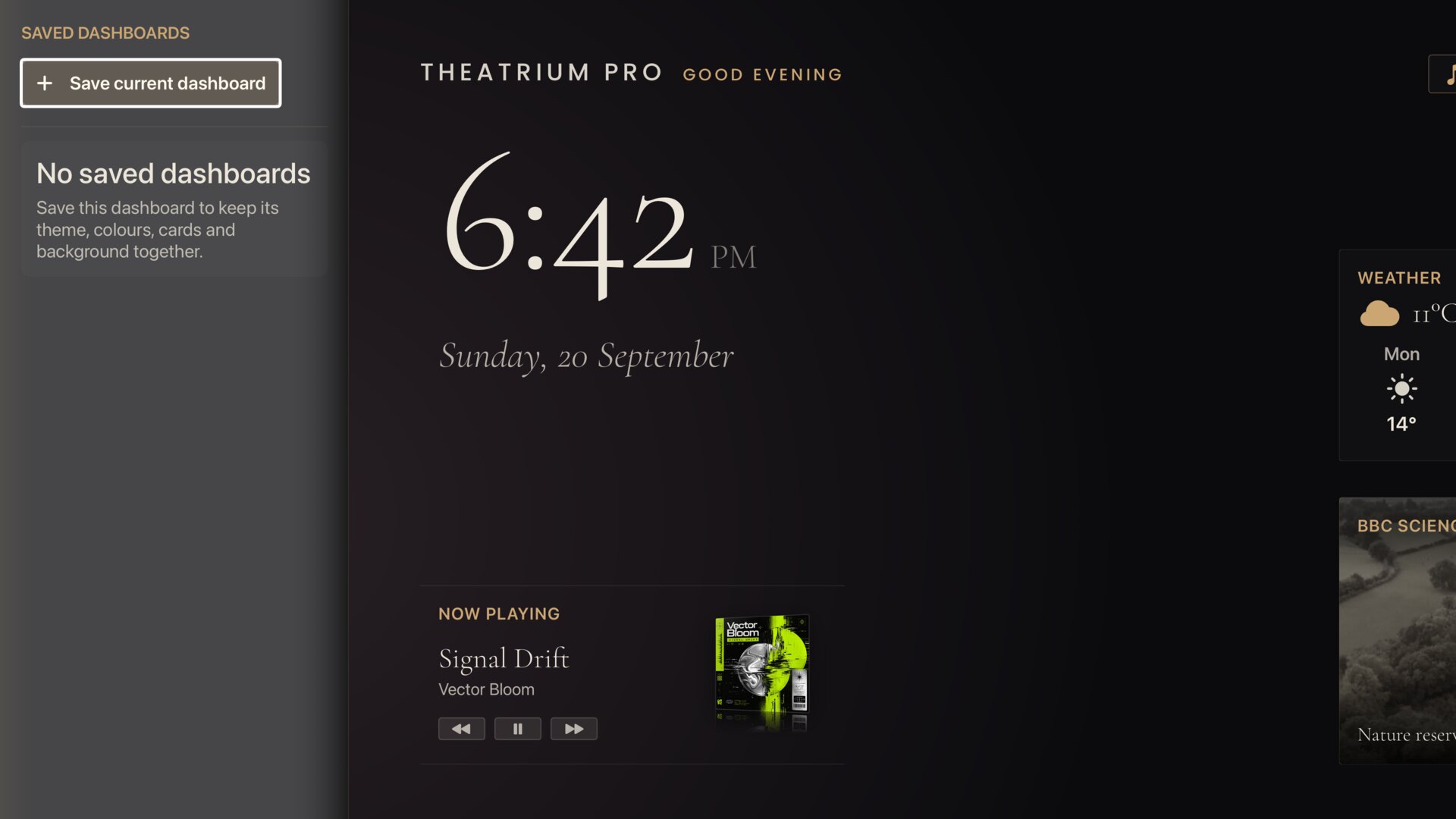
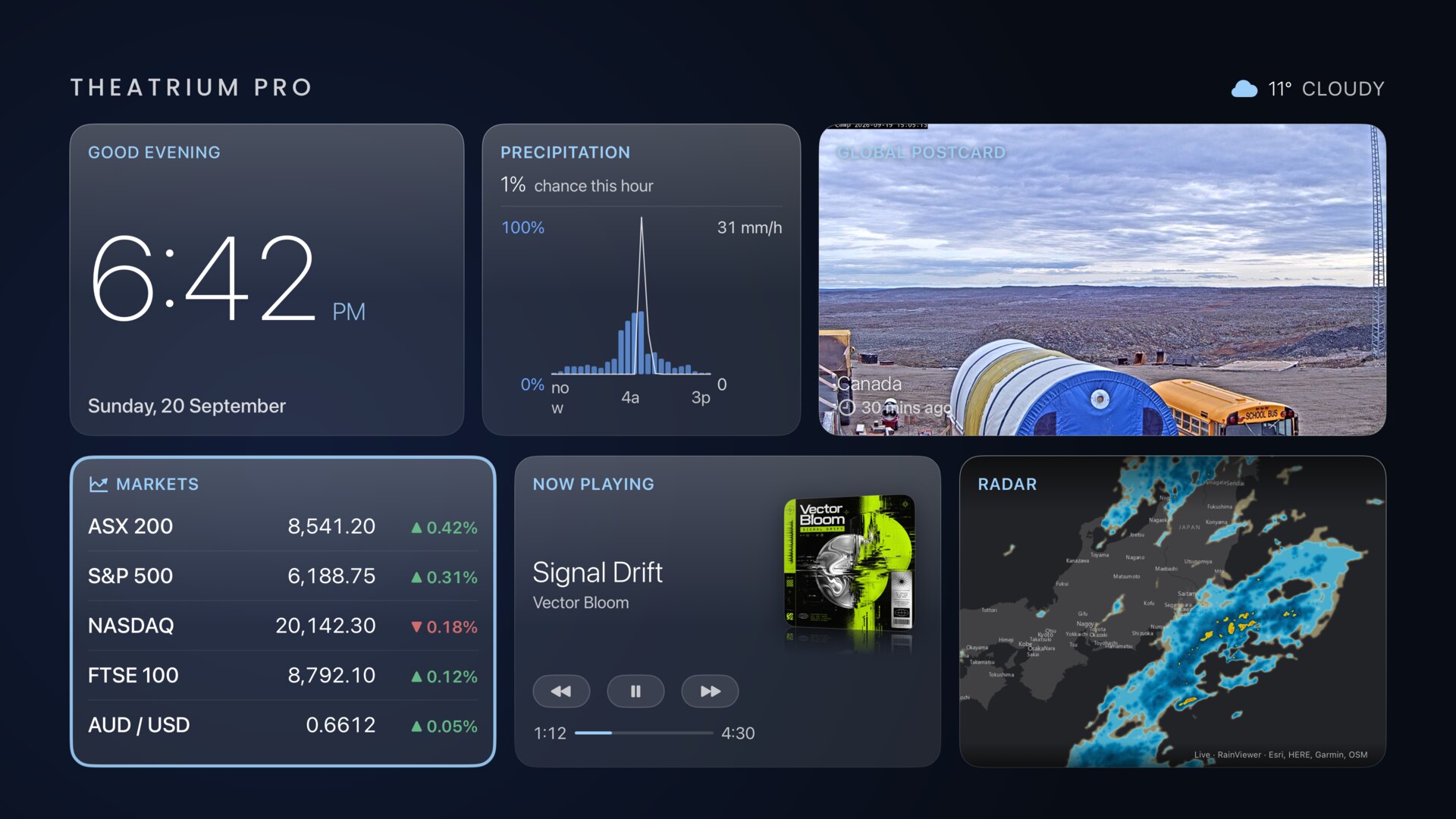
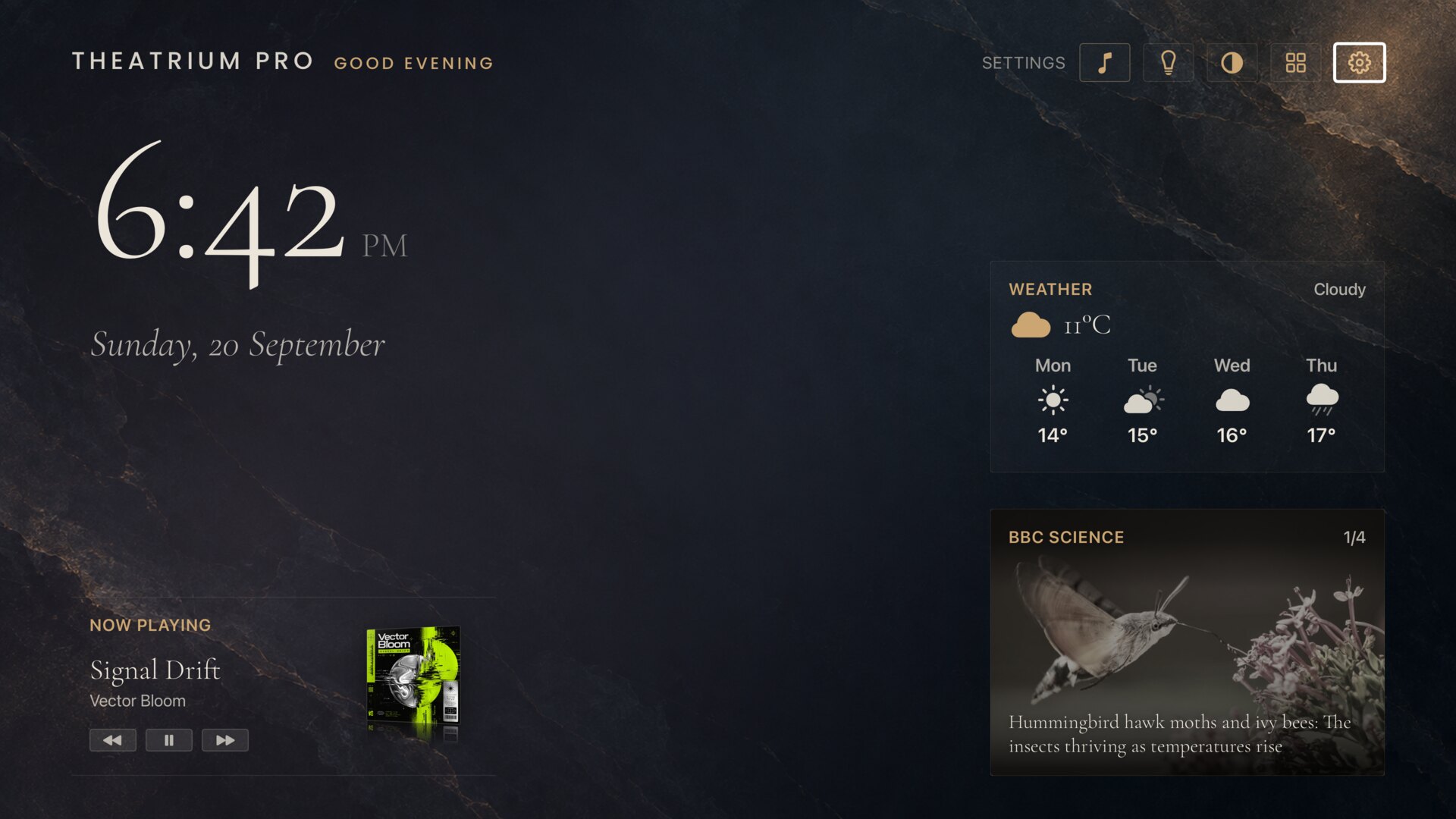
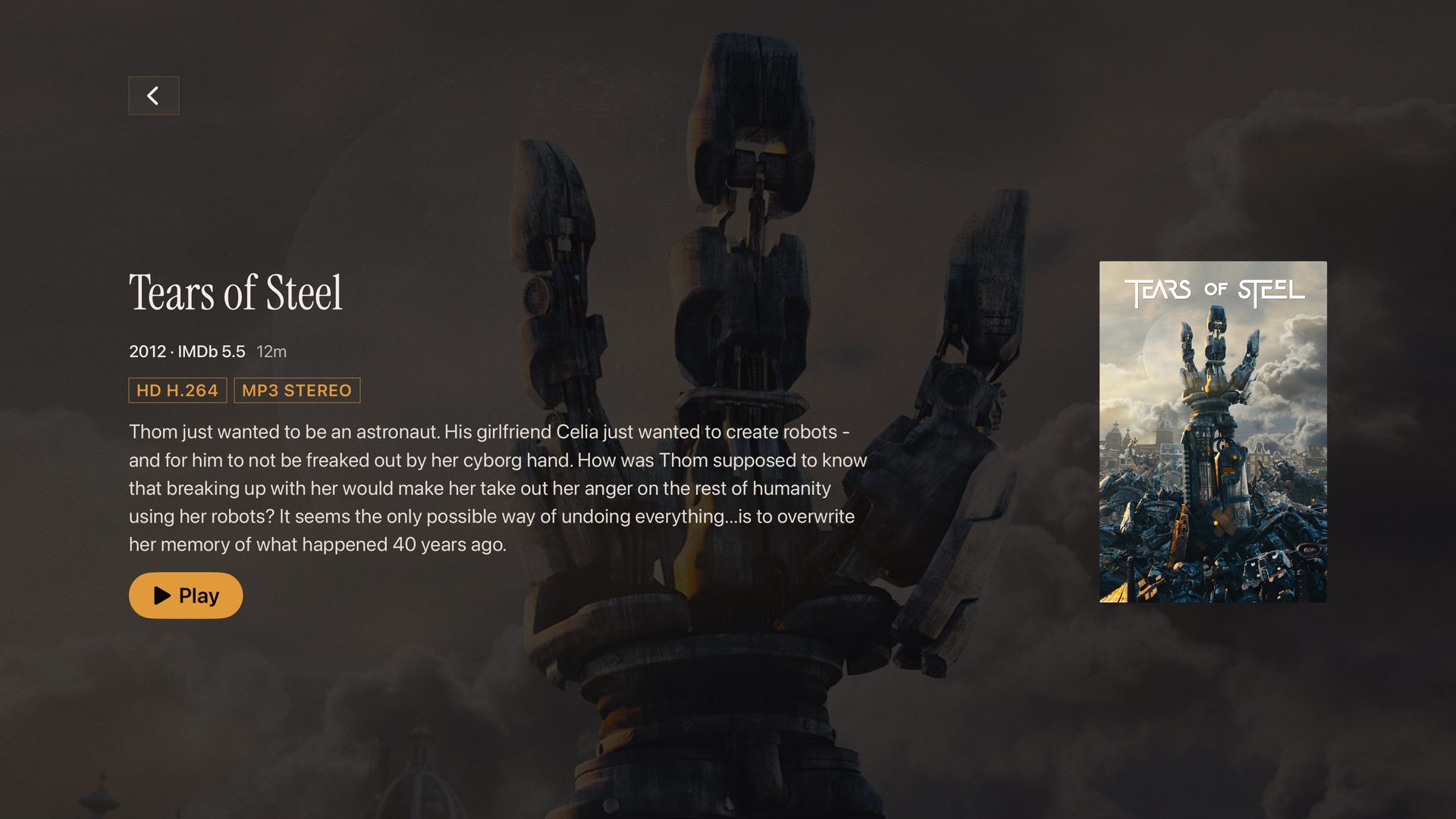
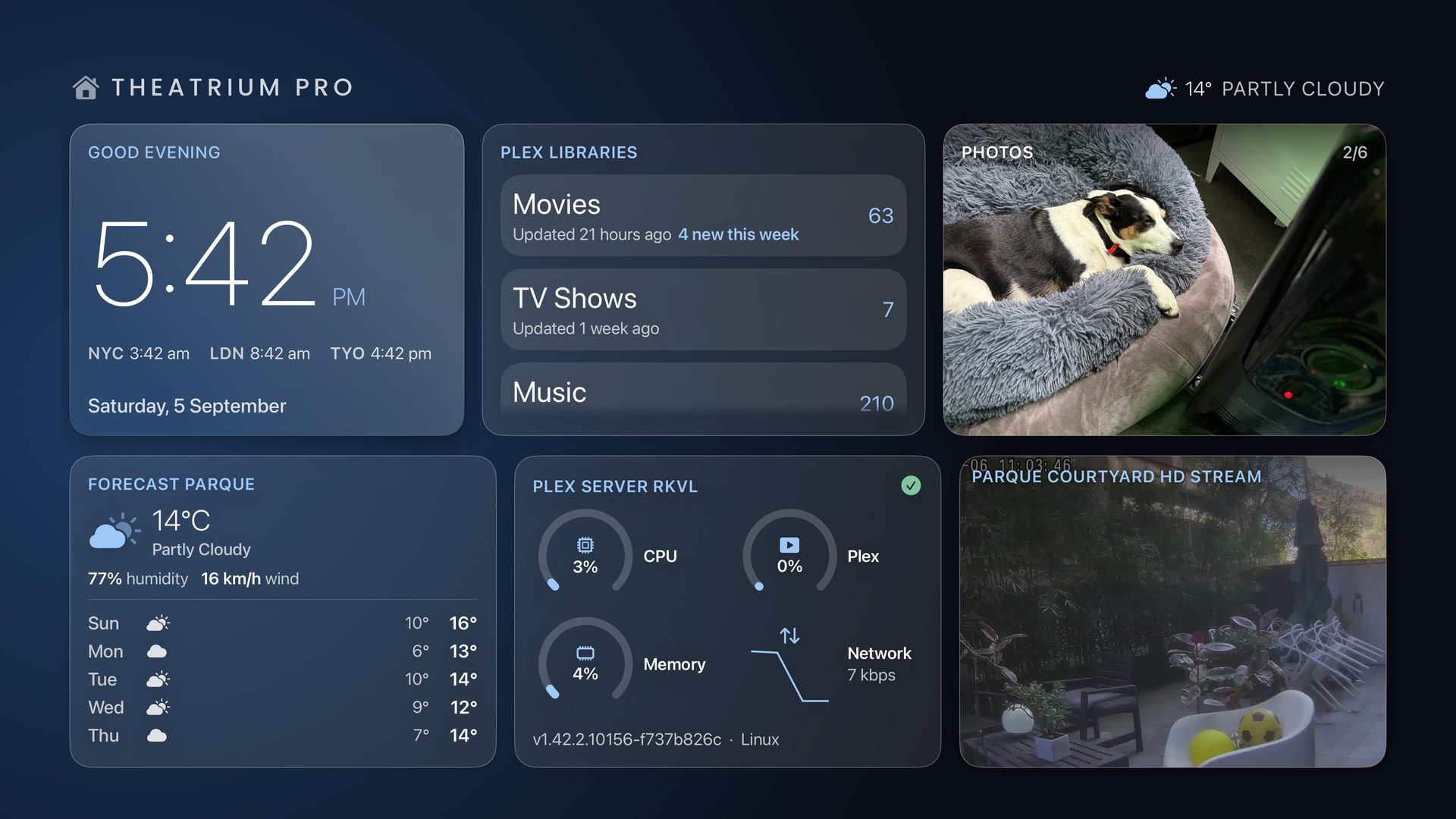
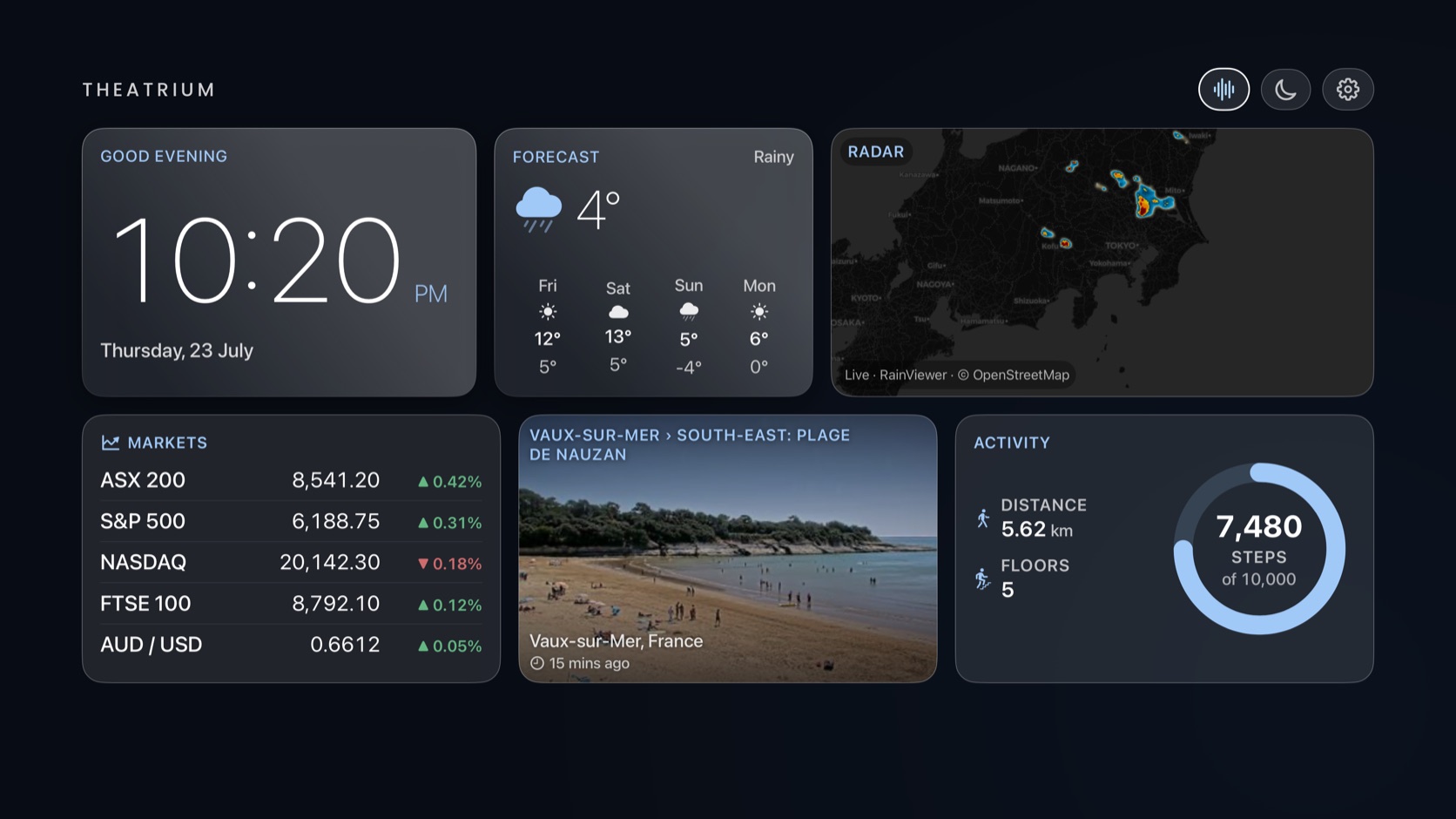
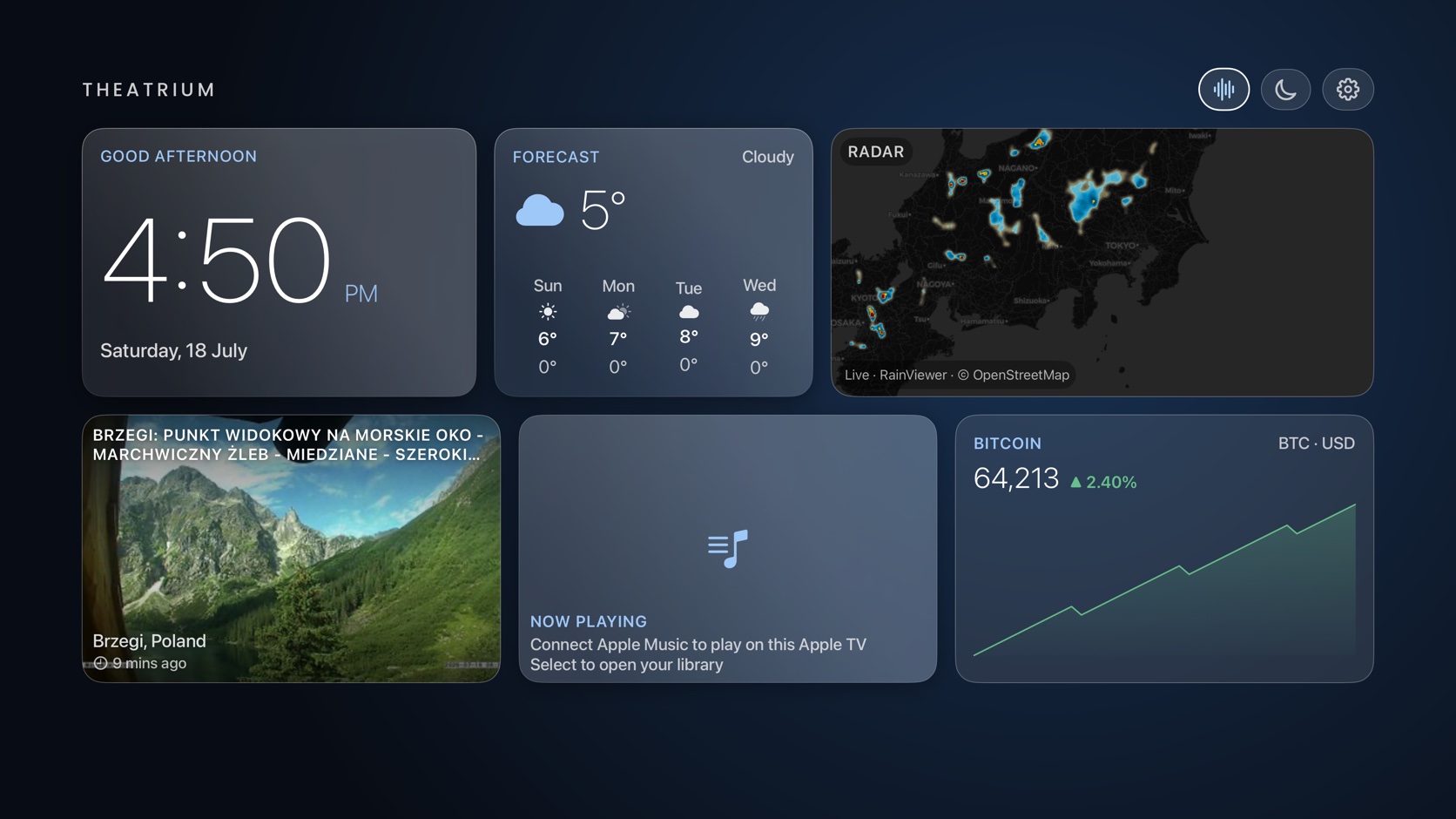
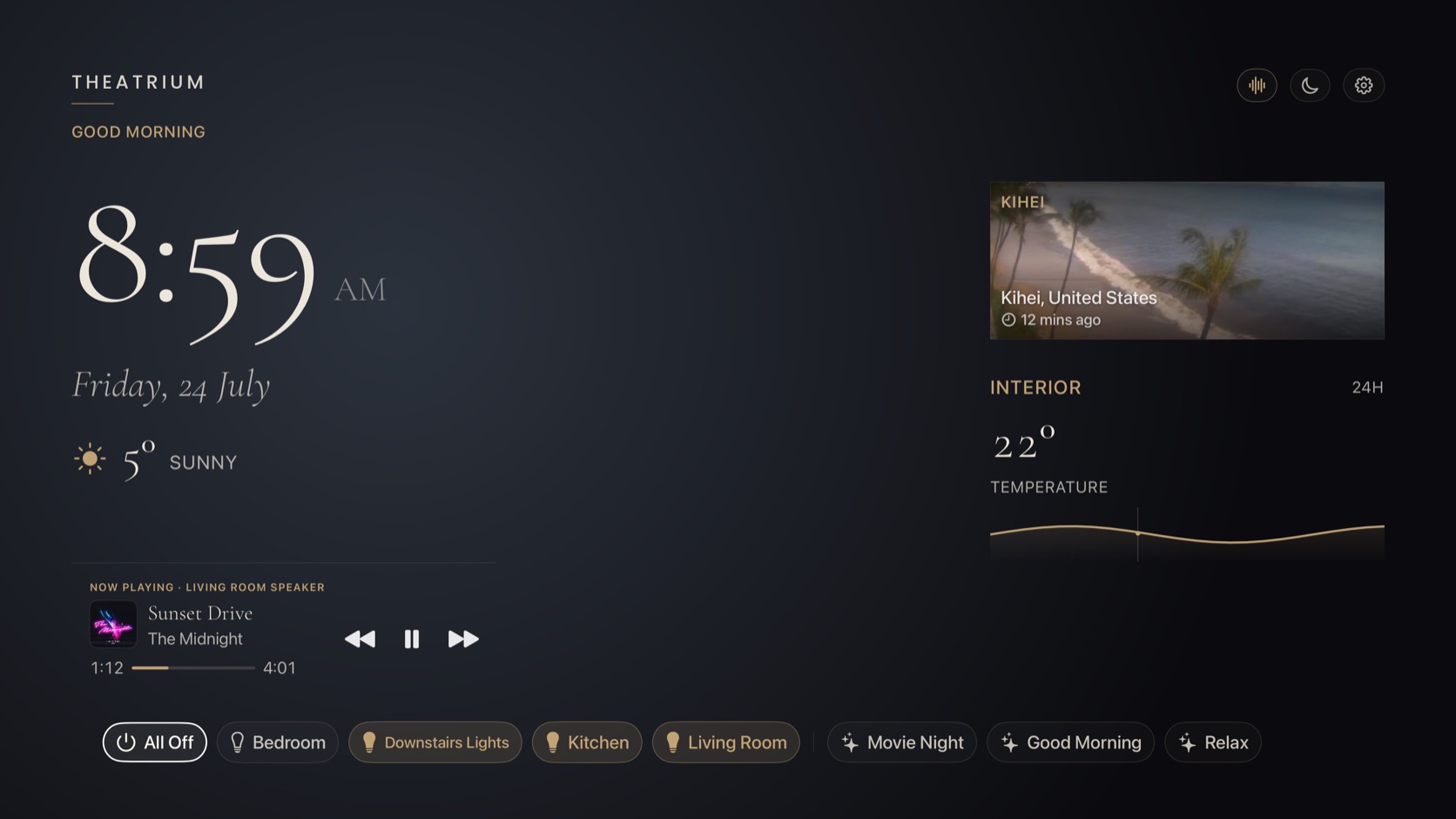
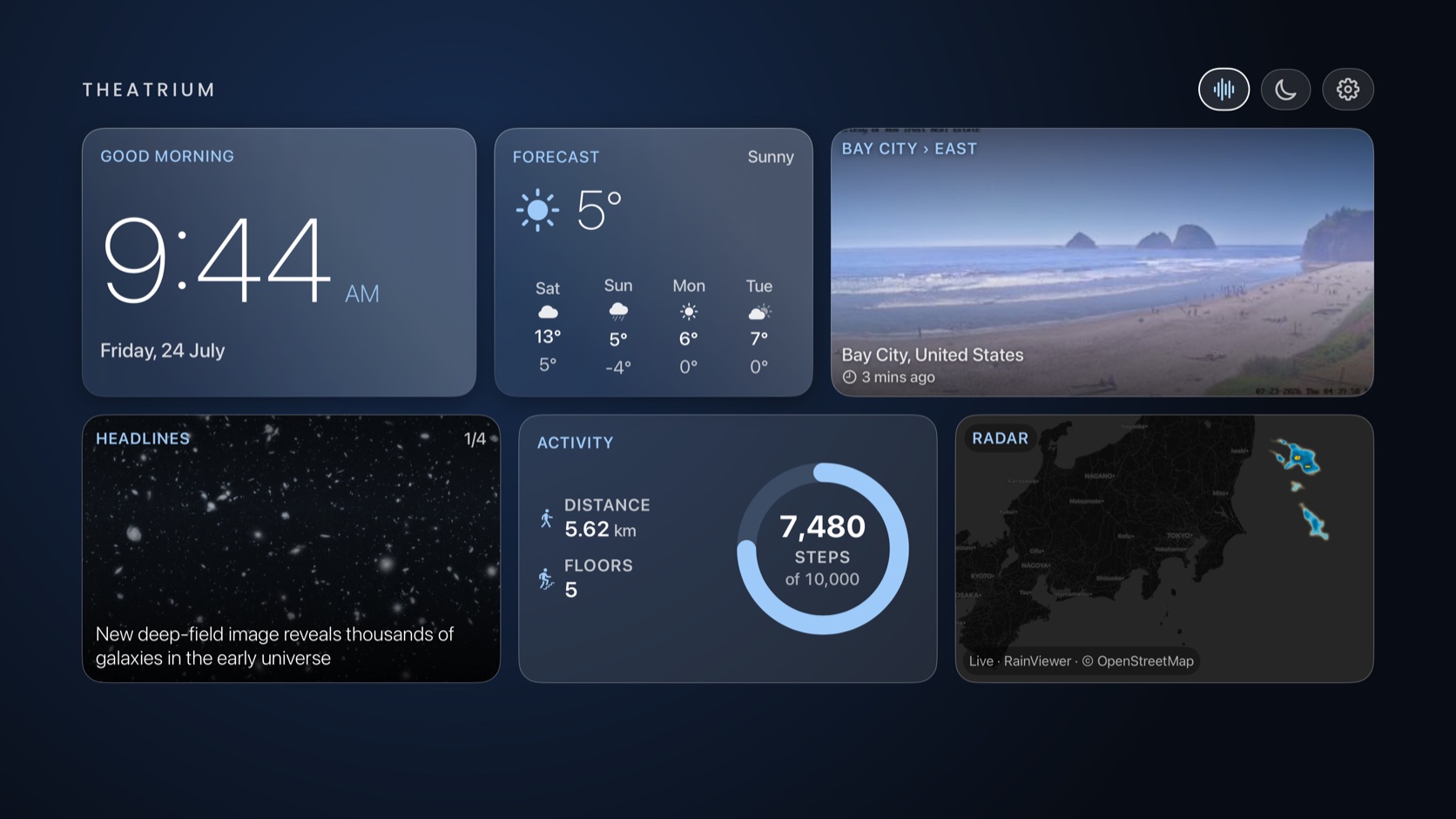
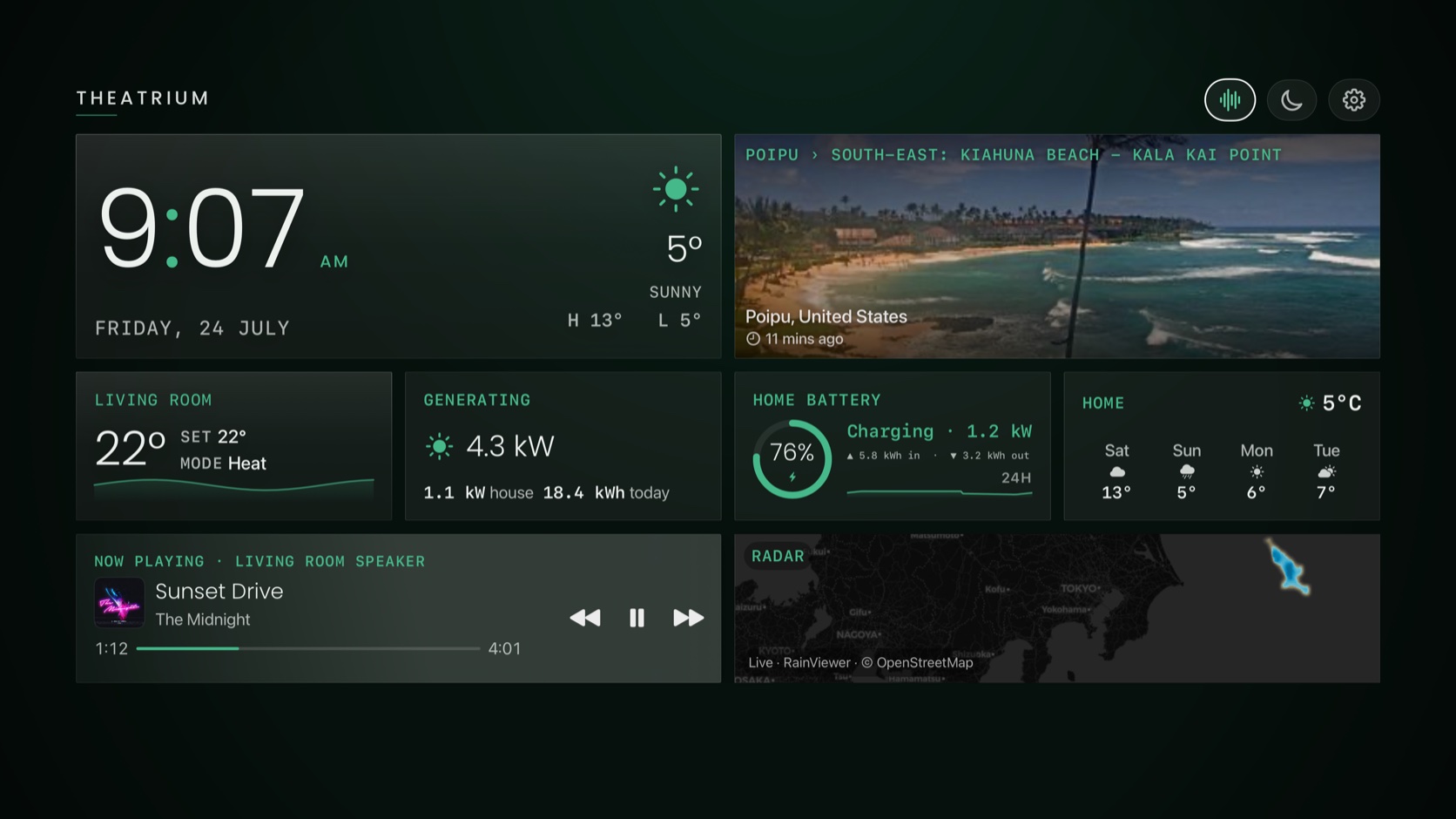
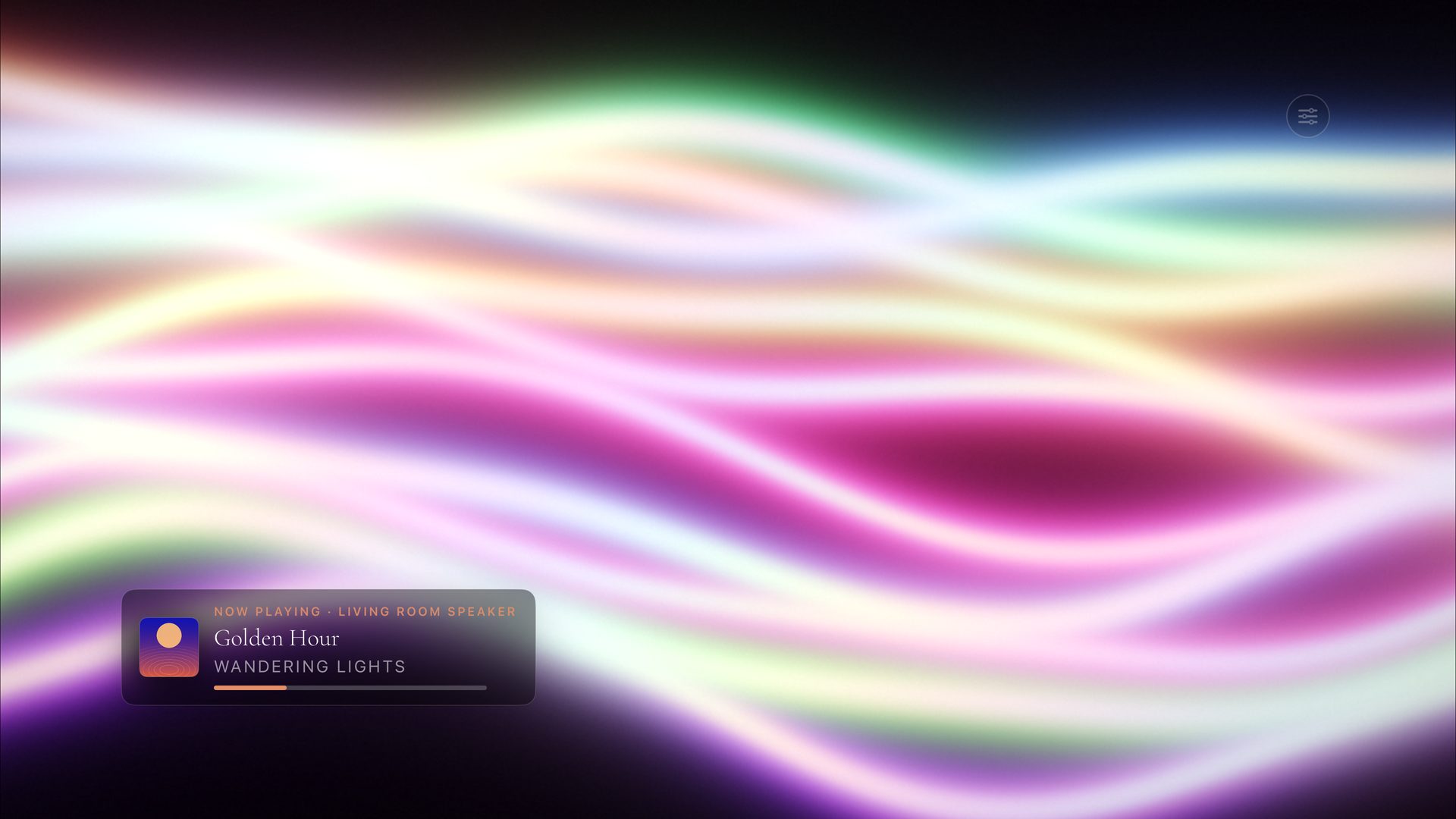
- Saved Dashboards. Save a whole dashboard — its theme, colours, cards and background — as a named layout, then switch between them from a drawer at the edge of the screen. Keep a day layout and a movie‑night one, and change the whole room in a press Pro
- A background image for each theme. Choose one in Settings › Appearance and the cards stay clear and easy to read over it Pro
- A new Precipitation card. The chance of rain hour by hour, a labelled rainfall graph and a five‑day outlook, sized to fit any tile
- The Weather card (once called Forecast) now shows the chance of rain, fits its tile at every size, and can draw on the app’s own forecast when you don’t use Home Assistant for weather
- The Calendar card, rebuilt. Choose exactly which calendars to show, paste a calendar link and see it confirm the connection there and then, and events refresh on their own every few minutes
- Plex plays your films in their original quality far more often — only the files your server genuinely can’t send as‑is are converted first, so playback starts faster and looks better
- The Climate card, rebuilt to read the same at every size; an off thermostat no longer shows a target it can’t change
- Getting around is smoother across all four themes, the Back button steps you back out a level at a time, and older Apple TV models run more smoothly
- Updated for tvOS 27 and iOS 27, with general fixes and optimisations throughout
- An Art screensaver. Paintings mounted on a mat board with a bevelled opening, lit by a light that moves through the day. Four new collections, including 400 British works that keep working offline
- A Movie Posters screensaver, built from your own Plex film and TV artwork, in three treatments: a drifting Marquee wall, a slow Cover Flow river, and backdrops on a Reel‑to‑Reel film strip Pro
- Plex on the dashboard. Browse your libraries as a poster shelf, open a film’s page with its synopsis, cast and runtime before it plays, and keep a film or show on the dashboard. Six Plex cards — video, server status, now streaming, libraries, activity and top charts — all free in this release
- Relaxing Scenes card. Calm footage on a silent loop, downloaded when you want it
- Network Speed card. Download, latency and jitter every fifteen minutes, with your guest Wi‑Fi as a QR code for visitors
- Apple TV Performance card. Processor, memory, storage, network and frame rate, in four styles Pro
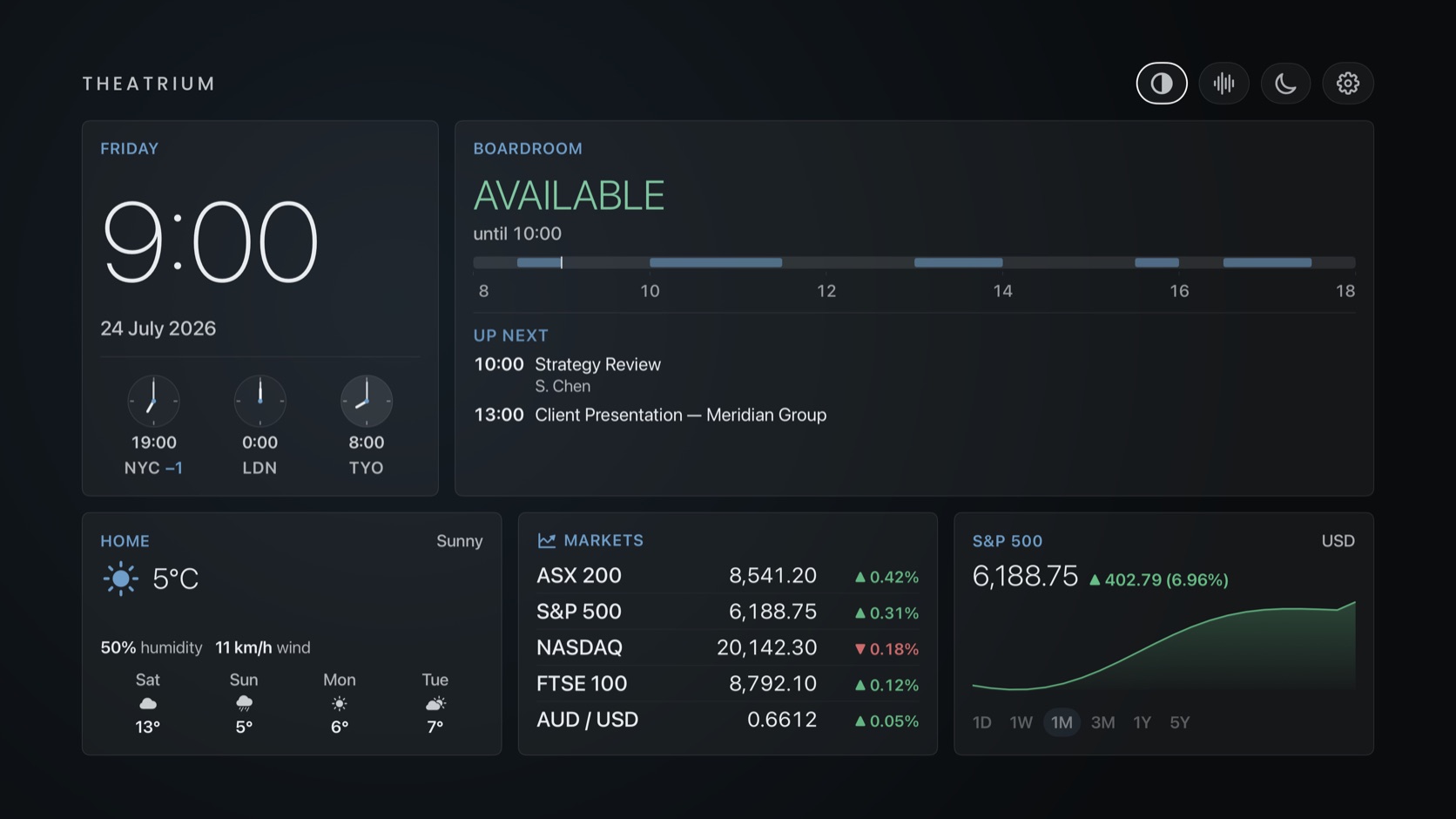
- World times under the clock, for up to three cities
- Easier card setup. The card picker shows a mini‑map of your dashboard while you edit, and the device list is searchable
- Tap a tempo on the iPhone companion and the visuals follow it within a second
- Fixes the crash that hit long‑running installs. tvOS ends any app whose settings store grows past 512 KB, and Theatrium’s sensor‑history graphs were kept there; that data now lives in a proper file with a cap, and moves itself across on the first launch after updating, so anyone affected recovers with their settings intact
- Restores features that went missing in 1.7.1, including album art handling and Sonos reliability
- Navigation fixes throughout: entering a card keeps the selection where it is, page two works on every theme, and card setup completes again. Cameras no longer give up, thermostats follow your region’s units, the rain radar is readable, and Light Sync stops when the music does
- Sonos as a music source. Pick a room and the dashboard, album art, visuals and light sync all follow it, straight over your home network — no Sonos account and no cloud
- A second dashboard page. Press Right for a whole extra screen of cards you arrange yourself Pro
- Appointments card. A separate calendar for medical appointments, in plain language, with what to bring and how to prepare Pro
- Art card. Paintings from five open museum collections, around 900 works. Turn the captions off and it becomes a picture frame Pro
- Photo Album card. A slideshow of your own Apple Photos albums, in order or shuffled Pro
- EV card. Battery, range, charging status, doors and boot, for any Home Assistant EV integration, with Tessie for Apple Home setups Pro
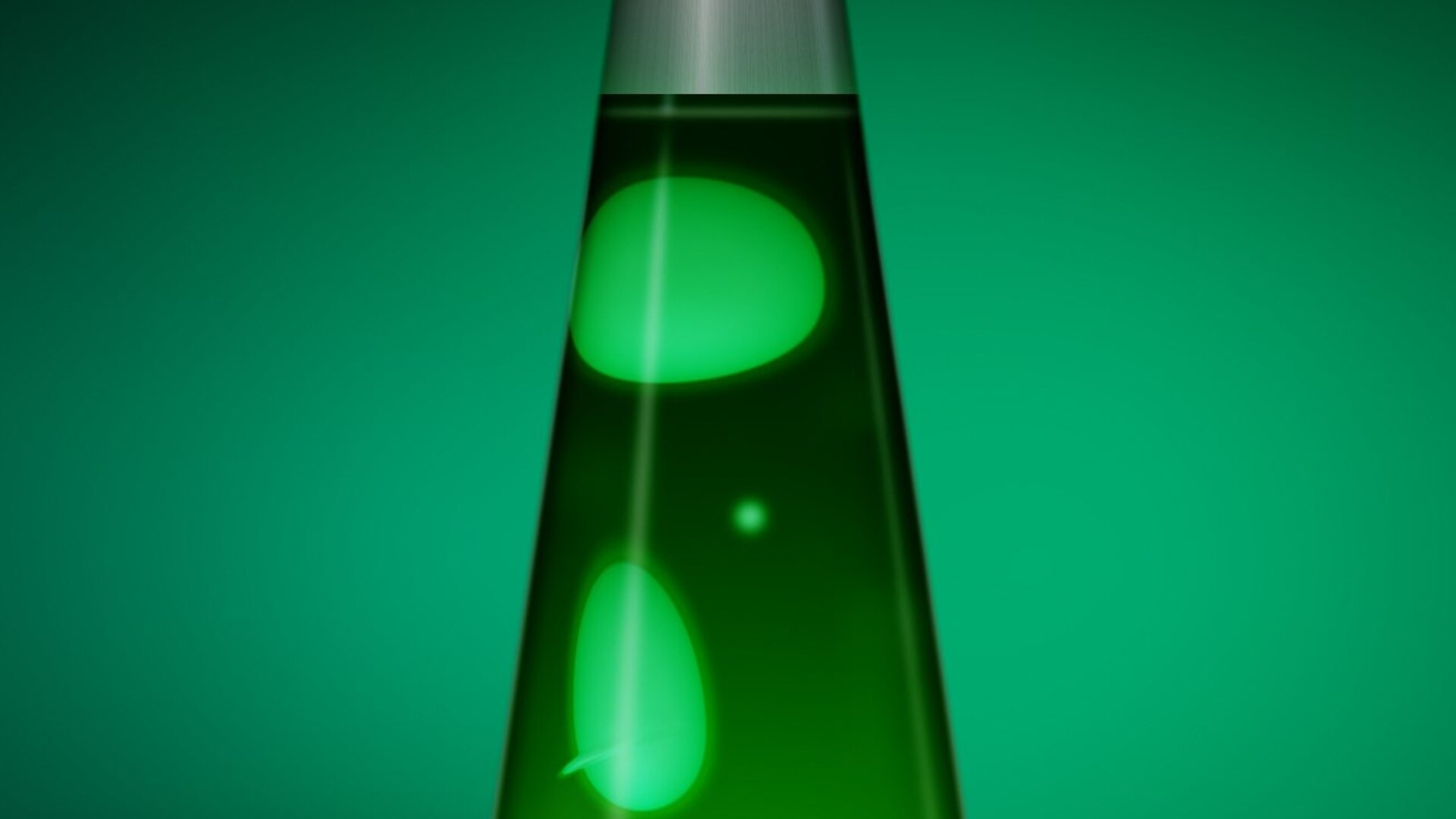
- A new Lava Lamp visual. Blobs merge and drift apart the way lava lamp wax does, drawn live on the GPU, swelling with the track’s tempo and tinted by your album art Pro
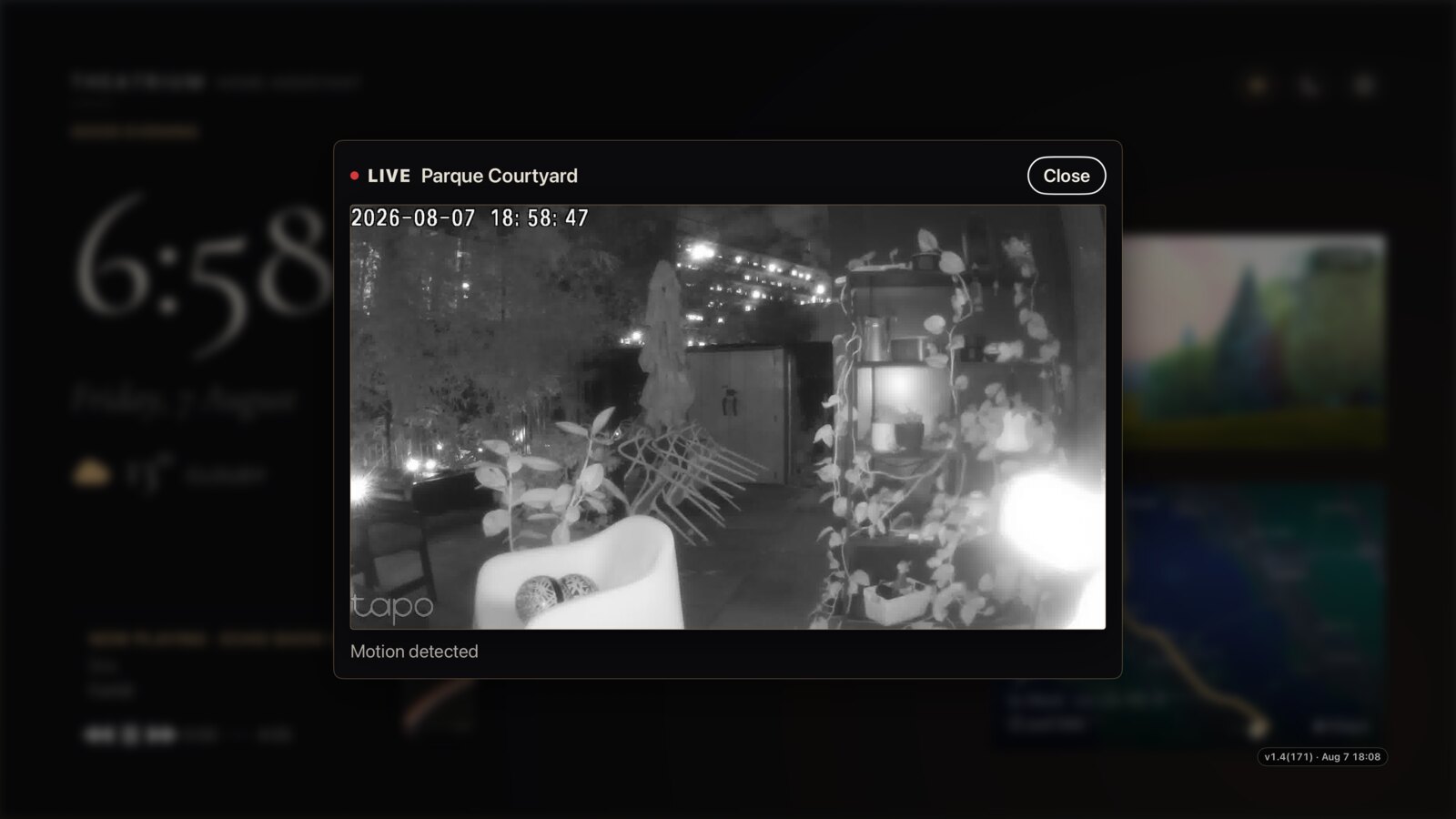
- Smart home alerts on the big screen. Doorbell, motion, contact, smoke, CO, leak and camera events appear as pop‑ups styled to your theme, on Home Assistant and Apple Home alike. You choose which sensors alert and how long each stays
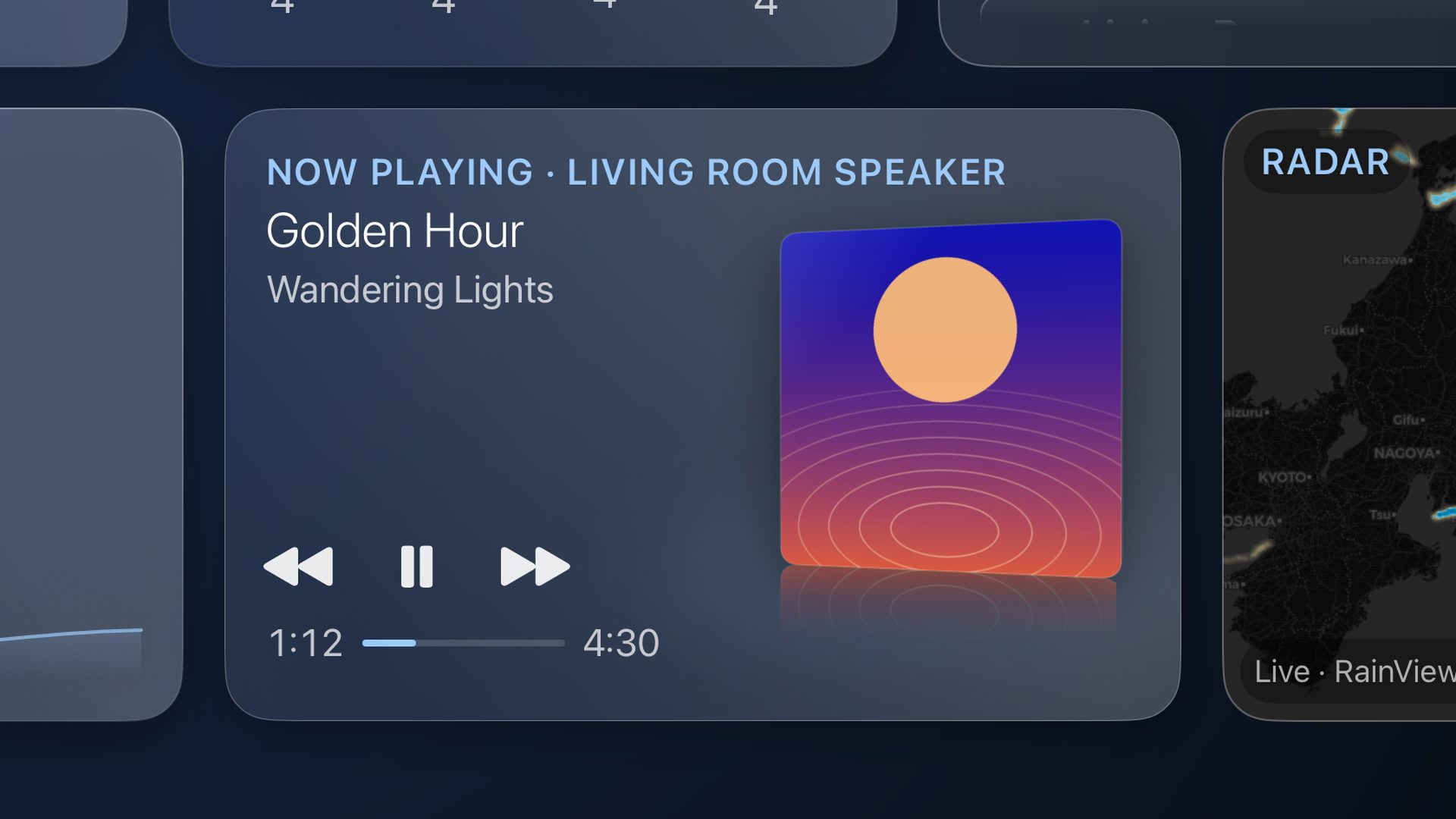
- Last.fm now connects with just a username, and the Now Playing card gains a coverflow of your real listening history
- Choose your own news. Thirty‑one built‑in sources, or add any RSS feed from the card’s own setup
- Screensaver and Pixel Shift, to cut energy use and reduce the risk of OLED burn‑in. Suggested by r/appletv — thank you
- New analog clock faces, new Clock settings (12‑ or 24‑hour, seconds, date and greeting), and layout polish throughout
- A companion app for iPhone and iPad — start and switch visuals, control music and light sync, and type your setup details with a real keyboard — is finished and pending release. It is not on the App Store yet; this page will say so the day it is
- See who is at the door from the couch. When Home Assistant detects someone at the door or motion at a camera, Theatrium raises an alert and opens the live view full‑screen, and files it in a Notifications card. Works with the doorbells and cameras you already run in HA, from Ring to Reolink, Tapo, Nest through HA and others
- Set up motion and doorbell alerts from Theatrium, with no YAML. Tick a sensor and it writes the automation into Home Assistant for you; unticking it removes it again
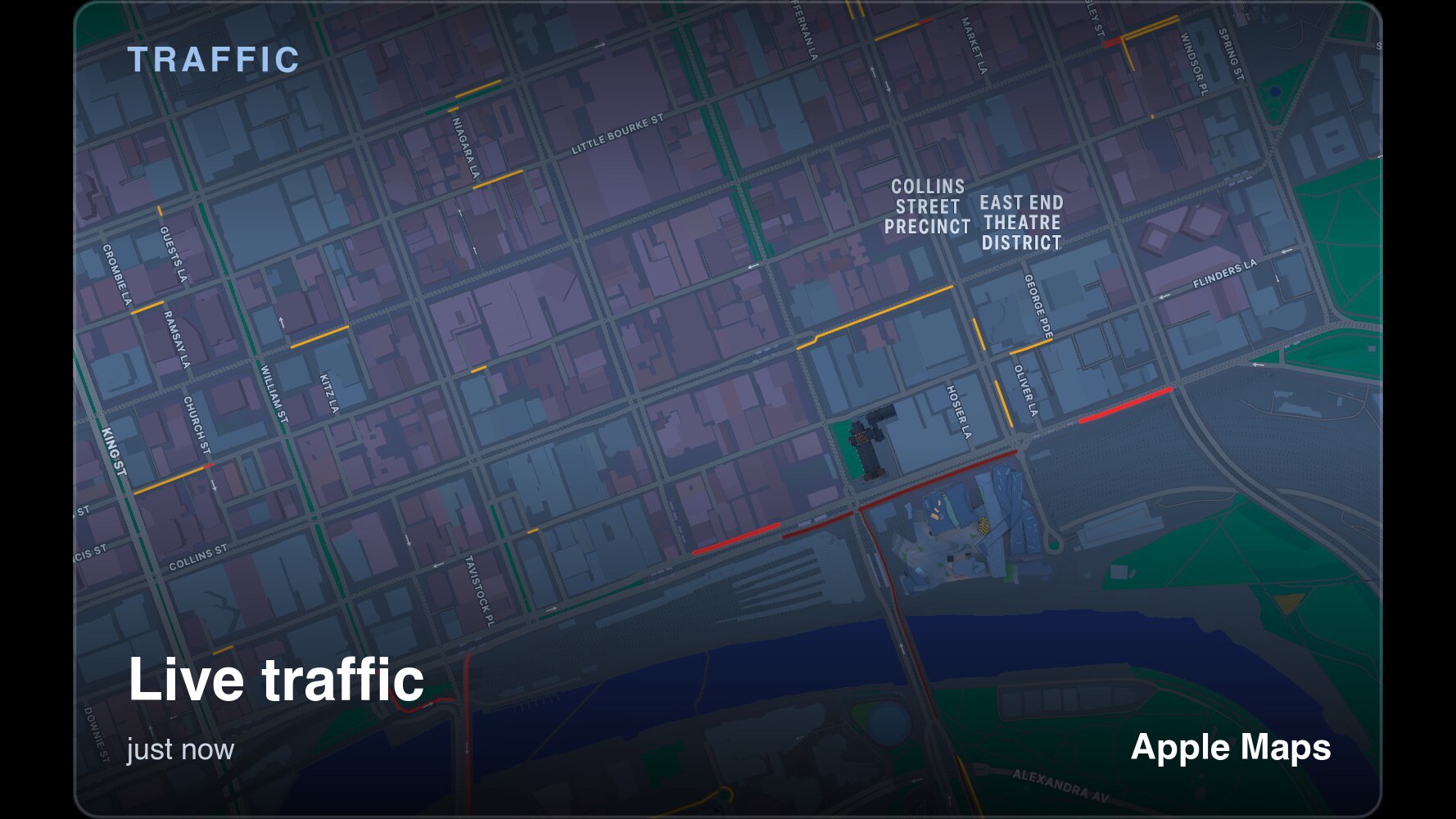
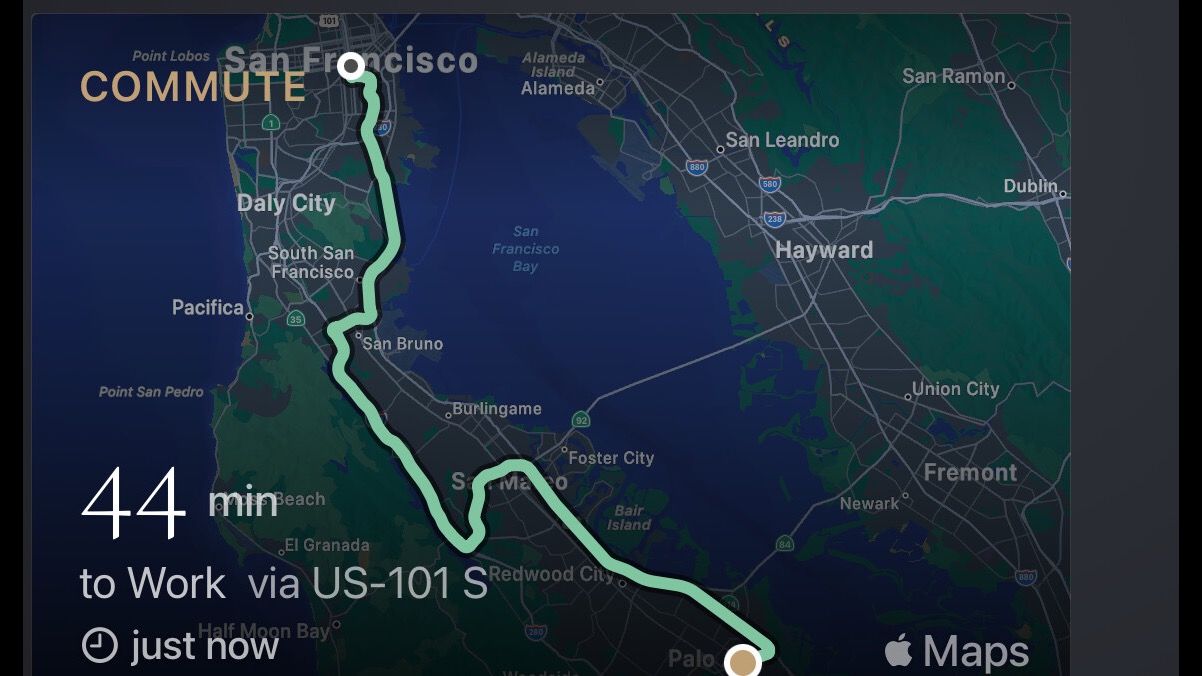
- A new Traffic card. Live traffic for one place, or your whole commute drawn end to end with the current driving time. Built on Apple Maps, so there is no account and no API key
- Air quality is scored correctly for every pollutant, each read on its own proper scale
- The visualizer follows the track’s time signature, and a new Double Time mode doubles the motion while staying locked to the tempo
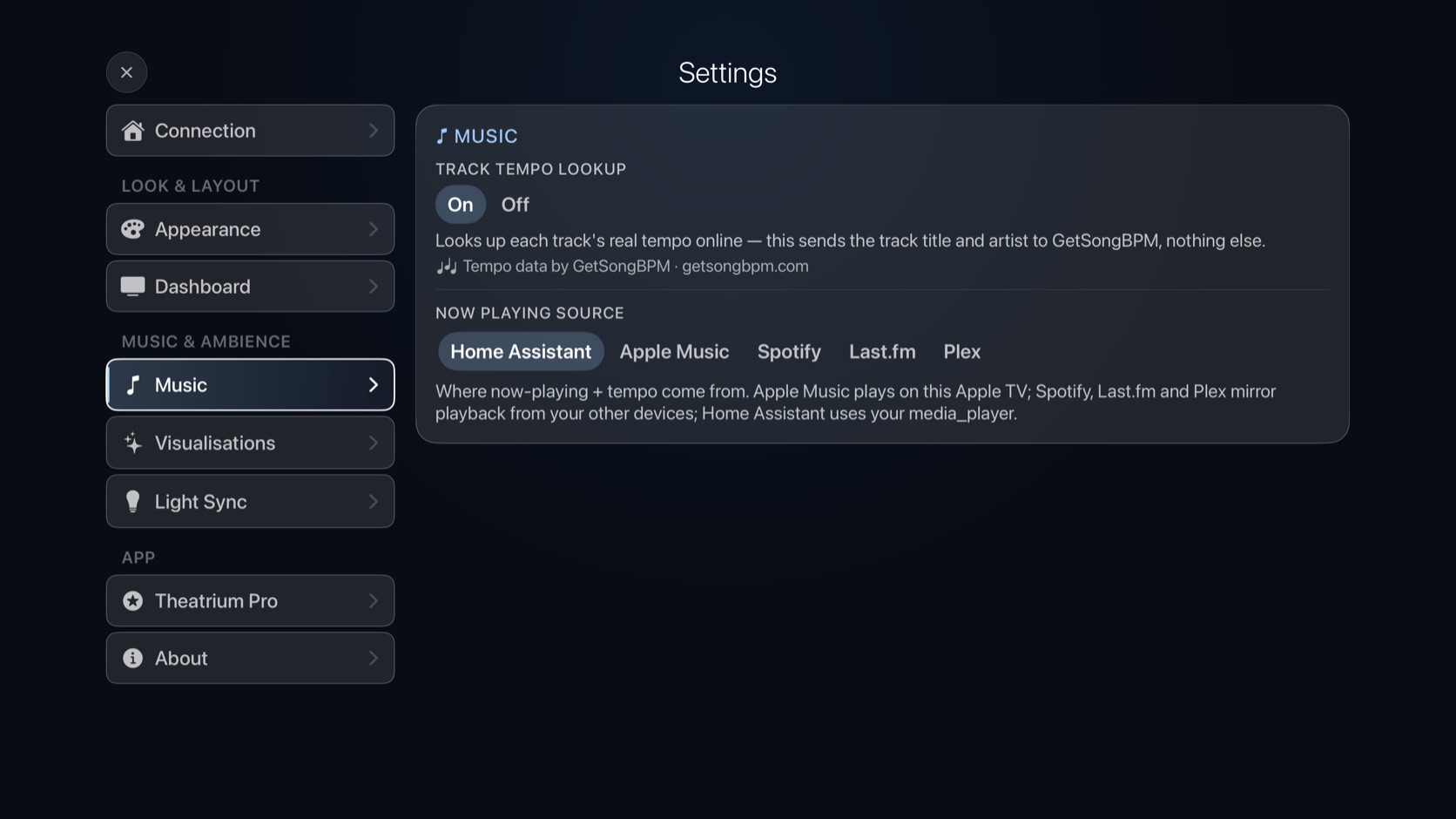
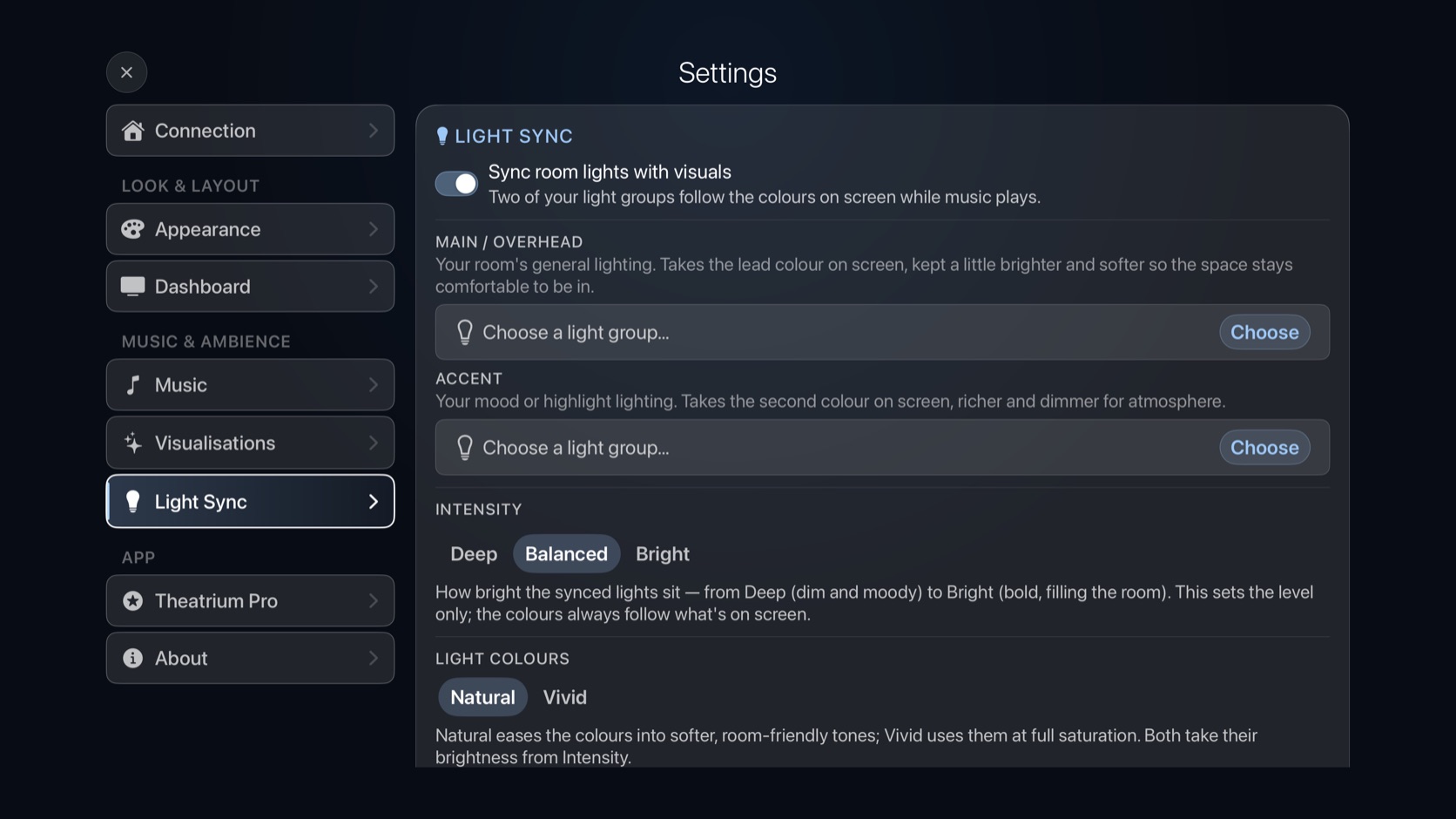
- Settings redesigned, so each section says what it holds and nothing hides below the fold
- Fixed the most common crash in 1.4, which could strike while a live camera stream was reconnecting
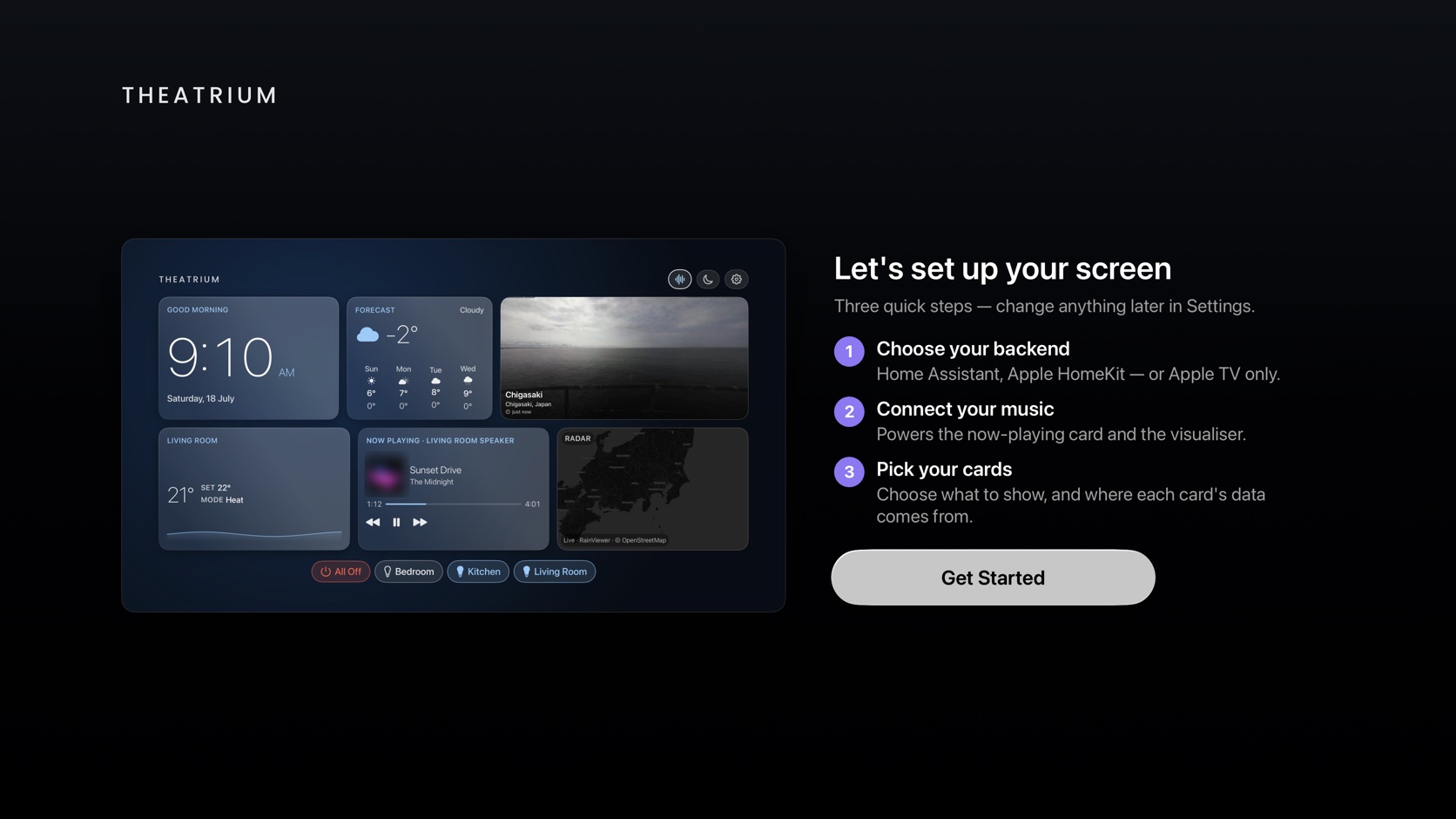
- Setup is one question. Choose where your home data comes from and you’re on a working dashboard, with everything else in Settings
- Theatrium finds your Home Assistant server on the network and fills in the address
- Sign in from your phone by scanning a code, approved on your own Home Assistant page, with no access token to create
- Theatrium Pro. A one‑time upgrade that unlocks every theme, the full visualizer catalog, the specialist cards and the richer light‑sync modes. The free tier still fills a whole dashboard
- Every music source is free: Apple Music, Spotify, Last.fm and Plex
- Apple Home now waits for your accessories to load before showing the dashboard, instead of filling in around you
- Switching between Home Assistant and Apple Home works properly, and each Apple TV keeps its own choice
- iCloud settings sync is now off unless you turn it on, in Settings → Connection
- A sample now‑playing card on Apple Home and Apple‑TV‑only setups, so the dashboard looks right before you connect music
- Fixed a crash when choosing Apple Music, and dozens of layout fixes at the Large display size
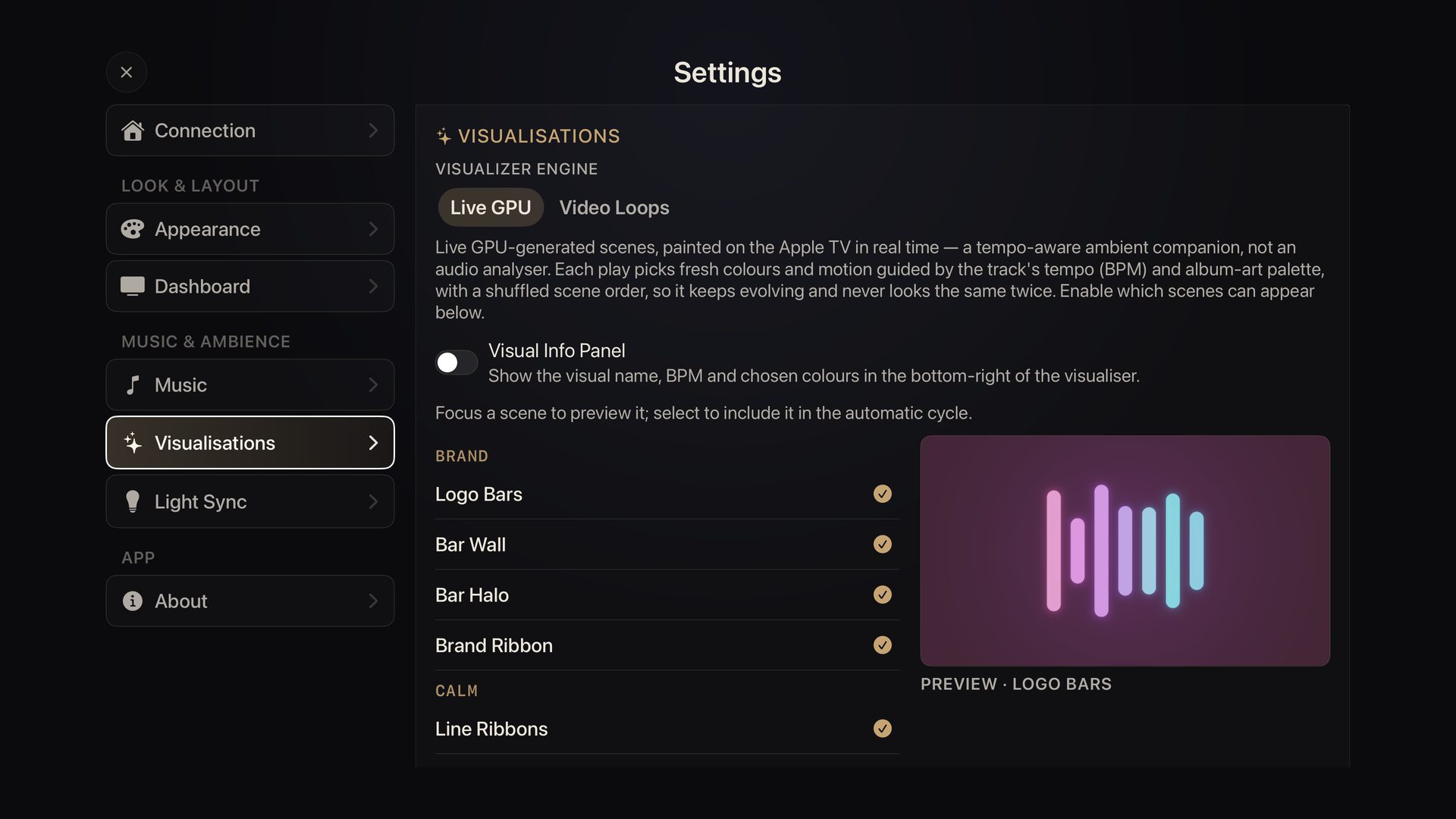
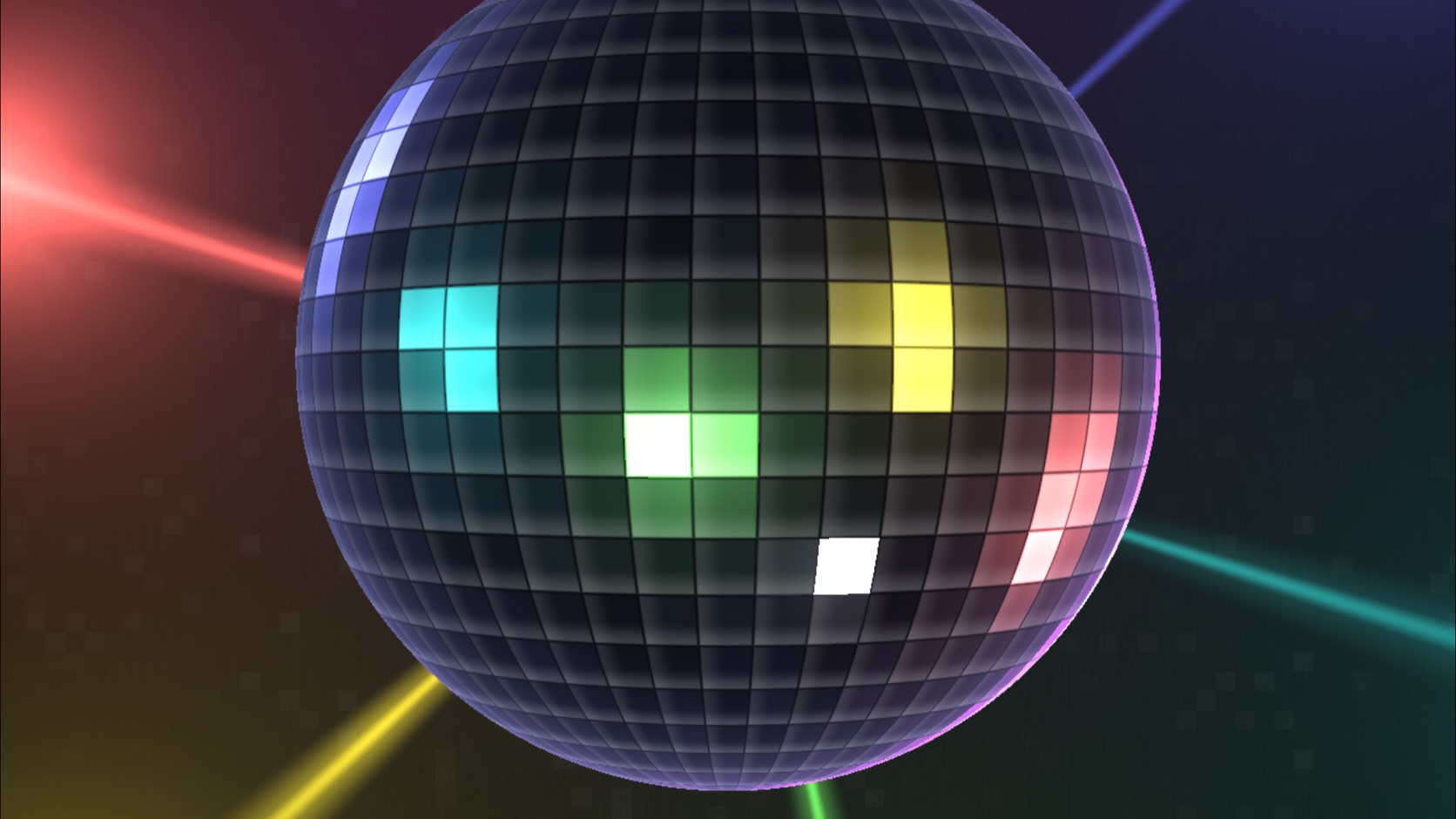
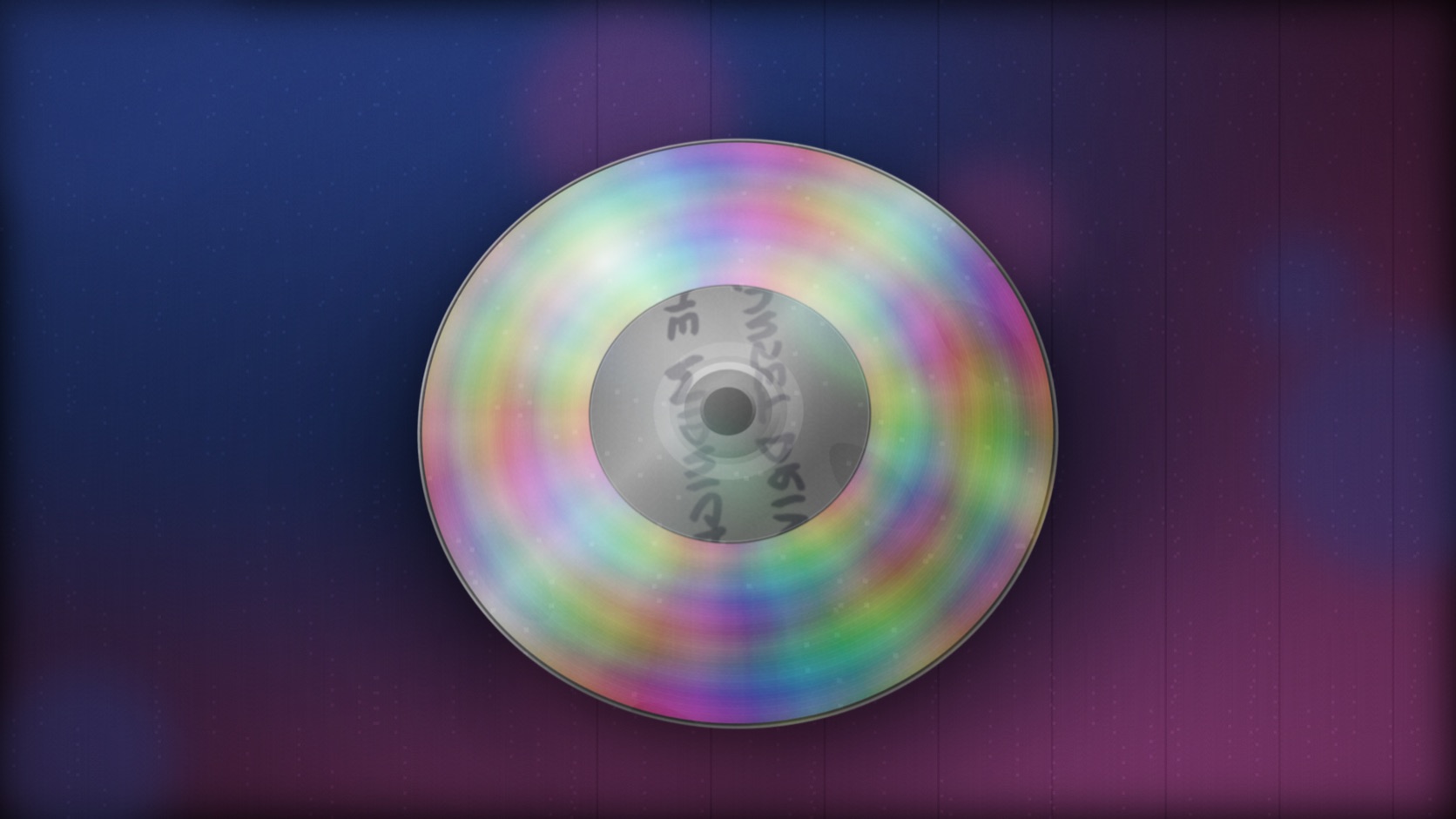
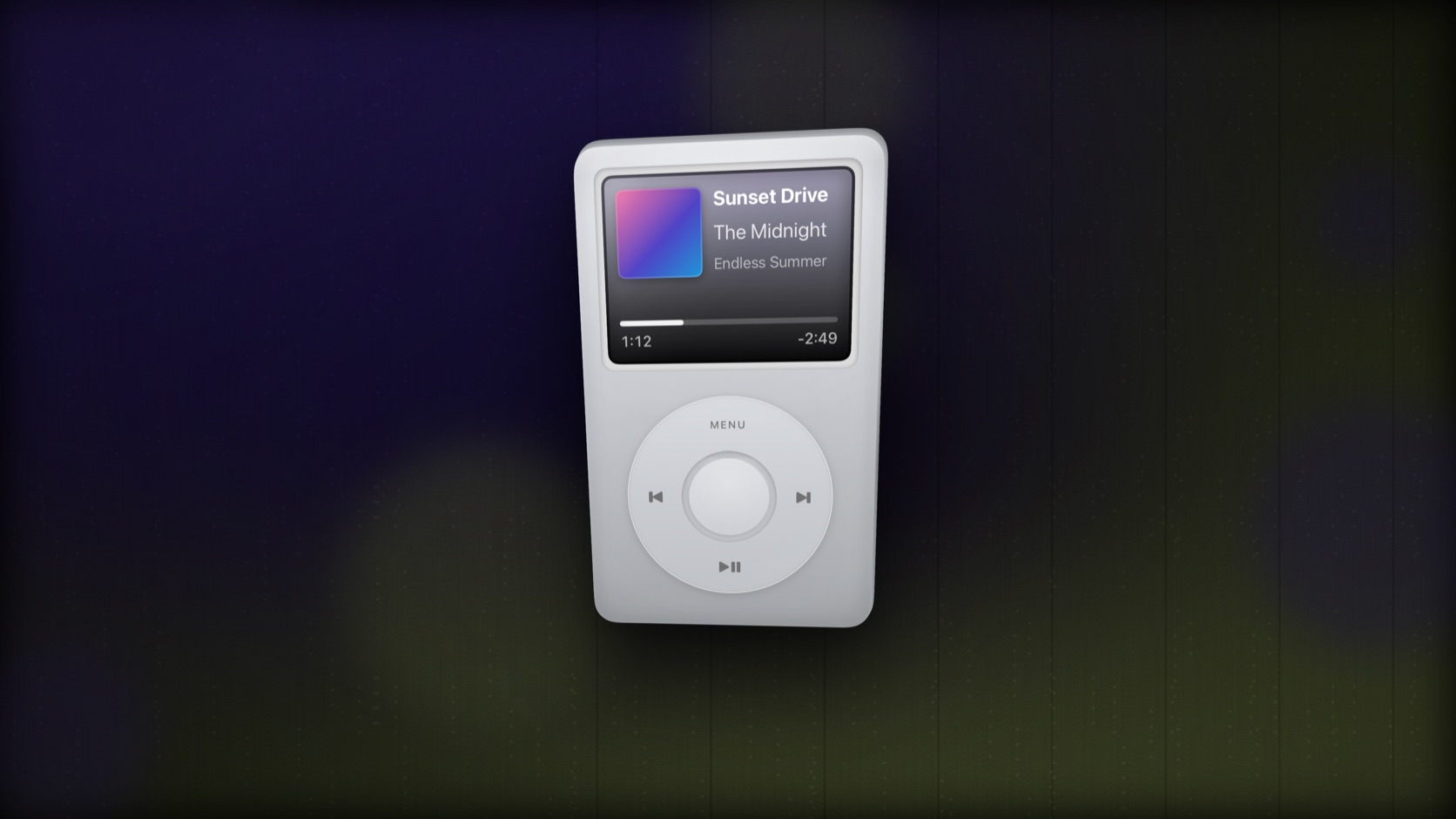
- A retro visualizer collection: Compact Disc, iPod, Mixtape and Mirrorball, built live from your album art and tempo
- Activity card. Steps, distance and floors from your iPhone, with a daily goal ring
- Live card previews everywhere. Every card’s setup shows the real card with real data before you place it
- News card. Rotating headlines with article photos, from a curated list of image-rich sources
- Climate card. Choose an elegant 24-hour temperature plot or the mode controls
- A guided new setup. Pick your backend, music and cards, with a live preview
- Apple TV‑only mode. No Home Assistant or HomeKit needed: weather, rain radar, a live webcam, markets, crypto, a calendar and the clock, plus your music
- Weather and the rain radar now find your location automatically, with nothing to set up
- A crypto card. Choose from a dozen coins, one per card if you like
- Party mode. One tap speeds the visuals to the track’s tempo and cycles your room lights through party colors
- Larger, clearer visualizer controls and readouts
- Start Fresh. Reset your setup and re-run onboarding from Settings
- Redesigned now-playing card, consistent across every music source
- Smoother, quicker room-light color transitions
- Your settings now follow you between Apple TVs, over iCloud
- Refined, more consistent card styling throughout
- Plex & Plexamp. Mirror what’s playing on your server
- Four dashboard themes: Glass, Bento, Estate and Boardroom
- Home Assistant, Apple Home (HomeKit) and Philips Hue, plus a demo mode to explore with no setup
- A card for everything at home: lights, climate, cameras, sensors, scenes, weather and energy
- A GPU music visualizer with dozens of scenes, tempo-synced to what’s playing
- Gentle, slow room-light sync. Two light groups ease toward the on-screen colors