Setup guides
Set up Theatrium your way
Ask a question, or pick a guide. Start with how your home is connected, then add the extras you want.

Ask a question
Type a question about setting up or using Theatrium. The answer comes from the Theatrium guides, with a link to the page it came from.
Answers are generated automatically from the guides and can be wrong. Check the linked guide. For anything else, email hello@theatrium.info.
Connect your home
Choose the one that matches your setup.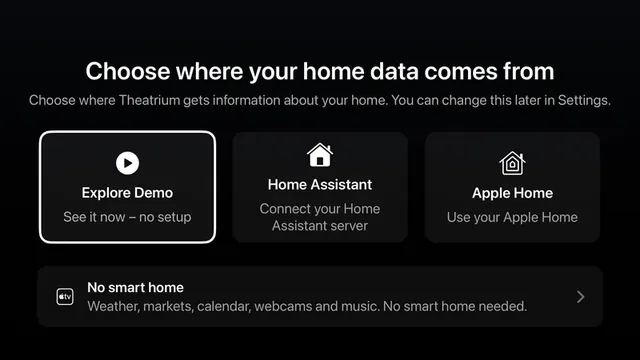
Apple Home Easy
The simplest way. Connect straight to Apple Home, no extra software. Best for most people.
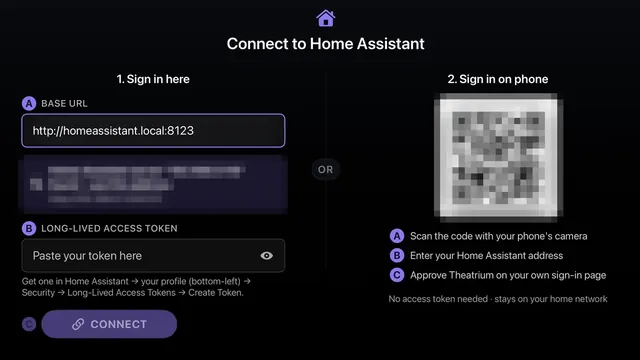
Home Assistant Intermediate
Unlocks every card. Install it, connect it, and see what changes. The most powerful route.
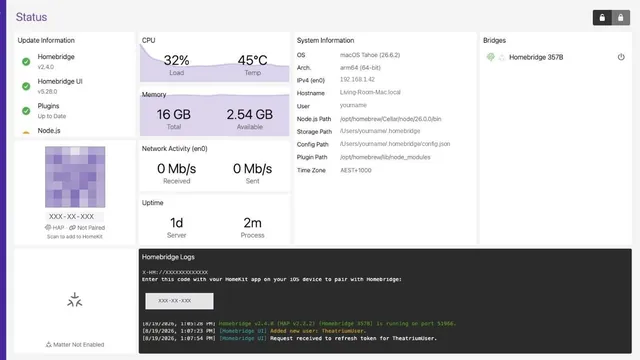
Homebridge Advanced
Already on Homebridge? Bring Tuya, Smart Life and other Wi-Fi devices into Apple Home.
Set up your dashboard
The basics, for every setup.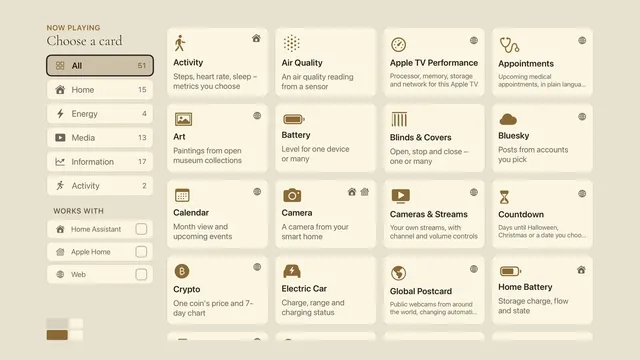
Dashboard cards Easy
Every panel is a slot and any slot can hold any card. How to change what each one shows.

Siri voice control Easy
Ask Siri for a card and say which panel it goes in. Your TV numbers its panels so you can.
Open automatically Easy
Have Theatrium open on its own, on arrival, on motion, or when the TV turns on.
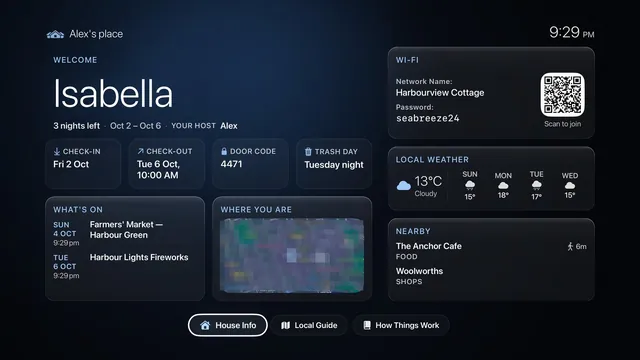
Short Stay Easy
Turn the TV into a welcome screen for guests: their name, the Wi-Fi, the door code and your house guide.
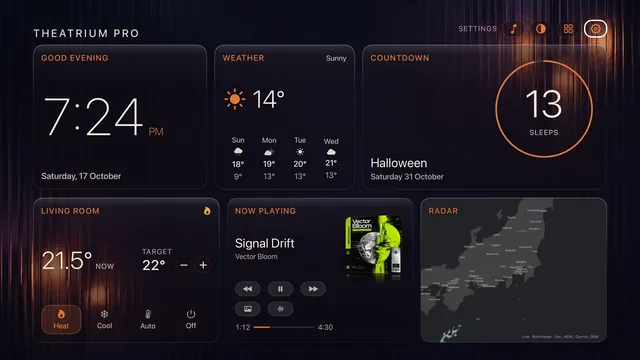
Halloween pack Easy
One switch for the Halloween backgrounds, colors and music visuals. Part of Theatrium Pro, with a free taster in October.
Add to your dashboard
Bring in the things you care about.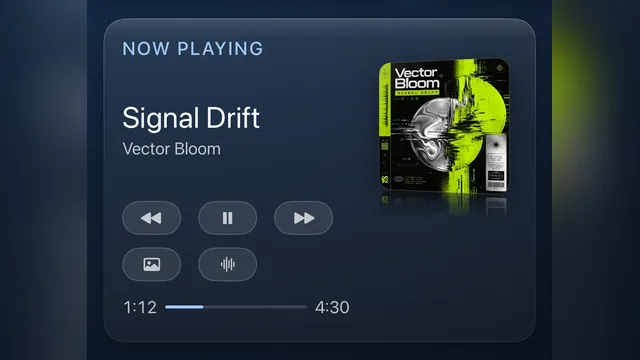
Spotify & music Intermediate
Show what’s playing on Spotify via Last.fm, plus every other music source.
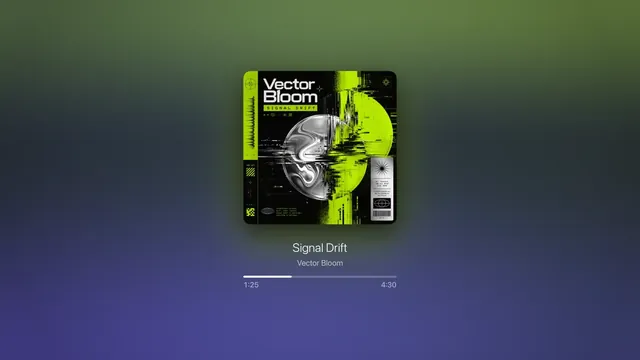
Now Playing troubleshooting Easy
What to check when Apple Music, Spotify or your speakers don’t show on the dashboard.
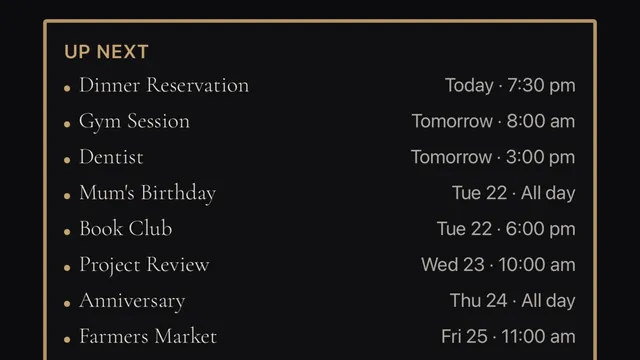
Calendar Easy
Put your Google, Apple or Outlook calendar on the dashboard.
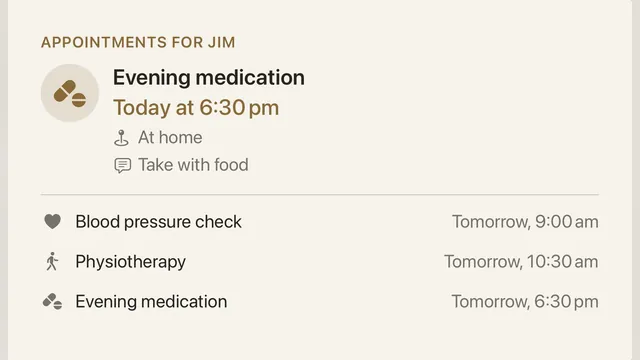
Medical appointments Easy
Upcoming appointments on the TV in plain language, from their own calendar feed.
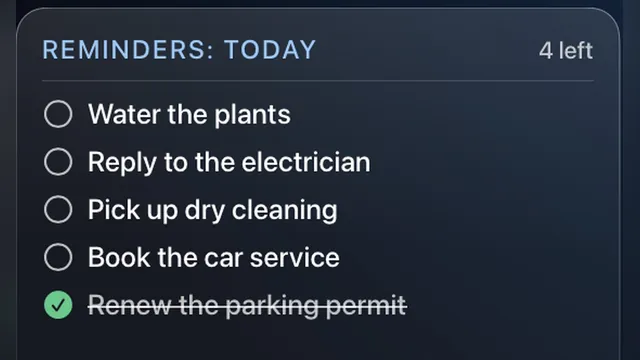
To-Do List Easy
A checklist on the dashboard, from a Home Assistant to-do list or your iPhone’s Reminders.
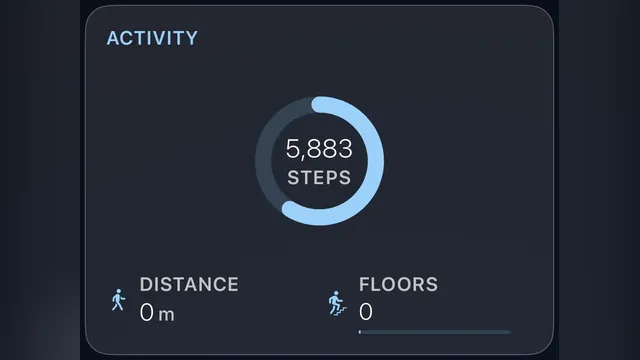
Apple Health Advanced
Steps, activity and workouts from your iPhone, by way of Home Assistant and its iPhone app.
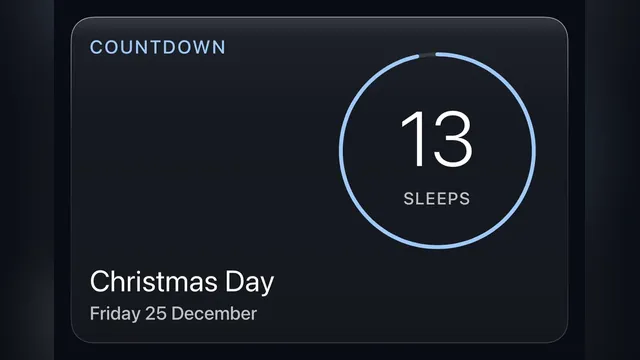
Countdown Easy
Days until Halloween, Christmas or a birthday, as a ring or a row of moons. Add your own dates from your iPhone.
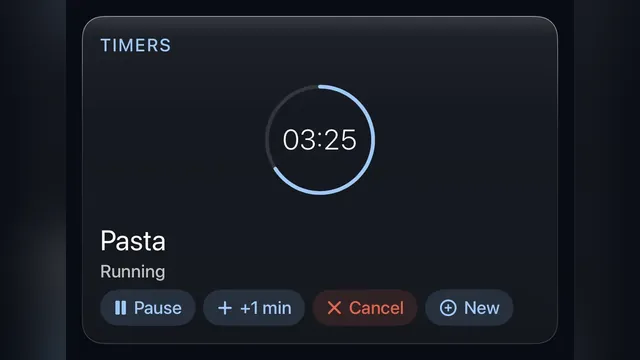
Timers Easy
Start a timer on the TV or from your iPhone, and show your Home Assistant timers beside it.
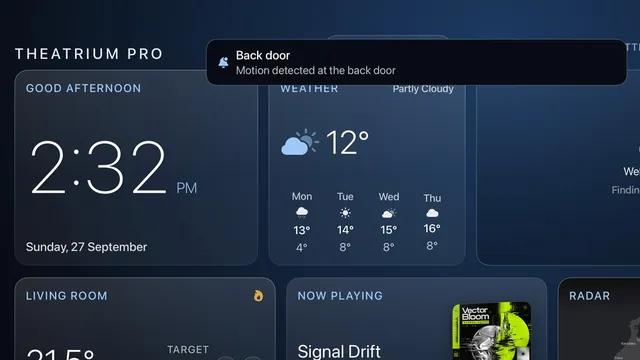
Notifications Easy
A pop-up alert and a Notifications card for motion, doorbells and anything else your home can tell it about.
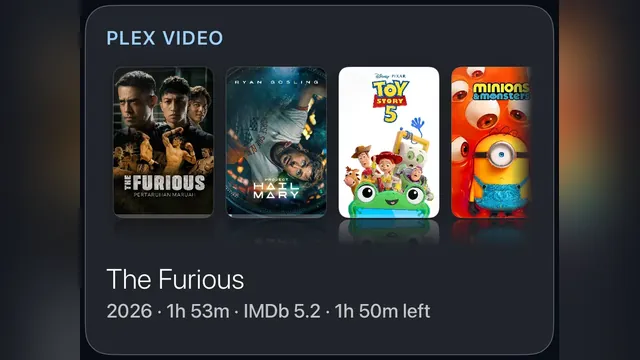
Plex cards Easy
Every Plex card, from a playable poster shelf to who is streaming right now.
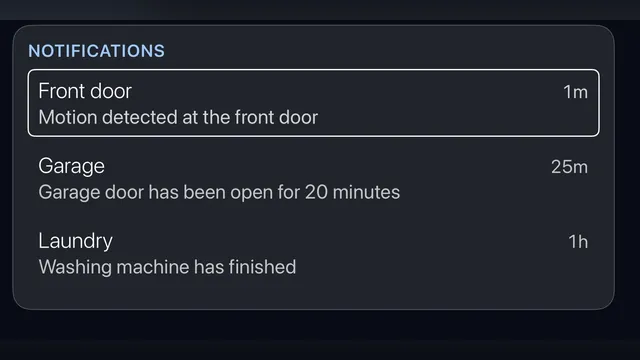
Home Assistant alerts Home Assistant
Custom TV notifications for motion, doorbells and anything else HA can trigger.
Card & feature manual
Every card, screen and setting, in one reference. Best on a larger screen.
Didn’t find it?
Ask the assistant above, or email us and a person will help.
These guides are general information, provided “as is” with no warranty of any kind. They describe independent third-party software that Theatrium does not control, and the steps involve installing software and changing settings on your own equipment, so back up first and proceed at your own risk. Read the full disclaimer.